


Welcome to LIS-SKINS. Let’s talk about FACEIT requirements for CS2, because this topic has recently gained increased popularity among gamers.
Why does everyone want to join? Firstly, it’s an extremely popular and well-promoted gaming platform, whose administration hosts large-scale CS:GO tournaments with massive prize pools. Naturally, that’s motivating. Secondly, each player receives a certain number of points for winning matches, which can be spent on unique CS:GO skins and items, as well as various goodies signed by PRO gamers.
The thing is, the huge influx of users trying to get onto FACEIT forced the platform’s administration to revise the registration rules. Because of this, you often encounter the following message.
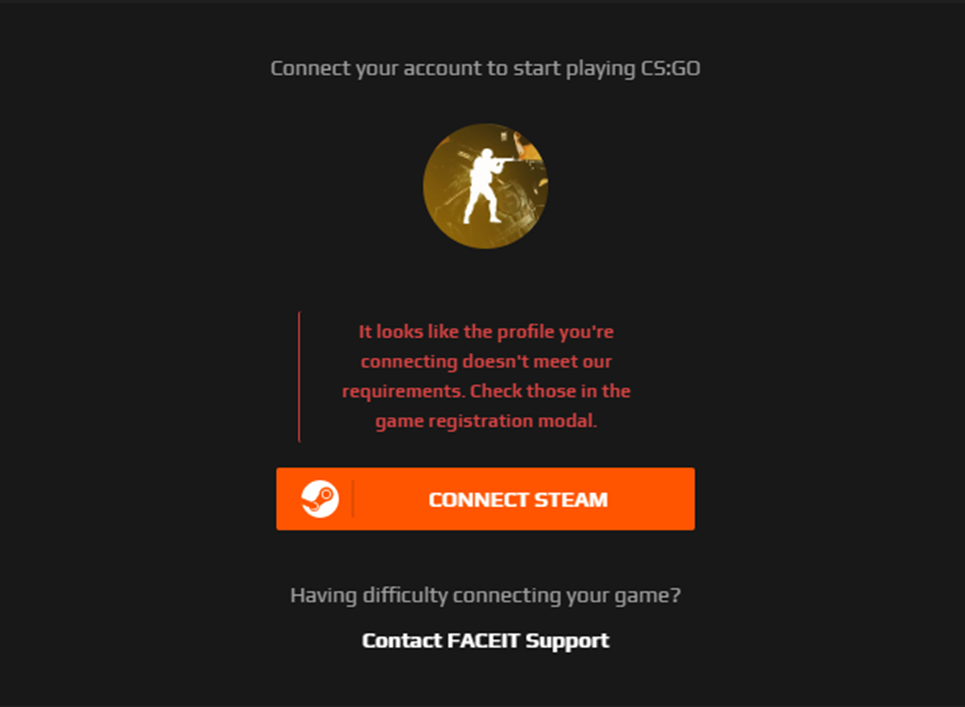
In Russian, it sounds like “The profile you are connecting to appears not to meet our requirements…”
At the same time, most players have their own ways to solve the problem. So let’s figure out what requirements are needed for FACEIT CS2.
Official Requirements from the Administration
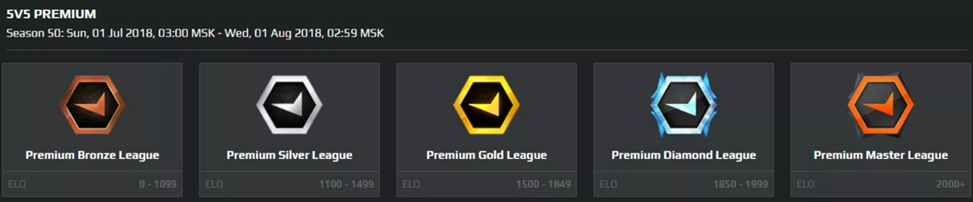
Today, getting access to the PRO division of FACEIT is not that easy. The account requirements for FACEIT CS:GO are quite strict, but manageable. To become a member of the community, you need to follow several steps:
- Complete the full profile registration process. It’s preferable not to use a Facebook account, as the system might later deny confirmation.
- Select CS:GO as the game project. Do this carefully, as there are many similar icons in the menu.
- Link your FACEIT and Steam accounts to each other – it’s easy.
- Select the game mode that best matches your skill level. In other words, where you plan to improve your skills.
The administration does not rule out that the game may kick the user if their account does not meet the platform’s internal rules. The frustrating part: no one really knows what the exact requirements for FACEIT CS:GO are, so everyone deals with the problem in their own way.
In one of our blogs, we’ve detailed all the issues related to FACEIT activity, so we highly recommend reading the material if you’re encountering various errors and crashes.
Gamers’ Observations
If you see the infamous red text message — don’t panic and assume something is wrong with your account. Try the following steps one by one:
- Use another browser. FACEIT sometimes reacts negatively to outdated versions, proxies, VPNs, and suspicious extensions. Try Chrome, Firefox, Opera, and even, God forbid, Edge. Don’t overlook incognito mode either. If you know how – change your local IP address.
- Fix issues with your own account. For example, a ban or some other problem. Try logging in again.
- Disable antivirus. Modern systems have become monstrous combines with firewalls and network protection screens against miners, crypto-spies, and other Internet nasties. Naturally, such software often interferes with normal programs too.
- Pirated client. Even though CS:GO has been free for a long time, some still manage to play on a cracked version. FACEIT CS:GO requirements don’t allow such tricks — register again.
- You haven’t played the required 50 hours to meet the platform’s requirements. No magic tricks needed here — just get in and play to reach the time.
- You haven’t made any purchases. That $5 purchase Steam requires to unlock additional features. Want to go PRO? You’ll have to spend a bit.
- Your profile is not public. Since FACEIT collects player statistics, the administration needs full visibility. This doesn’t include sensitive data like your credit card number or contact info.
And finally, what may happen is that your FACEIT CS:GO registration simply doesn’t meet the requirements “just because.” Not even a direct appeal to the admins helps. Apparently, this is how they fight the flood of new accounts, fakes, and other shady profiles.
How to Start Playing on FACEIT
If you’ve gone through all the circles of hell and finally registered on the site, it’s time to try out the new platform. Remember, to start playing, you need to install the official FACEIT anti-cheat software, which can be downloaded from the official website.
Once everything is set up, do the following:
- enter the game;
- select a suitable FACEIT-related ladder;
- find a map you can join.
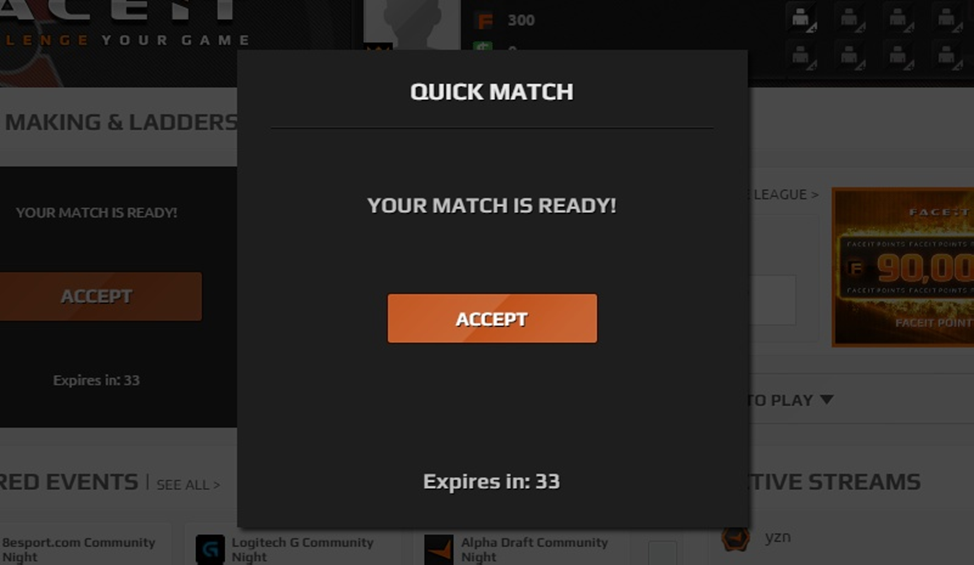
After that, matchmaking will begin. As soon as the system finds a match — you’ll hear the characteristic siren. Then just click “Accept,” like you usually do in CS:GO.
Also note that according to FACEIT rules, you cannot choose the map yourself. This is done only by the team captains. They are also responsible for choosing the server where the match will take place.
That’s all for now. If you need more detailed information about all the twists and turns of FACEIT — write in the comments. We’ll try to cover the most non-obvious points that deserve attention.
Visit LIS-SKINS more often, as we regularly post awesome CS:GO content for both beginners and PRO gamers.
