


To install a Dota skin in Minecraft, download a ready-made skin file (a 64×64 PNG image) and upload it to your profile: in Java Edition through the official Minecraft Launcher or minecraft.net, in Bedrock Edition through the Dressing Room. Third-party launchers such as TLauncher can change skins too, but they follow their own rules. Below are all the methods step by step, what to do if a skin does not show up, and the Dota 2 heroes most often recreated in Minecraft: Pudge, Shadow Fiend, Rubick, Marci, Tinker, Anti-Mage and Bounty Hunter.
How to Change a Skin in Minecraft
This should be done if the standard design doesn't satisfy the player. The steps depend on the platform being used. If you're playing on Java Edition, it's enough to:
open the official Minecraft Launcher or minecraft.net;
sign in with your Microsoft account;
in the skins section, upload the PNG file and pick the character model (classic or slim).
It helps to keep all downloaded skins in one folder so you can switch between them quickly. In Bedrock Edition (formerly Pocket Edition, plus the Windows and console versions), skins are changed in the Dressing Room: pick a ready-made look or, on PC and mobile, import your own file. Of course, the price of a license deters some players. However, Minecraft Dota skins on unlicensed copies come with serious limitations: no access to stable versions, delayed updates and no Minecraft Realms.
Features of Changing Skins in Minecraft
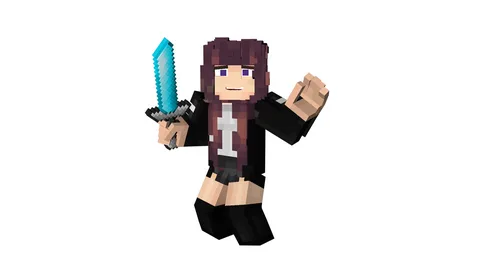
You can't simply upload any image to the game portal. The file must match the model in all respects. The task may seem simple until you dive into the details and realize it can be quite tedious. Even searching for a suitable option online doesn't always yield good results. It's advisable to first familiarize yourself with Minecraft Dota skins and then use trusted sources. Pay attention to reviews from other users and avoid suspicious sites to prevent viruses, trojans, and other digital threats. Downloads typically don't require registration, and the skins are accessible with the click of a button. It's best to store all files in one place to avoid a frantic search later.
Practical Tips for Changing Skins in Minecraft
Once you've downloaded the desired skins, follow these steps:
open the game folder (%AppData%\.minecraft);
find the char.png file among the textures; this is the default skin;
delete the old file and put the new one in its place under the same name;
launch the game. Note that this manual swap only works in very old Java Edition versions, and only you will see the skin.
The main and most reliable method is your profile on the Minecraft developer's website. Sign in with a Microsoft account (Mojang accounts no longer work; they were migrated to Microsoft). In the profile, open the skins section, choose a file and upload it. The new look then shows up both in single player and on servers.
Another option is to use an unofficial launcher to upload the Minecraft Dota skin. Of course, this is at the player's own risk. The mechanism doesn't depend on the specific application you choose, as the basic principles are more or less the same everywhere.
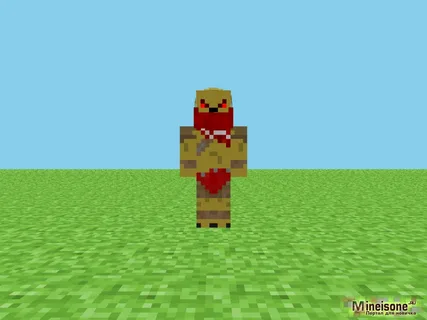
How to Change Dota Skins in Minecraft Using Tlauncher
Installing Dota skins in Minecraft via TLauncher is easy, which is why this launcher is popular with beginners. It is an unofficial program not supported by Mojang, and a skin set through TLauncher is mostly visible to other users of the same launcher. Attention: only download the app from the official website to avoid viruses. By default, the program installs on the C: drive unless the user specifies another location. After completing the main installation, additional setups are offered, which are straightforward to agree to.
There are a few key points:
in the settings, change the game directory if necessary, but don't touch anything else;
set the login name as you wish — there are no restrictions;
it's best to choose the recommended version — even if you're an experienced player.
Registration on the launcher's website is necessary to replace the Minecraft Dota skin. It's best to prepare the image file in advance. Tlauncher has a built-in library with free access to any image. To activate a specific skin, log into your account after launching the application and save it. Then start the game with your new skin.
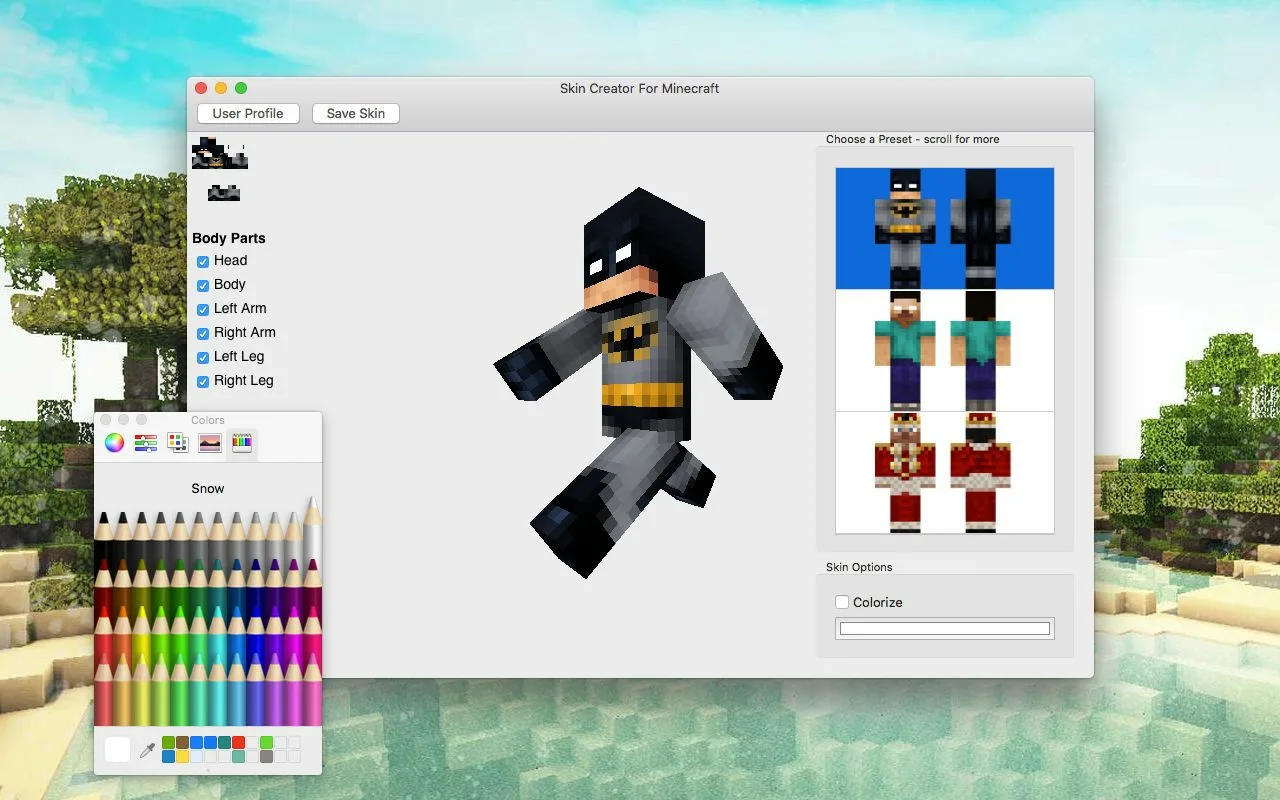
What to Do If Minecraft Dota Skins Are Not Visible
This doesn't mean the game is broken or that the update package is flawed. There are several situations where a skin may seem to disappear.
Error in the directory. The file is missing, stored with the previous one (instead of replacing it), corrupted, deleted, or renamed by mistake.
The package wasn't downloaded. This often happens when using various launchers due to network errors.
Server administration policy. In many cases, Minecraft Dota skins are blocked due to server restrictions.
Only in the first two cases can the player do something about it. In the last case, the only options are to find another server or forgo additional cosmetics. Now let's look at some skins brought from Dota into Minecraft.
Minecraft Dota 2 Pudge Skin Features and Other Models
Amateur designers have worked hard to carefully recreate even the smallest details, including Pudge's movements. The image of the chubby powerhouse from Dota, who no speedy and sturdy enemy can escape, is quite impressive. This formidable opponent shocks anyone who faces him in battle. He not only slices with his cleaver but also poisons, making encounters with him particularly terrifying.
Of course, you should also consider how to use the Minecraft Dota 2 SF skin for the best gaming experience. This character embodies ever-growing power, becoming stronger after each kill, or more precisely, after "absorbing enemy souls." Nevermore, aka Shadow Fiend (SF), is fearsome even as his enemies suffer just from being near him. Even in the form of a blocky figure in another game, this character evokes one reaction from Dota players — fear of his unrestrained power. But this isn't the only interesting and relevant skin available.
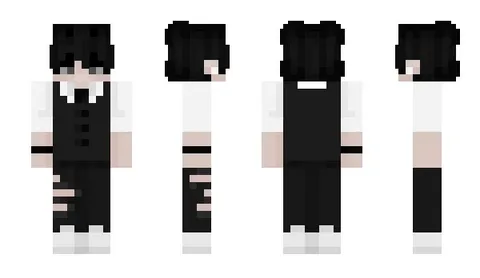
Dota Skins in Minecraft: Magic and Basic Creatures
The Dota 2 creep skin in Minecraft is quite unusual. In Dota, creeps are a whole category of creatures: lane creeps of the Radiant and the Dire, and the neutral creatures of the jungle (we have a separate guide on why it matters to last-hit creeps properly). In Minecraft they make simple, recognizable figures.
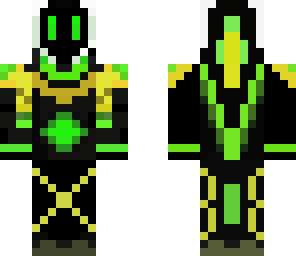
It's also worth mentioning the Rubick skin from Dota in Minecraft. This character is considered a great wizard in his home game universe. His main strengths are:
very powerful intellectual abilities;
the ability to steal the last spell used by an enemy mage;
a tendency to ambush enemies in the forest or other places where quick, daring attacks are possible;
the ability to swing a team fight with one well-timed stolen ultimate.
This is how the Rubick skin from Dota appears in Minecraft.
The Marci Skin from Dota in Minecraft: What It Represents
The heroine (a girl who never speaks a word) stands out for her loyalty to her team and each of its members. She's ready to strike at any moment, and woe to the one who faces her fists. The Minecraft Dota skin conveys a desire to intervene in any fight, sweep across the battlefield like a whirlwind, and annihilate enemies. Just imagine:
slowing down enemies;
a leap to an ally that damages enemies at the landing spot;
increased survival ability in battle;
accelerated attacks thanks to hidden rage;
a tendency to chase down retreating enemies until final victory.
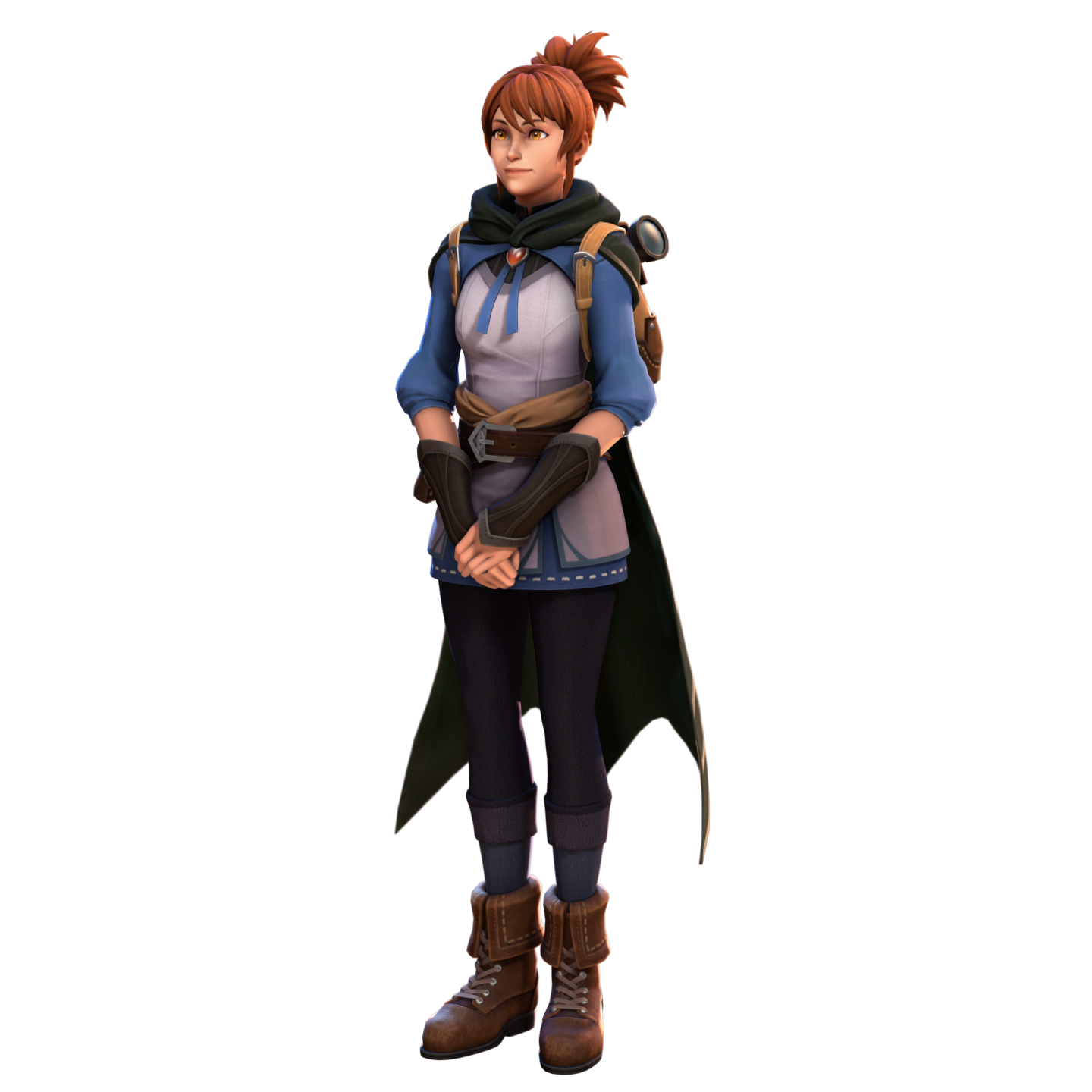
It's no surprise that such a charismatic character has been embraced by enthusiasts.
The Tinker Skin in Minecraft from Dota: Who Is He?
This hero deals impressive magic damage and keeps relentless pressure on anyone he faces. Tinker's signature ability is Rearm, which resets the cooldowns of his own spells and items so he can cast them again and again. On top of that, the character behind this Minecraft Dota skin fires a Laser that blinds the target and makes it miss attacks.
Tinker moves around the map quickly by teleporting and shields himself with a Defense Matrix that absorbs damage, so he is hard to catch. Heat-Seeking Missiles finish off fleeing enemies, and frequent resets let him keep up constant pressure.
What Is the Dota Anti-Mage Skin for Minecraft Like?
The hero who inspired this Minecraft Dota skin is highly mobile and farms lane and jungle creeps very quickly. The Anti-Mage in the original version:
burns mana with every hit;
is particularly effective against illusions;
can teleport to any location within a short distance;
quickly earns gold.
His key ability, the Mana Void ultimate, deals area damage based on how much mana the target is missing and stuns it. That makes Anti-Mage especially dangerous to casters who burn through their mana quickly.
Another Dota 2 Skin: Bounty Hunter
This Minecraft Dota skin is dedicated to a truly cool character — the bounty hunter who strikes fear into even the most seasoned "opponents." He relentlessly tracks his chosen target, and no one can avoid meeting him — no amount of trickery or camouflage helps. The character's backstory varies in different versions, but all agree that he honed his combat and tracking skills from a young age, determined to reach his goals and, simply put, survive.
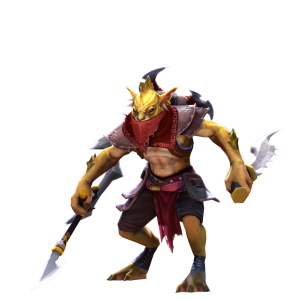
Bounty Hunter may wear starting armor. The virtual hunter's key traits include:
Shadow Walk invisibility for sneaking up on a target;
Track, a mark that reveals an enemy and gives the team bonus gold for the kill;
Shuriken Toss, a ranged stun.
Of course, there are many other options, and the final choice is yours: look for skins on trusted sites, forums and community hubs, which often post interesting fresh work. And if you want to explore the real cosmetic items for these heroes, see our overviews of the rarest Dota 2 skins and the most expensive skins in Dota 2.
