


There are at least several situations when it will be useful to know how to make an endless round in CS GO.
By the way, the gameplay of Counter Strike is based on the idea of a limited amount of time and the need for one of the parties to take active steps to win. For example, on maps where the goal is to detonate a bomb, terrorists must attack, and when the hostages are freed, special forces are already on the timer.
In some cases, the default round time for kaeser is not enough, so it is quite logical that they begin to think about how to enable an endless round in CS GO. First, a typical reason for removing time restrictions is the desire to practice quietly. Stretch your fingers by shooting bots, learn the layouts, look at the places of landings and ambushes and work out the timings. Secondly, record cool video content for Twitch or YouTube. Agree that watching the author of the video end up at the respawn every 2 minutes is not very cool. Thirdly, get high with a large group of friends and arrange a grand shootout on the server.
We are preparing to create an unlimited round of CS GO
Before we tell you how to set up an endless round in CS GO, we need to say a few words about preliminary actions:
Any manipulation of time in the game is possible only on your own local server, where you have admin rights, or in a single player game. In other game modes, including competitive ones, your actions will be considered cheating and punishable up to and including complete account blocking.
Commands for endless rounds in CS GO are entered in the console, which is disabled by default. To launch it, in the main menu, find “Options”, which is located in the upper right corner. Then go to “Game Settings”, set the option to “Yes” opposite “Enable developer console”. The console is activated. Now you can open it by pressing the “~” key. (this is the key for the letter “е”) or, if the tilde does not suit you, assign another key in the game settings.
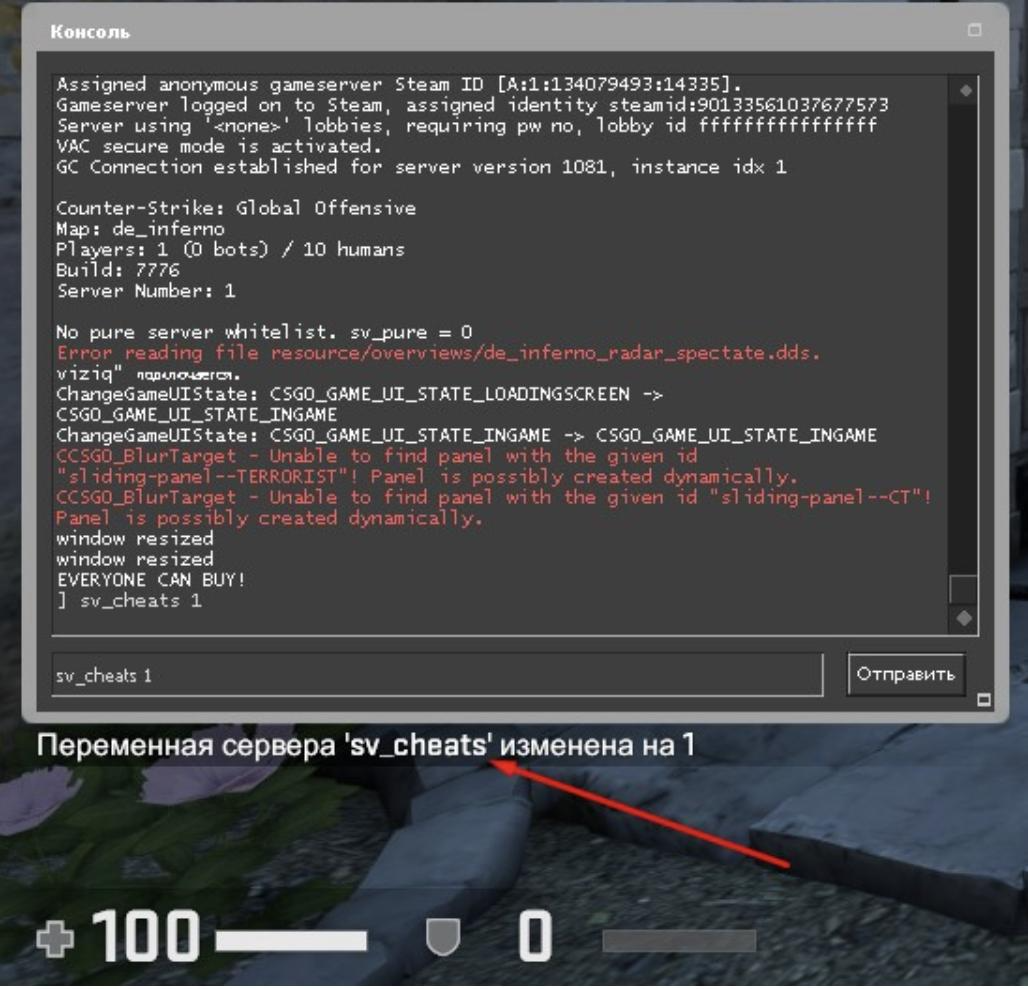
To make an endless round in the CS GO console, first launch the cheat mode using “sv_cheats 1”, otherwise none of the commands will simply work.
Making infinite CS round time GO
Counter Strike servers can operate in 2 modes. The first one is warm-up. You may have come across the English name - warmup. The second mode is, in fact, the game itself, during which the rounds are counted.
First, let's figure out how to make a CS GO round infinite time during the game (second mode). Strictly speaking, it will not be possible to set an unlimited limit, since the developers of Counter Strike programmatically set an upper time limit for 1 round - a maximum of 60 minutes. Of course, this is a little upsetting, but an hour is usually enough to properly train or have fun.
Call the console to enter one of the commands listed in the list:
mp_roundtime 60 is a general command. With its help you can change the round time on any type of map. Please note that instead of the number "60" you can write a different number and set a different time for the round from 1 to 60 minutes.
mp_roundtime_hostage 60 - in this way we set 60 minutes for 1 round on maps where the goal is to free hostages.
mp_roundtime_defuse 60 - the same, but on a map with bomb defuse.
mp_restartgame 1 - restart the game to launch new settings for an endless round through the console in CS GO.
Simplifying your life with the help of binds
It is extremely tedious to enter long commands into the console every time. This disrupts the gameplay and prevents you from enjoying Counter Strike to the fullest. It is especially annoying when you need to enter several commands.
To solve the problem, the developers came up with binds. Essentially, this is the ability to set “hot keys” in the console itself, combine arbitrary commands in any order and set a special key for them.
An example of a bind for an infinite round time in the CS GO console on a defuse card: bind A mp_roundtime_defuse 60; mp_restartgame 1. Commands must be separated from each other by a semicolon, after the semicolon there is a space. After writing the last command, a period is NOT written. Now when you press “A” on defuse maps, the round time will increase to 60 minutes after restarting the game. If the picture lags for 5-10 seconds after the restart, this is a normal phenomenon: the server adapts to new requirements.
Doing an unlimited warm-up
If there are restrictions regarding the infinite round time in CS GO, then with the warmap mode the situation is completely different. You can play in it endlessly: shoot bots, filling in the required aim, learn to make correct and timely grenade throws, practice timings with partners.
You need to remember only one command to set unlimited - mp_warmuptime 74635284. The number we wrote after the command is arbitrary, you can set any value and, in fact, make an infinite round time in the CS GO console for warmap mode.
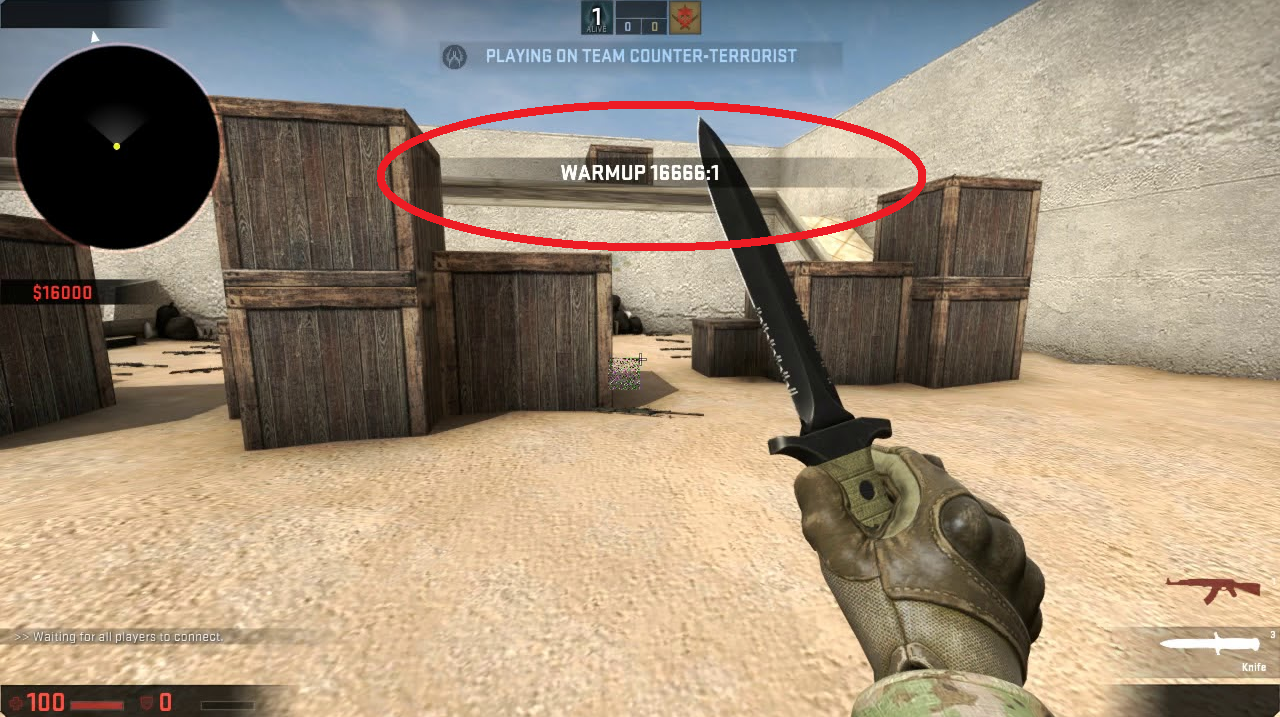
For convenience, immediately enter the bind and use it after loading the map. For example, you can make the following bind: bind X mp_warmuptime 387649610; mp_restartround 1. Here we indicate the time for warming up and do a restart, binding commands to the “X” key. After the reboot is complete, Counter Strike will launch with new settings.
And in order not to bother with binds at all and leave the changes forever, you need to register a new configuration to save commands for an endless round in CS GO. Type host_writecfg “config name” into the console. Now the settings will no longer be reset to default.
Setting up an unlimited number of rounds
So, now let’s set up an infinite number of rounds in CS GO. The conditions are the same: only your own server or running single-player mode, the console is turned on and cheat mode is activated. Read more in the chapter “Preparing to create an unlimited round of CS GO.”
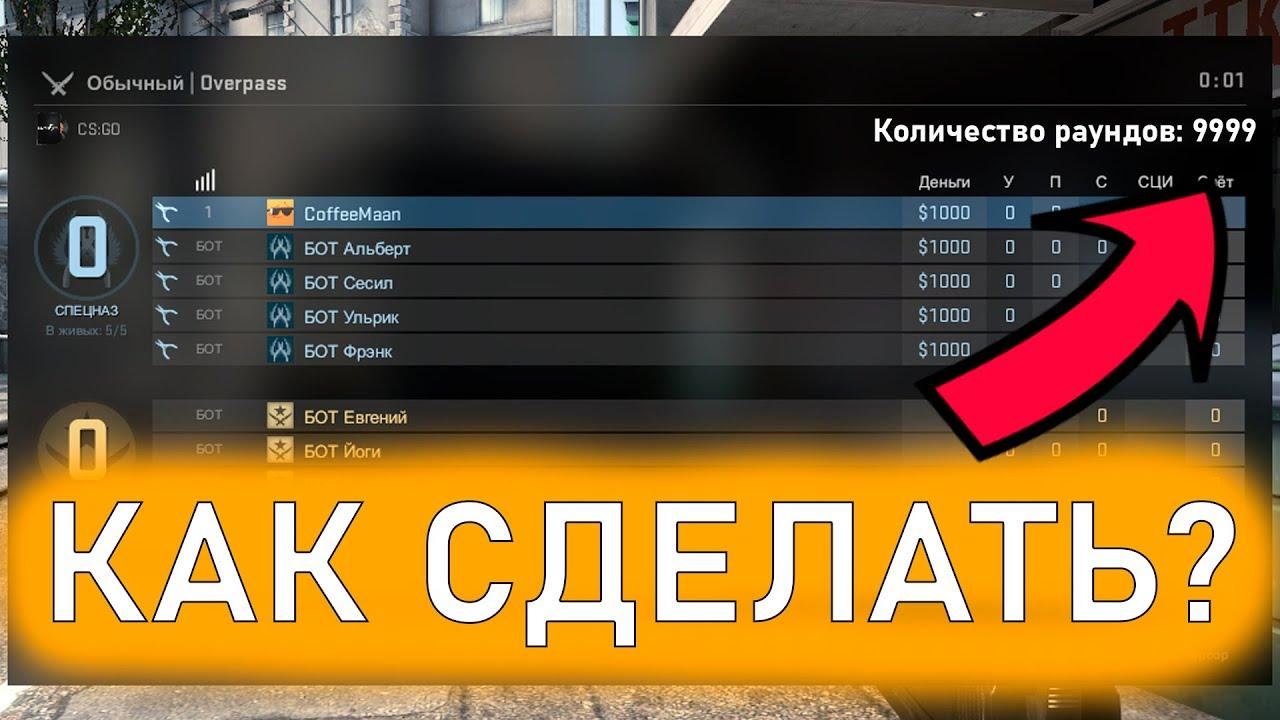
By default, one rink consists of 30 rounds, each team plays 15 rounds for terrors and ST.
Changing the number of rounds is set by entering the following indication into the console: mp_maxrounds “number of rounds”. Please note that quotation marks are not used in Counter Strike commands. In this way, you can make as many rounds as you like, train or have fun with friends in a way that is convenient for you, and not for the developers.
To return from an infinite number of rounds in CS GO to default ones, write mp_maxrounds 30 in the console.
This command can also be bound according to a scheme already known to you. For example, a bind command may look like this: bind C mp_maxrounds 57.
If you want to make one single, but not ending round, just type mp_maxrounds 0 through the console. This is another alternative way to set up an infinite round time in the CS GO console.
Useful tricks (part 1)
If you have activated the ability to purchase anywhere on the map and at any time based on the mp_buy_anywhere 1 command, then, in principle, you do not need to wait 15 seconds, which are allocated for purchase by default. You will need to write the following via the console:
mp_freezetime 0 - the round starts immediately, without a purchasing stage. If you still want to make a pre-round purchase, then instead of 0, put the number you need. Time in this team is calculated in seconds.
mp_restartgame 1 - restart the map to accept the changes.
In addition to the endless round time, CS GO has some fun features that will greatly diversify skating rinks with friends or training with teammates. For example, you can set a bomb explosion time to be shorter than the standard 35 seconds, because of which the special forces will have to retake the site at breakneck speed and mess with the terrorists. This is done through mp_c4timer "number of seconds" and, as usual, using the console.
Useful tips (part 2)
We previously wrote about how to make an endless round in CS GO. Now it’s time to tell you what else interesting things you can do with unlimited time.
If you want to study weapons, grenades and knives, then it makes sense to use mp_buy time “number of seconds”. You can set the value up to 60,000 seconds. In terms of minutes it is 1,000 minutes, and in terms of hours it is 16 hours 40 minutes. It’s quite enough to learn the intricacies of purchasing.
For hurricane action you will need a lot of ammunition, which can be made through sv_infinite_ammo 1. It is enough to enter 1 time, and endless ammunition is available to you until the next restart of Counter Strike.
Well, in order not to bother with the topic of economics and money, there is a reason to activate mp_startmoney 16000. The player's account will have 16,000. This is the maximum on the balance of one player.
Of course, all these commands require a restart via mp_restartgame 1. Do not forget about this.
