

To change a skin in CS2, open Inventory in the main menu, right-click the skin and choose where to equip it: both teams, CT only or T only. The weapon shows its new look from your next match. You can do the same in the Loadout section, which shows your whole setup slot by slot. Below we cover both methods, where to get skins, how to equip knives, gloves and agents, and why a skin changer is a bad idea.
Where Do You Get CS2 Skins?
Before you can equip a skin in CS2, you need to own one. There are a few ways to get them, and each has its own logic.
The most straightforward route is buying on the Steam Market or a marketplace like LIS-SKINS. You can get almost any skin at market price, from graffiti that costs cents to knives worth thousands of dollars. Second is opening cases, though it's worth understanding the economics: every key costs a flat $2.49, and that price doesn't change regardless of what the case itself is worth. The odds of a knife or gloves are 0.26%, roughly 1 in 385 openings, so banking on luck is a bad strategy. Third is the weekly drop, which is free but exclusive to Prime Status holders. A fourth route is the trade-up contract, including crafting a knife or gloves from five Covert skins.
Here's the full breakdown of your options:
| Method | Price | What you get | Notes |
|---|---|---|---|
| Steam Market | From a few cents | Any skin in the game | Instant purchase, fully safe |
| Opening a case | Case + key ($2.49) | A random skin from the case's pool | RNG-dependent, a knife or gloves in 0.26% of openings |
| Weekly drop | Free | Cases, skins, graffiti | Prime account required, 5,000 XP per week |
| Valve Operations, events and the Armory | Free or paid pass | Event-exclusive skins | Limited time only |
Buying on the market is the most reliable and predictable option: pay, receive, done. Cases are a different story: on average they do not pay back, but for plenty of players it's just part of the experience rather than an attempt to profit. More on the odds in how case and skin drops work in CS2.
How Does the Weekly Drop Work?
The free drop system deserves its own explanation, because there are a few details that aren't obvious at first.
To get the weekly package, you need to hit three conditions: an active Prime Status, 5,000 XP earned during the current week, and all of it must come from official Valve modes: Competitive, Premier, Casual or Deathmatch. XP from community servers and custom maps doesn't count. After leveling up, a Care Package appears on the main screen: four items from which you pick two. They can include cases, weapon skins and graffiti. Unclaimed choices are lost and do not roll over; the weekly cycle resets on Wednesday around 01:00 UTC.
Prime Status costs $14.99 (regional prices vary) and is a one-time purchase. If you had it in CS:GO, it carried over to CS2 automatically. See how much Prime costs in CS2 for details.
How to Equip a Weapon Skin in CS2 Through the Inventory
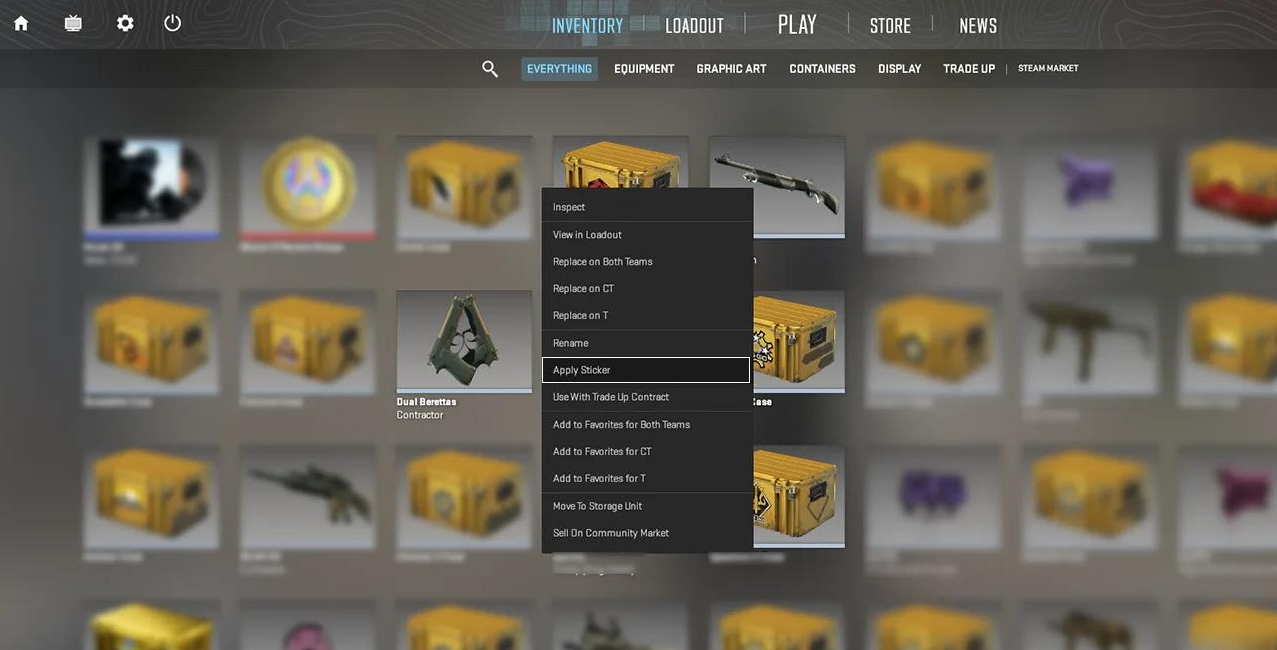
The most direct method. Open the main menu and find the Inventory section, where everything tied to your account lives.
A lot of players first go looking for an 'Apply' button or something similar, but CS2 doesn't work that way. Skins are assigned directly from the inventory through the right-click context menu.
Step by step:
Launch CS2 and open the main menu.
Click the Inventory tab.
Select the weapon category you want (for example, 'Sniper Rifles' or 'Knives').
Right-click the skin.
In the context menu, choose where to equip it: both teams, CT only, or T only.
After that, the weapon will appear in its new look from your next match onward. One thing worth knowing: if you pick up an enemy's dropped weapon, it keeps its owner's skin. That's intended behavior, not a bug.
How to Equip a Skin Through the Loadout Section
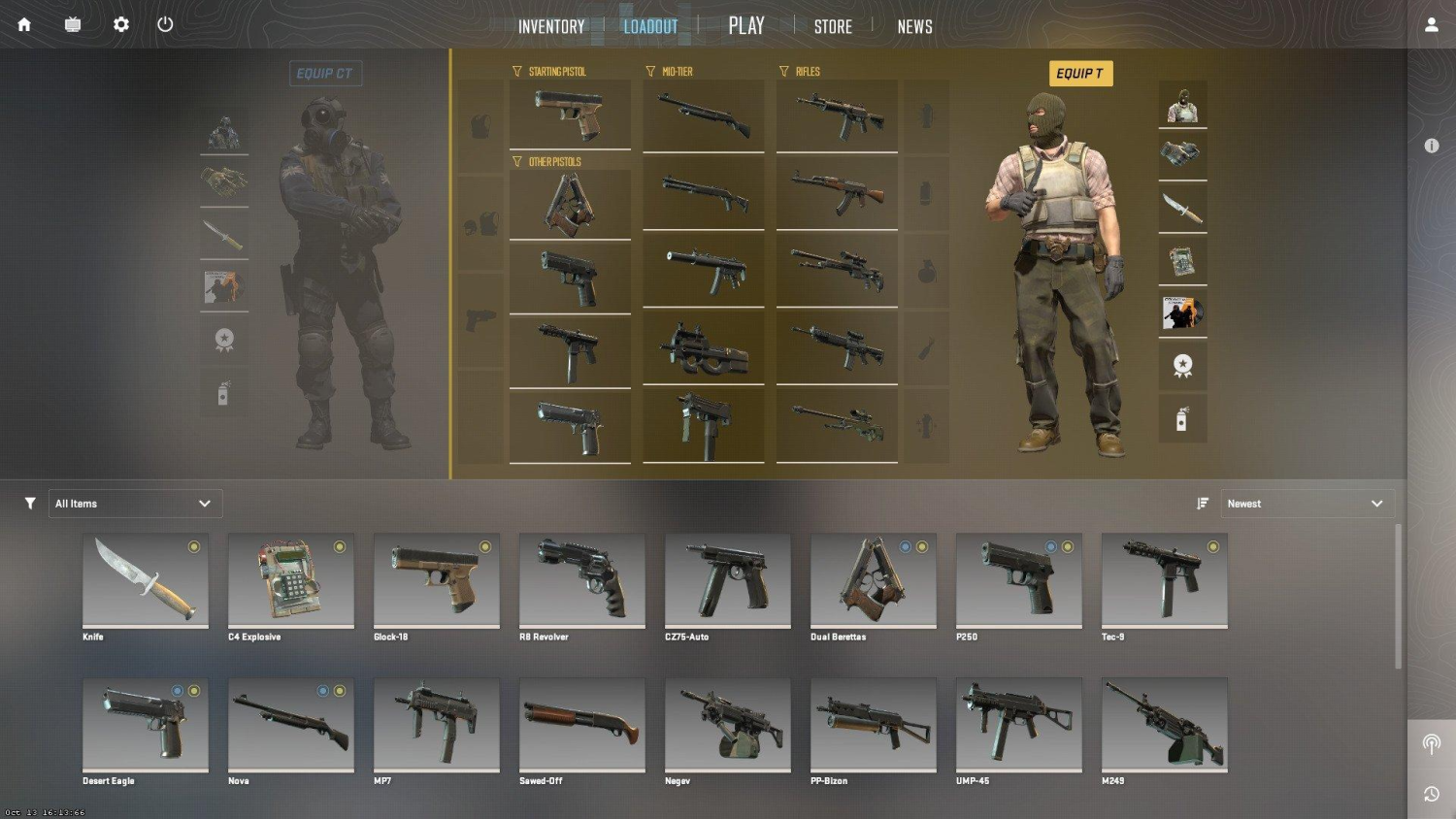
The second method is through the Loadout section in the main menu. This shows your current setup: which skin is in each slot for CT and T. It's handy when you want to see your whole loadout at once rather than hunting through the inventory.
The process here is slightly different. Click on the weapon icon in its slot, and a swap arrow or icon will appear next to it; click that, not the weapon model itself. This opens a list of available options from your inventory.
The Loadout section is also where you handle one commonly asked question: CTs can switch between the USP-S and P2000 as their starting pistol. Ts don't have that option: the Glock-18 is locked in for the attacking side. That's a deliberate Valve decision, not a bug.
How to Change Your Agent Skin (Player Model)
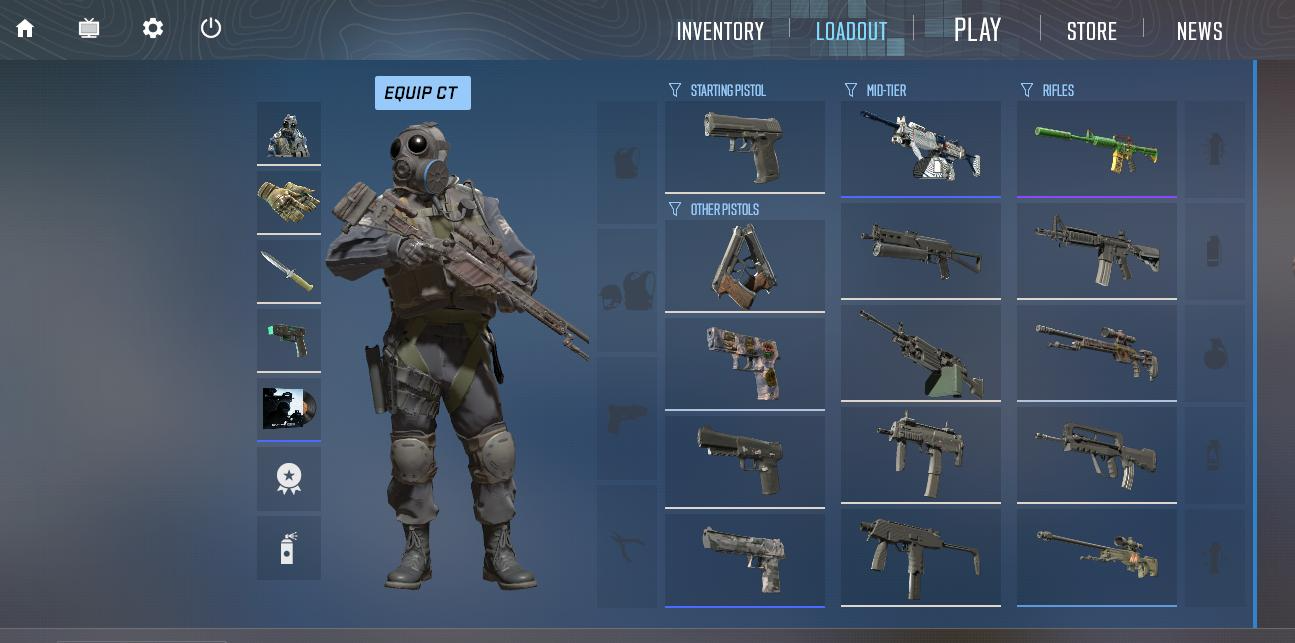
Agents are skins for the character itself, not the weapon. They're sold separately on the Steam Market or can drop from certain cases. You equip agents in the same Loadout section: there are separate slots for the CT and T models. See types of agents in CS2 for an overview.
A few things worth knowing about agents. First, your agent is visible to everyone in the match, teammates and opponents alike. Second, some agent skins are genuinely harder to spot on certain maps because of their color palette, though that's a minor detail, not a guaranteed edge. Third, agents have no effect on hitboxes, which are identical across all models.
How to Equip a Knife or Glove Skin
Knives and gloves are their own category in the inventory, and the equip method is the same: right-click the item, choose a side. But it's worth understanding the price context.
Knives and gloves are the most expensive items in CS2. The cheapest knives start at about $35, while rare patterns on a Karambit Case Hardened or Butterfly Knife can run into the thousands. Budget gloves also start at around $30. Besides cases, you can craft a knife or gloves with a trade-up contract of five Covert skins, as explained in our complete guide to crafting knives and gloves.
For a wide selection of knives and gloves at current prices, the LIS-SKINS catalog is a convenient option: it brings offers from many sellers together in one place.
What to Do If You Don't Have the Skin You Want
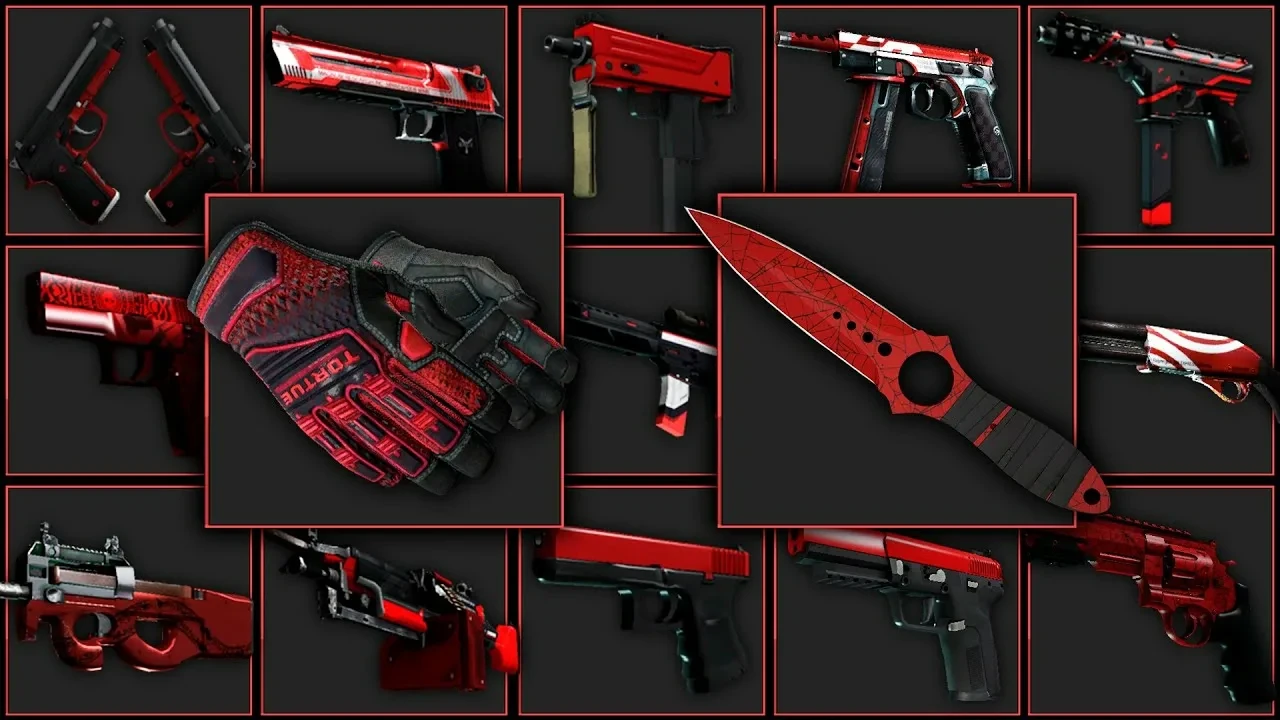
The honest answer: buy it. But there are several ways to do that, and they differ in speed, price, and risk.
Before picking a platform, figure out what you actually need: a one-off skin for a specific weapon, or steadily building out a collection. That determines which route makes more sense. The Steam Market is reliable, but the 15% fee (5% Steam plus 10% CS2) adds up on expensive items, and Steam Wallet funds cannot be withdrawn.
| Platform | Safety | Speed | Price vs. Steam |
|---|---|---|---|
| Steam Market | Maximum | Instant | Baseline (15% commission) |
| Steam Trade (P2P) | High, with Trade Protection | Depends on the other party | Negotiable |
| Marketplaces (e.g. LIS-SKINS) | High if using reputable ones | Instant | Often below Steam |
| Opening Cases | Maximum | Instant, but outcome is random | Unpredictable |
One point on cases: the math is not on your side. New cases cost cents and older ones more, but the key is always $2.49, and a knife or gloves drops roughly once in 385 openings. That doesn't make cases a bad idea; they're entertainment, not an investment. When trading directly with players, keep Steam Trade Protection in mind: any trade can be reversed within 7 days.
Can You Get CS2 Skins for Free?
Technically yes, with caveats.
The only genuinely free route is the weekly drop. It gives out cases and skins just for playing, but requires Prime Status. Without it, you get nothing. Prime costs $14.99 as a one-time purchase. It's not strictly free, but if you play regularly, the drops can realistically cover that cost over time.
Cases from the drop still need a $2.49 key to open, but you can also sell them. More options are in how to get a free case in CS2.
CS2 Skin Changers: Is It Worth the Risk?
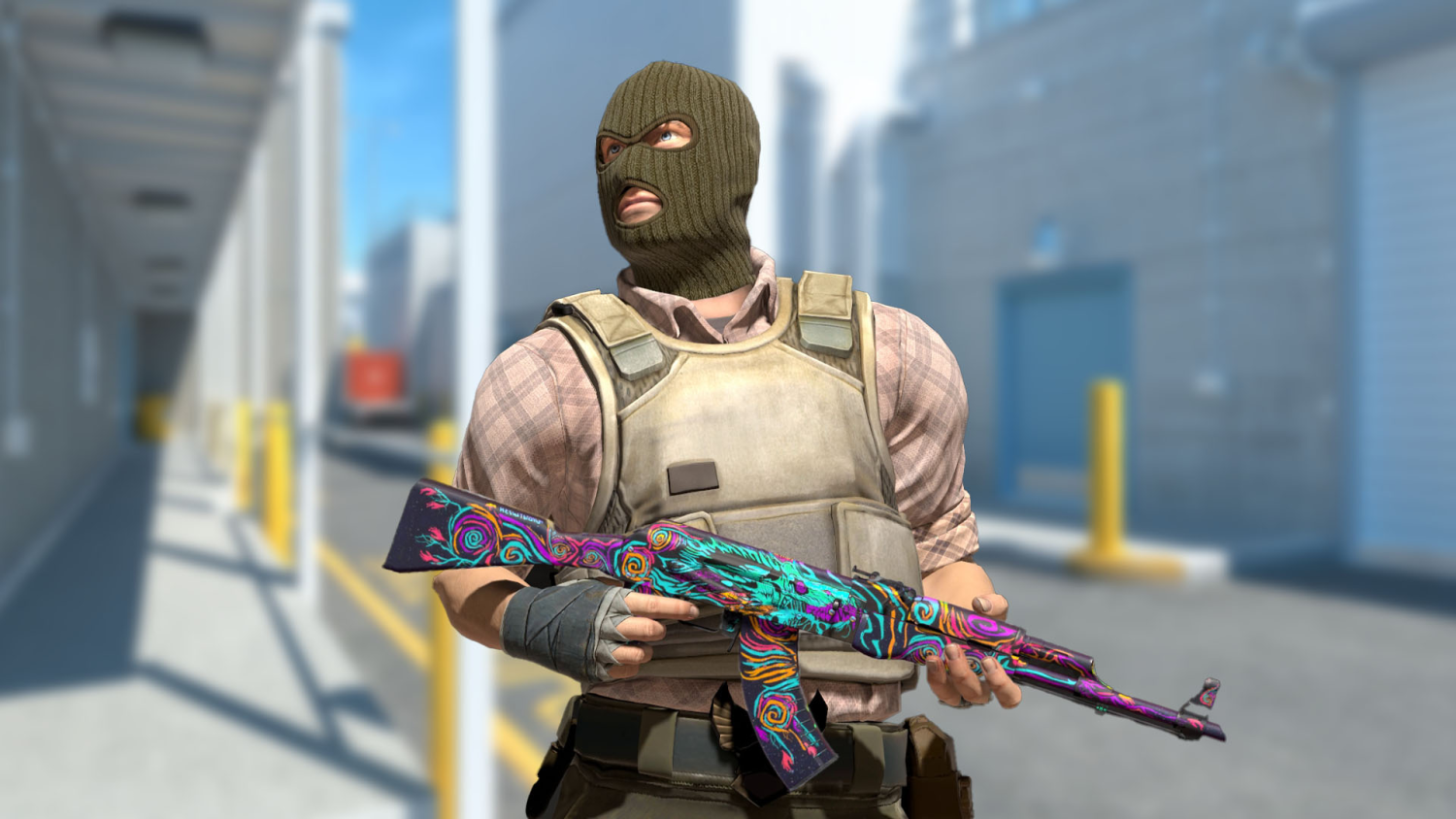
A skin changer is a third-party program that swaps weapon textures locally, on your client side. Sounds harmless, but there's a fundamental problem with this approach.
First, you're the only one who sees it. Enemies and teammates see the default texture. You cannot show the skin off to anyone else.
Second, and this is the part that matters, these programs tamper with the game client the same way cheats do, and VAC (Valve Anti-Cheat) does not distinguish between a harmless modification and a cheat. Detected tampering gets a ban.
What a VAC ban means:
Permanent, with no appeal process
Permanent loss of access to all VAC-secured CS2 servers
A VAC ban notice on your Steam profile that everyone can see
Your inventory stays on the account, but you can't use it in matchmaking
That's a disproportionate risk for a skin only you can see.
Why Isn't My Skin Showing Up in a Match?
It's a common scenario: the skin is bought, it's sitting in the inventory, but the weapon still looks the same in-game. The cause is usually one of a few things, and all of them are fixed in a couple of clicks. Here's what to check first:
The skin isn't assigned to either side: go to inventory, right-click the skin, choose CT, T, or both.
Knife or gloves aren't assigned: they're equipped separately from the rest of your weapons, in their own category.
Your agent didn't change: check that it's equipped in the right CT or T slot in Loadout.
Can't change the pistol on T side: the Glock-18 is fixed, starting pistol selection is only available to CTs (USP-S or P2000).
Bought a skin but it's not in the inventory: wait a few minutes and restart the game, that usually fixes it.
Equipping skins in CS2 isn't complicated: everything is handled through the Inventory or Loadout in the main menu, no console commands or third-party programs needed. There are several ways to get skins (buying on the market, cases, the weekly drop, trade-up contracts), each with its own price logic and element of chance. Skin changers only work locally and carry a genuine risk of losing your account, so they're not a real option for anyone who values their profile. If you're looking to expand your inventory, the LIS-SKINS catalog is worth checking out: it's a convenient place to compare prices and find what you're looking for in one spot.
