

The question of how to give yourself a skin in CS2 comes up for most players who want to test rare models or simply change their weapon's appearance without buying. This topic is especially interesting for those building inventory loadouts or practicing with specific weapons.
In Counter-Strike 2, there are several ways to "give" yourself a skin—from built-in console commands to Workshop mods. However, it's important to understand: officially obtaining any skin permanently without purchasing it or unboxing it from a case is impossible. All the methods we'll discuss are either temporary or visual only.
How Skins Work in CS2
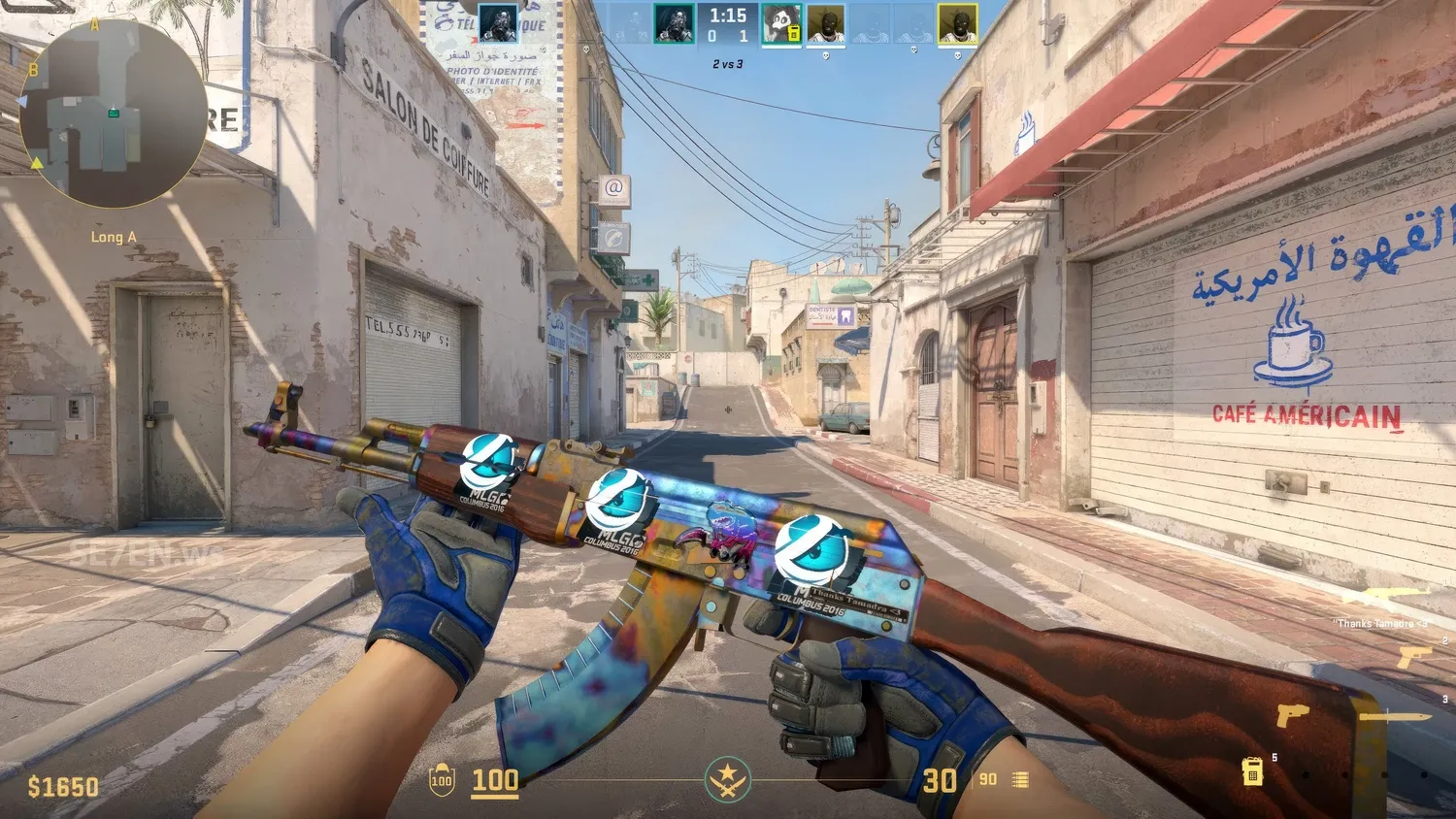
From a technical standpoint, a skin in CS2 is a visual model (weapon model with texture) tied to an item in your Steam inventory. Each item has its own unique ID, wear level, float value, as well as stickers and animations (in the case of knives, gloves, or rare AWPs).
That's why you can't just give yourself any skin in CS2 through a command—the system protects data integrity, and each item exists only within the context of your account and inventory.
Source 2 has an updated asset management system that allows servers to deliver and verify resources for maps and mods; however, actual items tied to your inventory are managed by Steam's system, and local substitution doesn't turn the visual into a real item.
That's precisely why console and mods are used not to obtain an item in your inventory, but to see it visually within a match.
Primary Method—Developer Console
The safest method is using console commands within a local session. This won't affect your inventory in any way and won't lead to a ban.
Enabling the Console
To open the console, you first need to enable it in CS2 settings:
Open "Settings" → "Game" tab → "Enable Developer Console" parameter → select "Yes".
After that, the console is accessed with the ~ (tilde) key.
If the console doesn't open—check your keyboard layout and key bindings in control settings.
Launching a Local Match
Weapon spawning is only possible in a local session. This can be either a bot game or launching a map directly:
map de_dust2
Or any other available map.
Enabling Cheats
To access commands, you need to enable cheats:
sv_cheats 1
Important: this command only works in single-player. It's disabled on VAC-secured servers.
Commands for Spawning Weapons
First—basic commands that spawn weapons:
give weapon_ak47
give weapon_awp
give weapon_m4a1_silencer
However, these commands spawn standard weapons—without skins. Visually, you'll get the default skin.
How to Apply a Skin Through Workshop
To test the appearance—you need a mod from Steam Workshop. For example, a mod for AK-47 Redline can be downloaded through subscription:
Open the Steam Workshop and find the desired mod.
Click "Subscribe"—the mod will download automatically.
Launch a map compatible with the mod.
After that, the weapon in-game will display with the desired skin.
Alternative—Plugins and Private Servers
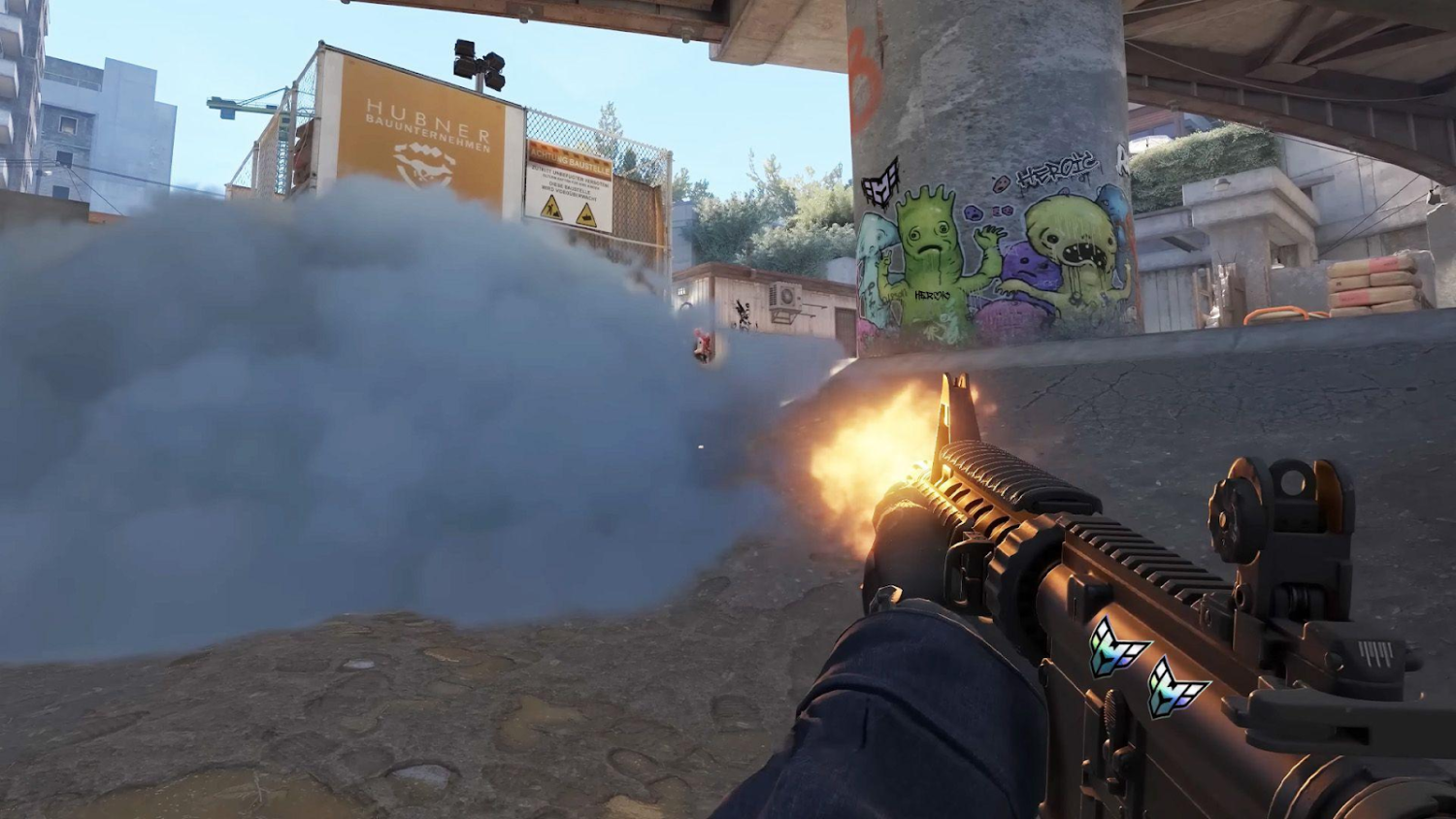
There are other methods—for example, using SkinChanger plugins on private servers. This method is popular among players who frequently practice or test loadouts.
What is SkinChanger
SkinChanger is a plugin that allows you to visually display a selected skin without actually changing your inventory. Meaning you see yourself holding a Butterfly Fade knife, but it's not in your inventory.
It only works on private servers without VAC protection.
How to Connect to a Server with the Plugin
To do this:
Find the IP of a server with SkinChanger activated.
Enter in console:
connect IP:port
Some servers can be found through monitoring sites like csgohub or gametracker.
How to Use Commands
After connecting to the server, commands are available:
!ws—weapon and skin selection.
!knife—knife replacement.
!gloves—gloves.
Usually a menu opens where you can select a specific model, float, and stickers.
Limitations and Risks
SkinChanger is very convenient if you need to practice with a skin you don't have in your inventory yet. But it's important to clearly understand its limitations. It's not a magic wand, but a tool for a private server where it's installed by the administrator. Outside such a server—it simply doesn't work.
First—the key point: all skins you see through SkinChanger aren't real. They don't enter your Steam inventory, don't display in your profile, and can't be sold or traded. It's purely visual imitation that only works within the game client and only during the current session.
Many newcomers, especially those trying SkinChanger for the first time, mistakenly believe they can keep the visual or, for example, copy it to their inventory—this is not the case. Steam's system won't allow binding a visual model to your account because no non-VAC server has access to the item database.
And here's what's especially important—any launch of such a plugin or third-party utility outside an authorized server is a direct risk of receiving a VAC ban. The anti-cheat system tracks not only the modifications themselves but any interference with file structure, especially if it concerns client.dll or other client libraries. One wrong file—and you can say goodbye to your account, skins, and progress.
Another problem—fake "skin generator programs" that supposedly promise free knives, access to all skins, skins for likes. All of this is 99% trojans and phishing. Players who downloaded such utilities later lost access to their accounts, inventories, or caught viruses stealing data. None of these programs will give access to real items because they simply don't have access to them.
For reference: real skins in CS2 are stored on Valve servers and are part of your Steam account database. And no local program can change this. Everything else is either visual substitution or fraud.
Workshop and Skin Testing
Steam Workshop is an official and generally safe channel for user modifications: subscription goes through Steam and doesn't require third-party software. Nevertheless, there's no absolute safety guarantee—check reviews and comments on the mod before using.
To use Workshop:
Go to the CS2 Workshop on Steam.
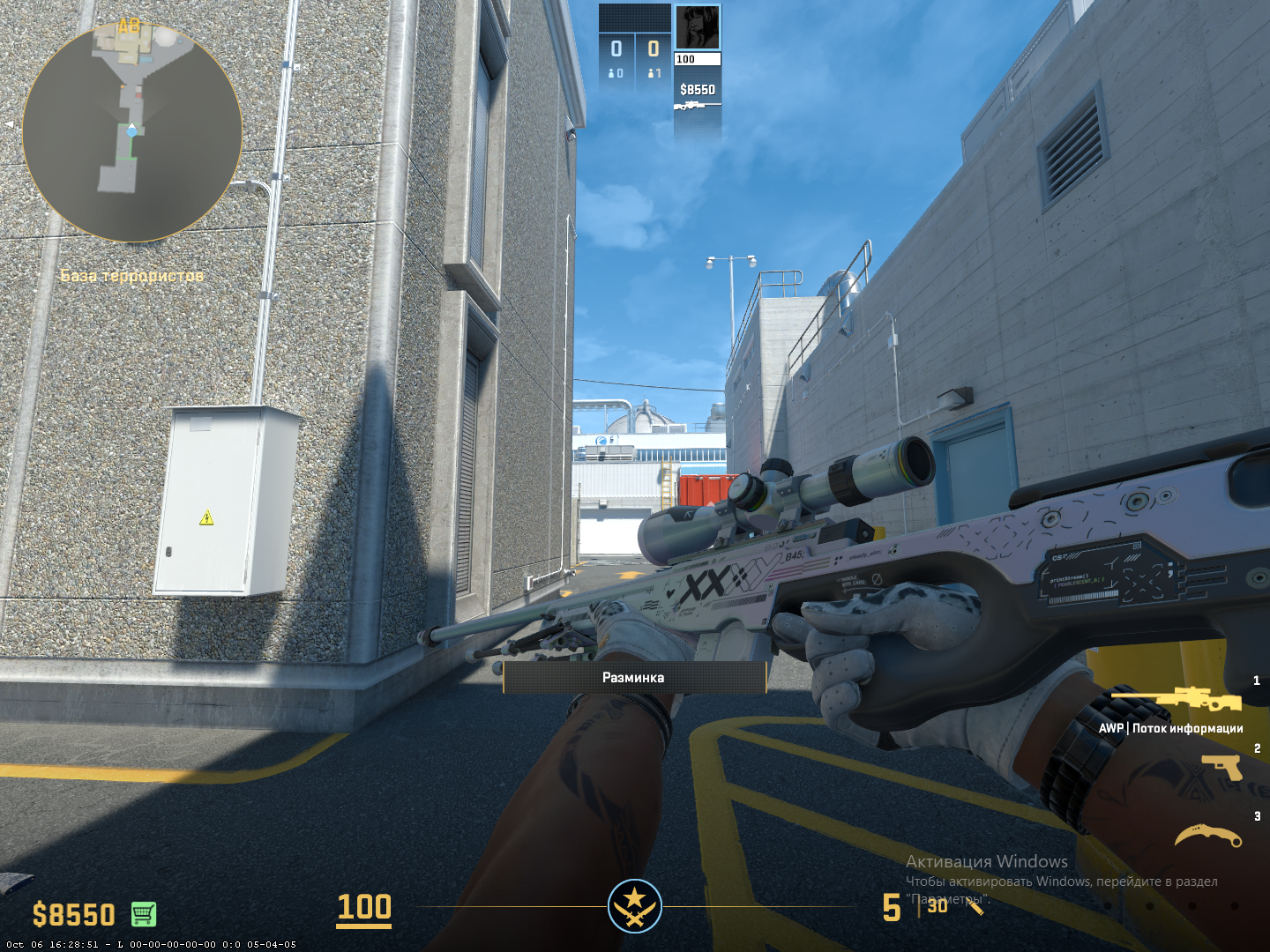
Find the desired mod (for example, AWP | Dragon Lore).
Subscribe to it—it will download.
Launch a map compatible with the mod.
This is perfect for custom skins that can't be unboxed but you want to see how they'll look in-game.
For example, AWP | Dragon Lore has a wide price range depending on version and condition (from several thousand dollars to hundreds of thousands for rare souvenirs). The mod allows you to test it for free and legally.
Why You Can't Give Yourself a Skin on Official Servers
Many players, especially those who came to CS2 from other shooters or are encountering skin mechanics for the first time, ask a perfectly logical question: is there any way to give yourself a skin in CS2 directly on an official server, without buying? Unfortunately, the short answer is no. And there are solid reasons for this.
CS2 is built on the VAC (Valve Anti-Cheat) protection system, which works much deeper than simply searching for cheats. It monitors client file integrity, checks whether weapon visual models match what's recorded on servers, and doesn't allow any unauthorized inventory modifications.
Attempting to install a non-Workshop mod or manually replace skin models in game folders is automatically perceived by VAC as interference. And any interference with client.dll, materials, models, or even config files with anomalies is already a signal to the system about potential hacking.
Here are three of the most common actions that seem "harmless" but actually lead to bans:
Action | Real Risk |
Installing custom mod not from Workshop | High chance of ban |
Modifying or replacing client.dll or other .pak files | Immediate VAC ban |
Running SkinChanger on public or matchmaking server | Permanent account ban |
If you think you can just "quietly" change a weapon texture to practice on an official server with the desired skin—unfortunately, this doesn't work. As soon as the client sends signals to the server that don't match acceptable logic, you're automatically flagged for review. And VAC doesn't mess around: the system doesn't forgive even a single violation, and there's no unban.
Why is Valve so strict about this? Because skins aren't just decorations. They're part of Steam's internal economy, and in 2025 the CS2 skin market is valued at hundreds of millions of dollars. Unique items can be bought, sold, gifted, traded on external platforms, and in some cases have value comparable to real investments.
If it were possible to manually create or modify skins on official servers—it would instantly destroy trust in the system, devalue rare items, and undermine the economy of the entire CS2 ecosystem.
Therefore, giving yourself a skin in CS2 on an official server is impossible not just because of technical limitations—but because it violates the fundamental rules of the game, trading, and security. All you can do is test a skin visually on local or through Workshop mods. Everything else is a path to a ban.
Legal Ways to Obtain a Skin
Today in CS2 there are only three official and fully legal ways to obtain a skin that will enter your inventory and become available for sale, trade, or use in matches:
Purchase on the Steam Community Market.
Trade with other players through in-game trading.
Obtaining a skin from a case (random drop when opening with a paid key).
Any of these methods is a path to a real digital item that's saved in your inventory and has market value.
That's why giving yourself any skin in CS2 with inventory persistence is impossible. Everything that doesn't go through the official system is just visual. The only path to owning a skin that actually exists and has value is to buy, trade, or unbox it.
