


In Counter-Strike 2, much has changed with the transition to Source 2—the interface has been updated, match logic has changed, and command structure has evolved. That's why more and more players are interested in how to set up warmup in CS2 to use it not just as a pre-match formality, but as a full-fledged training stage. Warmup is a convenient tool for adjusting your aim, crosshair, checking mouse sensitivity, grenade setups, and even just "warming up" after a break. It's especially important after major updates when weapon behavior or maps may change. Players use warmup as a way to regain confidence in their movements. That's why it's worth understanding in detail how to configure and manage it.
What is Warmup and Why Do You Need It in CS2?
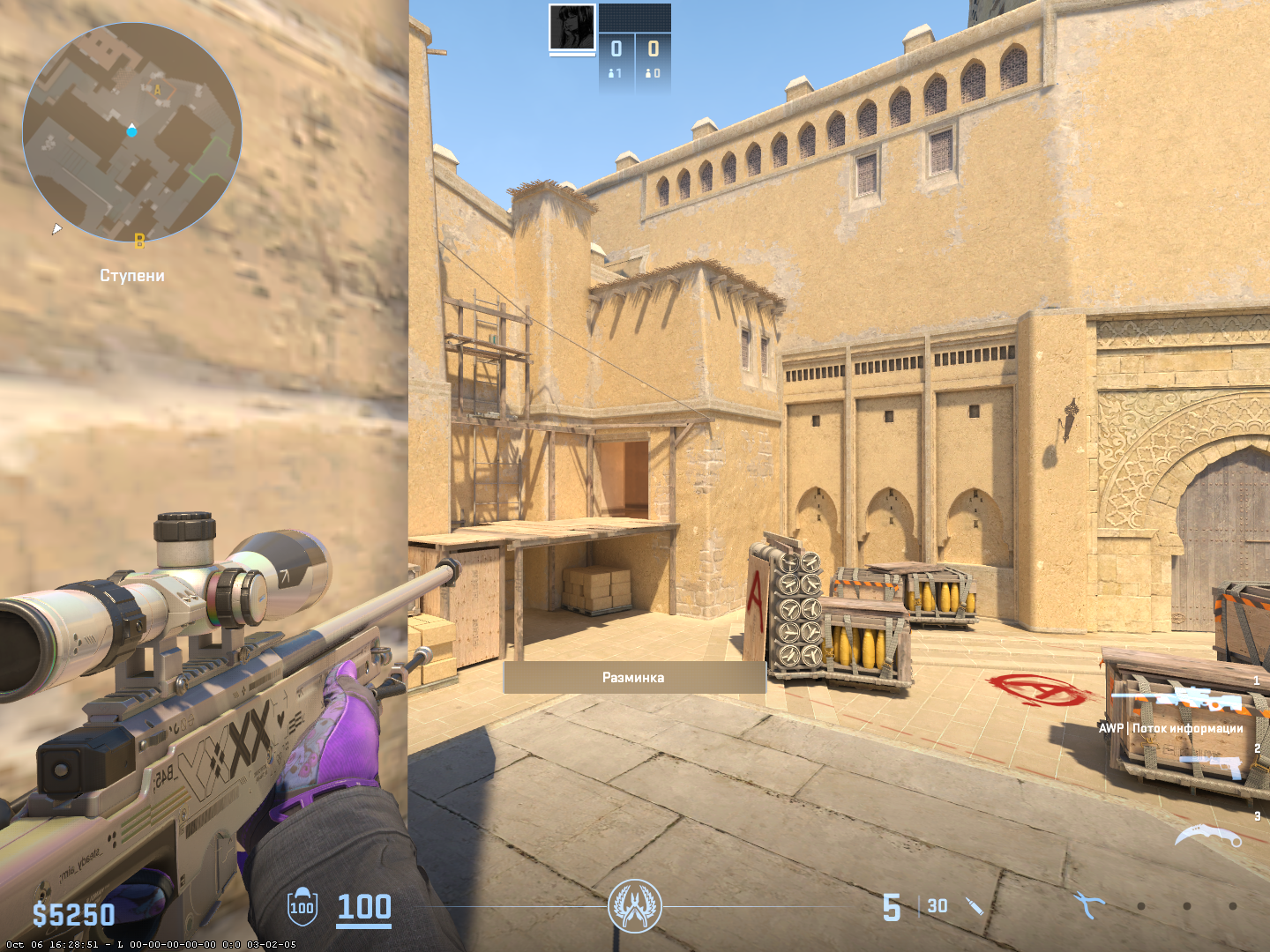
Warmup is a technical period before the main match starts, during which players can freely move around the map, pick up weapons, interact with the environment, and train their reactions. In official CS2 matches, warmup lasts 30–60 seconds by default so all participants have time to load in and prepare. But in custom games, especially with bots or in training lobbies, the player decides how long it lasts and what functions it serves.
Warmup is especially important for those who want to rebuild muscle memory after a break. Even 5–10 minutes of warmup allows your hand to adjust to movements, angles, and weapon recoil. Players who consistently warm up before playing more often win opening rounds—simply because their body has already "entered the game." Additionally, warmup is a safe way to test new sensitivity, crosshair, or viewmodel without losing progress or rank. It's often used for adjusting graphics or network response because there's no pressure from opponents at this moment.
Where Can You Configure Warmup in CS2?
You can't configure warmup everywhere. In official competitive modes (Premier, matchmaking, Wingman), players don't have console access and can't change warmup parameters. Everything is regulated automatically. But when it comes to local sessions with bots or your own server, much wider possibilities open up.
In local bot games, commands work without restrictions. That's where players most often experiment with warmup duration and conditions. On a server with rcon access, you can change any parameters, including round length, starting money, teams, weapon types, etc. In lobby matches with friends, commands are sometimes limited, but much depends on who created the lobby and what rights the host has. It's important to understand: to fully control warmup, you need an active developer console, and the map must be loaded in practice mode or a regular offline session.
How to Enable Console and Activate Commands?
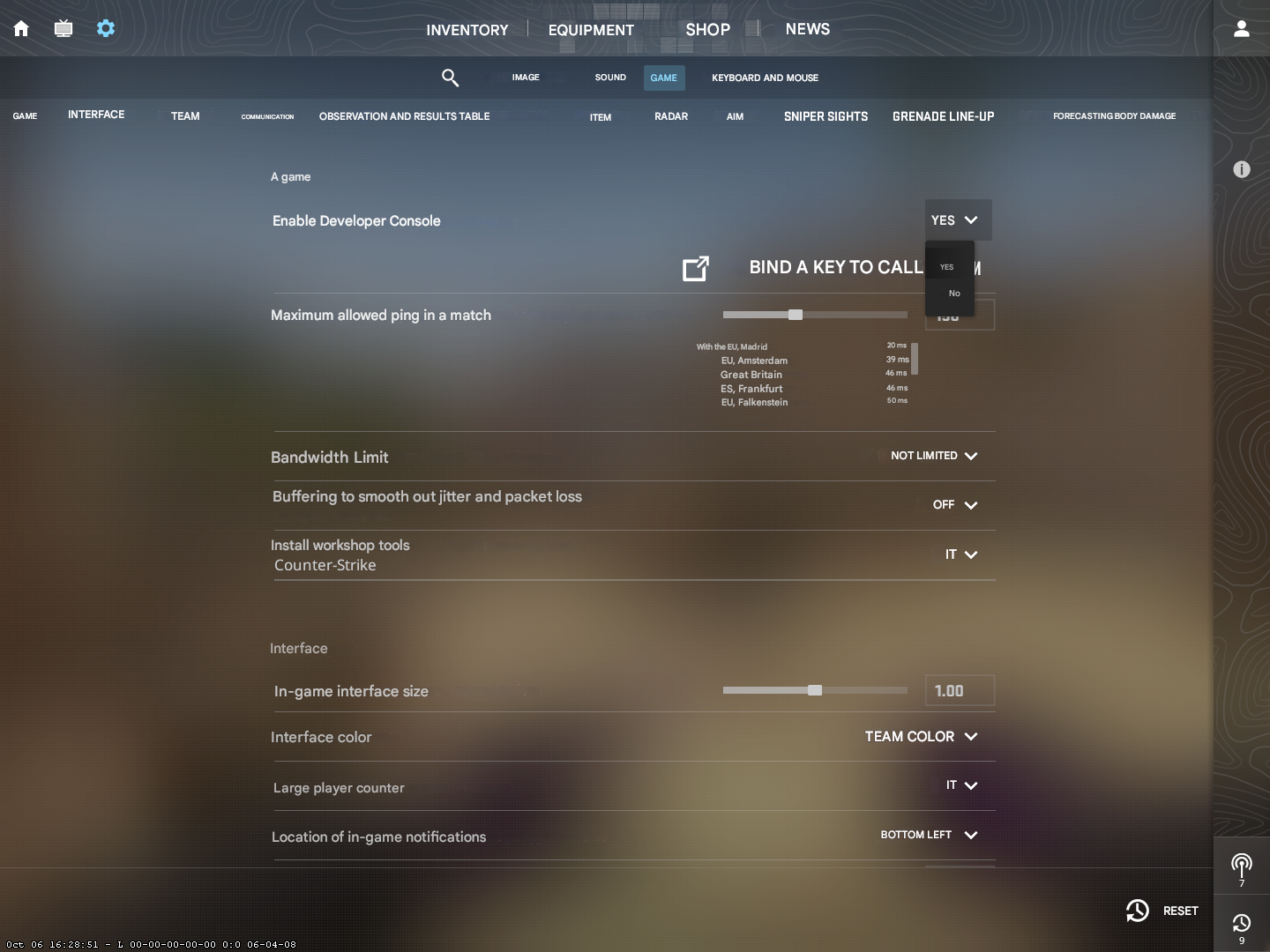
Before using warmup commands, you need to enable the console. This is basic stuff, but for some reason many beginners still skip it. The console is activated in game settings: "Game" section—"Enable Developer Console (~)" option. After that, you need to go to the "Keyboard" section and assign a console key, by default it's the tilde key ~ (under Esc).
After activating the console, you can enter a local game (for example, through the "Play With Bots" tab) and execute commands. Important: some commands only work after entering sv_cheats 1, especially if you want to use non-standard weapons, enable flight, or infinite ammo. But warmup is a basic mode, and sv_cheats is usually not needed to configure it. If commands don't work, try restarting the map with the command mp_restartgame 1—this will reload the current session and apply all parameters.
How to Set Up Warmup in CS2 Through Console?
To manually set up warmup in CS2, the key command is mp_warmuptime. It determines how many seconds warmup lasts. For example:
mp_warmuptime 60
Sets warmup to 1 minute. This is convenient for a quick check of settings before the game. But the command itself doesn't start warmup. To begin it, you need to enter:
mp_warmup_start
If warmup is already running—the command won't work. But if warmup was finished or disabled, this command activates it again. To stop warmup, enter:
mp_warmup_end
Players often combine commands: set the duration, start warmup, and then adjust other parameters (for example, enable infinite ammo, bots, disable gravity, etc.). This flexibility allows you to prepare the most comfortable training without unnecessary stress.
How to Make Infinite or Endless Warmup in CS2?
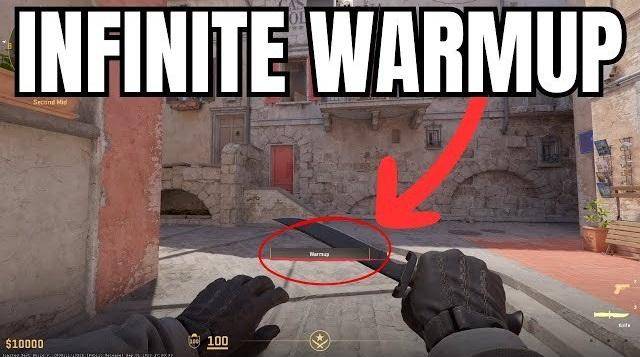
If a player needs to make infinite warmup in CS2, there's a proven method. For example:
mp_warmuptime 9999999
This parameter technically creates "eternal" warmup that will continue until the user manually ends it. This is convenient if you want to spend half an hour shooting bots or practicing with a teammate. Infinite warmup is especially often used on Workshop maps where players train specific moves, like exiting carpets on Mirage with fake flashes. Don't forget to start warmup with the command mp_warmup_start, otherwise it won't activate.
After this, the map will treat warmup as a mandatory stage on launch. This solves the problem when warmup doesn't start automatically after changing maps.
How to Make Warmup Shorter in CS2?
Sometimes the opposite task arises—make warmup shorter in CS2 to avoid wasting time. This is especially relevant when launching a map where warmup is set to 5 minutes by default. To shorten it, simply change the mp_warmuptime parameter:
mp_warmuptime 10
This way, warmup will last only 10 seconds. Sometimes players use the value 0—this completely disables warmup and immediately starts the match:
mp_warmuptime 0
This is convenient if the session is used for demonstrating a map or quick settings testing. However, remember that in some modes (for example, with bots) warmup may still start automatically. In this case, manual warmup termination through mp_warmup_end helps.
How to Make Long Warmup in CS2?
When you need to thoroughly practice certain actions, players prefer to make long warmup in CS2—10, 15, or even 30 minutes. This is convenient when teaching newcomers, team training, or working with grenades. The same command is used, just with an increased value:
mp_warmuptime 1800
This sets 30 minutes of warmup. Then you manually start it:
mp_warmup_start
This approach is especially useful on maps like Yprac or Aim Botz, where warmup isn't just preparation but a full training stage. Important: if you're using third-party maps, be sure to read the Workshop description—some already include automatic warmups or conflict with manual settings.
How to Disable Warmup Manually?
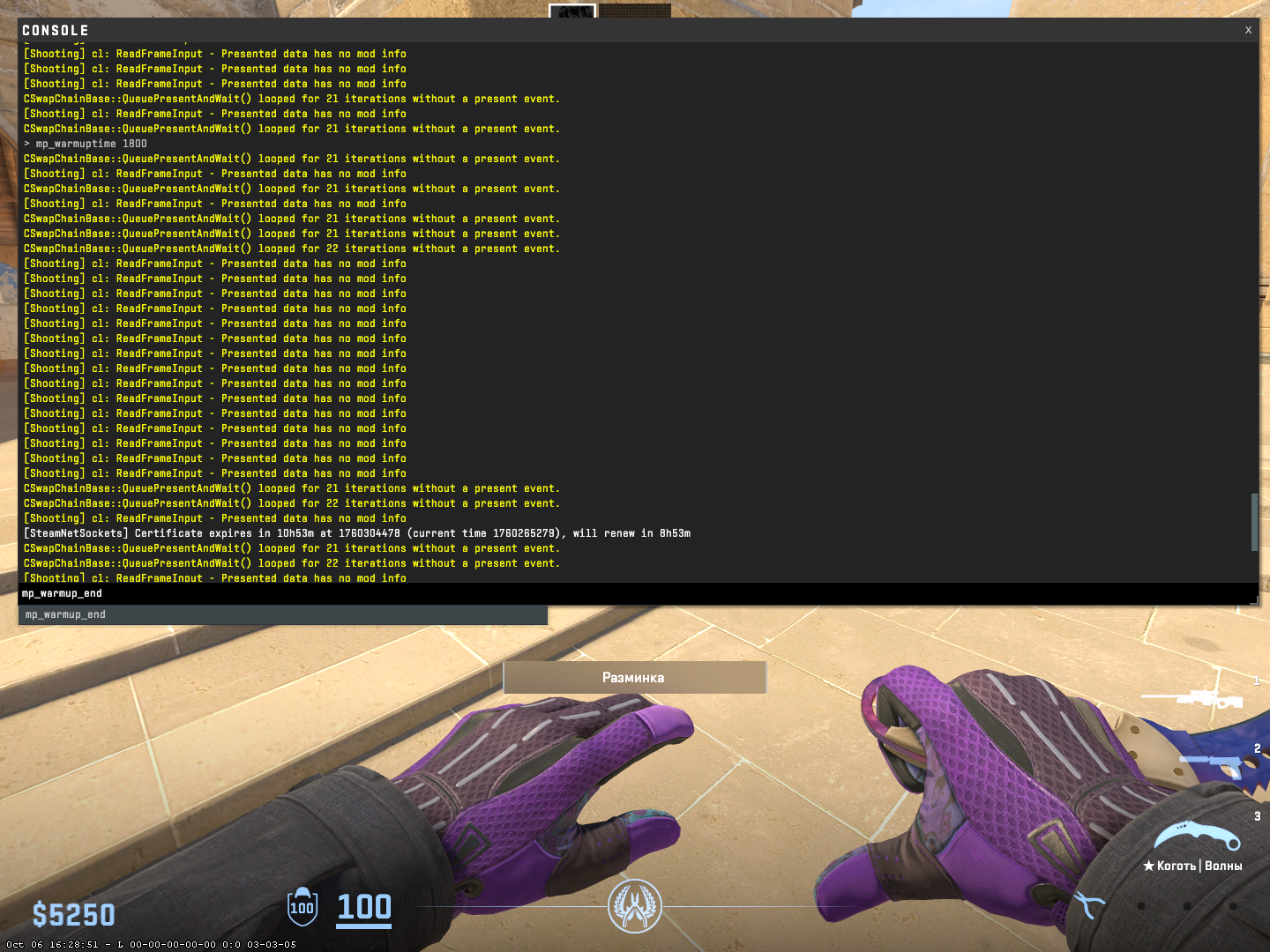
To immediately end warmup, use the command:
mp_warmup_end
It instantly stops warmup and starts the match (if provided by the mode). This is convenient if you accidentally activated warmup or simply want to start playing immediately. This command is often used in 5v5 matches on a server when everyone has already connected and there's no point waiting.
If mp_warmuptime is set to a large value (for example, 999999), the only way to stop warmup is mp_warmup_end. After this, you can continue the match or restart it again (mp_restartgame 1).
What to Do if Commands Don't Work?
There are cases when warmup commands are simply ignored. This most often happens in the following situations:
Console is not enabled in settings.
Game is launched in a mode where commands are prohibited (official match).
Map doesn't support custom settings.
sv_cheats is not enabled (if using a special mode).
To fix the situation, you need to:
Check console activity.
Make sure you're in a local game or on your own server.
If necessary, enter sv_cheats 1.
Restart the match through mp_restartgame 1.
These are basic actions that solve 90% of warmup problems. If commands continue to be ignored, check map settings and launch configurations (including parameters in Steam).
How Players Use Warmup in Training?
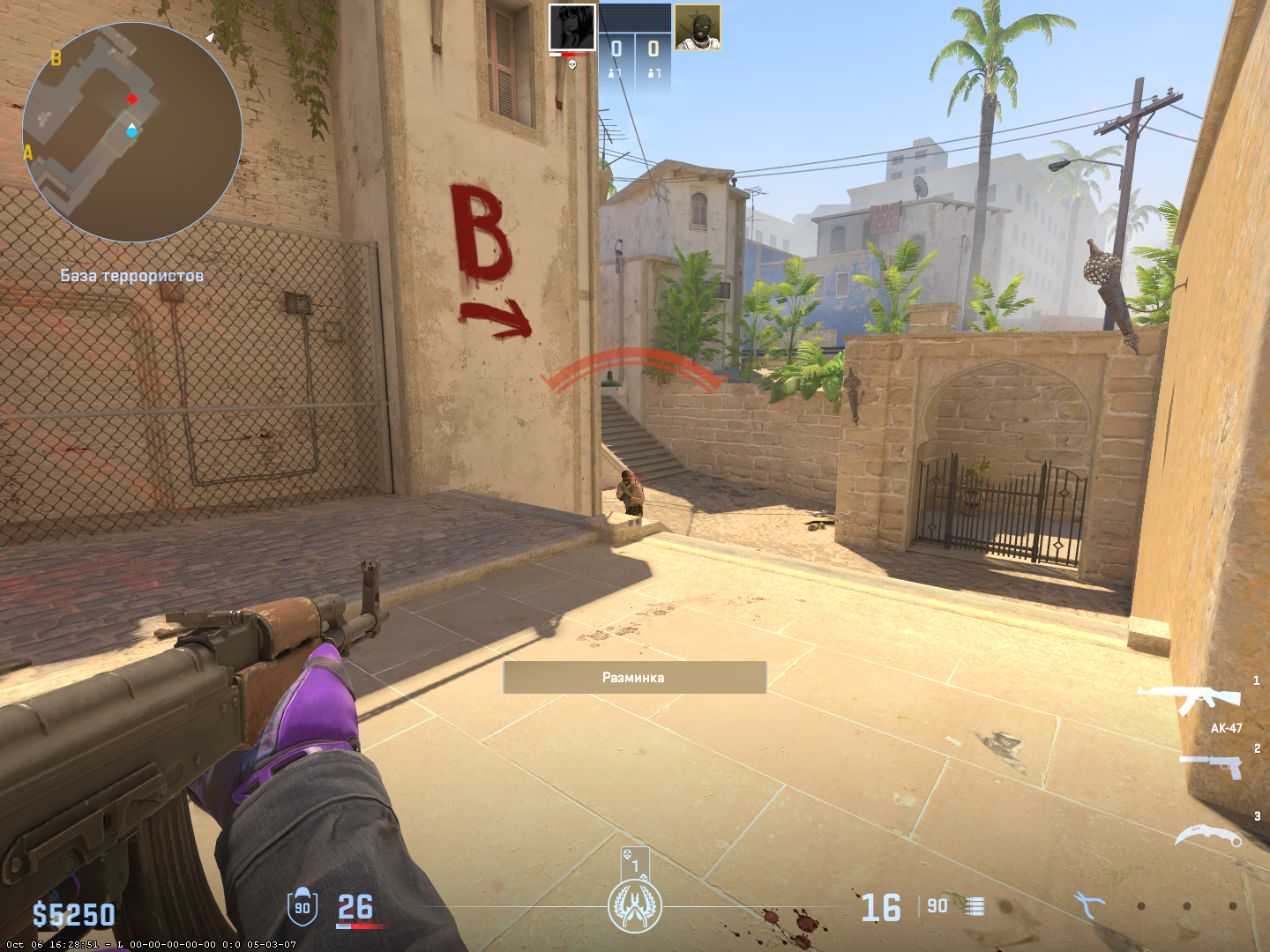
Warmup isn't just a technical stage, but one of the most important preparation tools. Pro players use it as a means of adjusting aim, movement, and mindset before a game. Even if a match is in 10 minutes, they load into a map, start warmup, and train specific techniques.
Here are several popular scenarios:
Shooting bots with unscoped weapons (Deagle, AK-47).
Quick AWP reactions—flick shots and pre-aim.
Testing grenade lineups on Mirage or Overpass.
Movement training with BunnyHop (on special maps).
Checking viewing angles and fps at different map locations.
Such warmup reduces nerves and helps the body "remember" all movements. This is especially important on Source 2, where mechanics feel slightly different than in CS:GO.
Warmup Commands Table for CS2
Purpose | Command | Explanation |
Set duration | mp_warmuptime X | X—in seconds |
Start warmup manually | mp_warmup_start | Enables warmup |
End warmup | mp_warmup_end | Interrupts warmup |
Restart game | mp_restartgame 1 | Reapplies all settings |
Frequently Asked Questions
Can you make warmup just for yourself, without other players?
Yes, in bot mode. Settings can be adapted for solo training.
Why doesn't warmup start?
Check sv_cheats, restart the game.
Do commands work in Premier/MM?
No, only in custom sessions, local matches, or on a server with rcon access.
Can you make warmup with specific weapons?
Yes—in combination with spawn commands (give weapon_ak47, etc.).
Why Proper Warmup is More Than Just a Habit
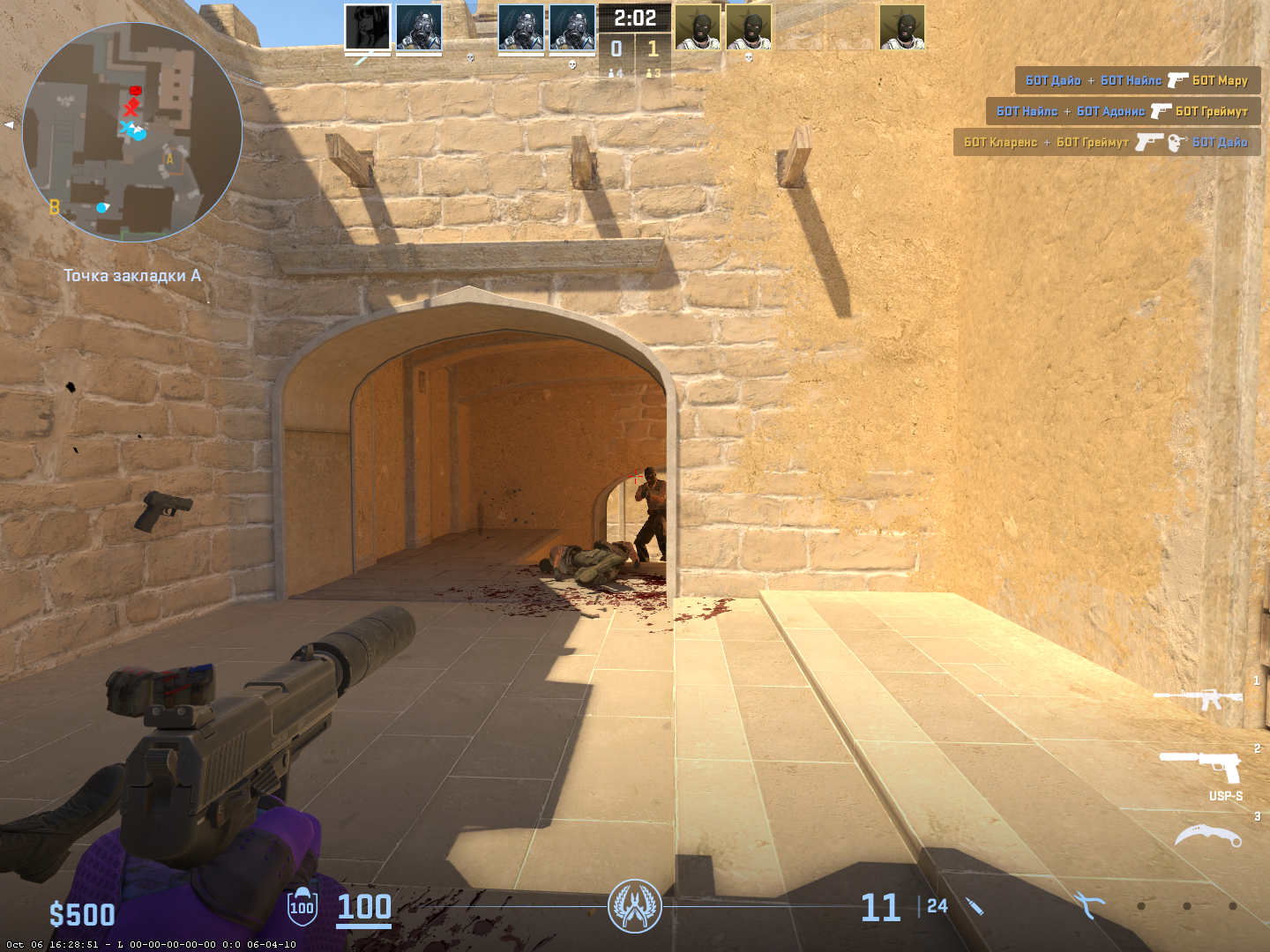
In CS2, many new tools have appeared, but the basic warmup mechanics have remained almost unchanged. However, their importance has grown: now every player can determine how to train, when to start the match, and what to check in warmup. The ability to set up warmup in CS2 manually allows you to customize the game for yourself—whether it's 10 seconds before a scrim or 30 minutes practicing reflexes.
A well-structured warmup isn't a formality. It's the foundation of confident aim, stable reactions, and tactical composure in the game. That's why you shouldn't just launch warmup out of habit, but use it smartly: as a personal training module, fully adapted to your playstyle.
