


If you don’t like the standard position of a knife or weapon, you can use a parameter such as customizing your hands in CS GO. Among gamers, this technique is better known as a viewmodel.
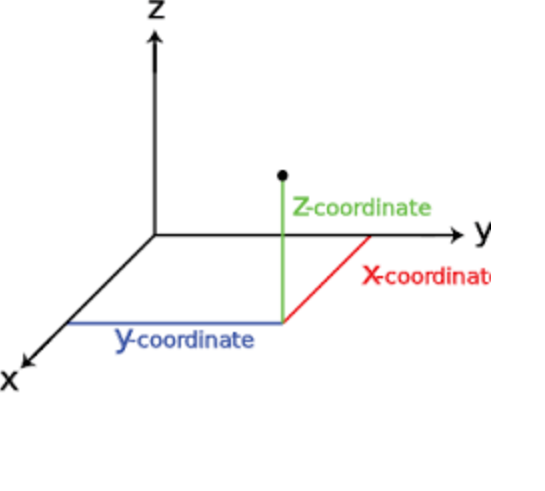
The topic is not the simplest, since adjusting the position of the hands in CS GO rests on a three-dimensional model based on a coordinate grid along three axes:
viewmodel_offset_x — Viewmodel's x-axis position. From -2 to 2.5. The weapon moves from left to right. Great emphasis is placed on the position of the butt, while the front sight remains in place. Essentially, these are changes to the hand display style;
viewmodel_offset_y — Viewmodel's y-axis position. From -2 to 2. The parameter is responsible for the visual display of arm length on the screen, i.e. visually stretches or shortens the wrists and forearms;
viewmodel_offset_z — Viewmodel's position on the z axis. From -2 to 2. Allows you to either lower the weapon so that only the barrel sticks out, or raise your arms as high as possible. It’s clearly not worth getting carried away with maximum values.
We agree, the information is difficult to understand, but we will try to explain the principle in as much detail and clearly as possible.
Basic Commands
First, let's look at the standard commands for setting up hands in CS GO. Let's start with the first — viewmodel_presetpos. It shows a layout identical to the game menu. There are three configuration options:
1 — standard position;
2 — hands are enlarged;
3 — classic look like in CS 1.6.
Registered in the console as viewmodel_presetpos 1 (2 or 3).
Next are the commands to change the position of the hands on the screen:
cl_righthand — the weapon is located on the right side;
cl_lefthand — weapon on the left.
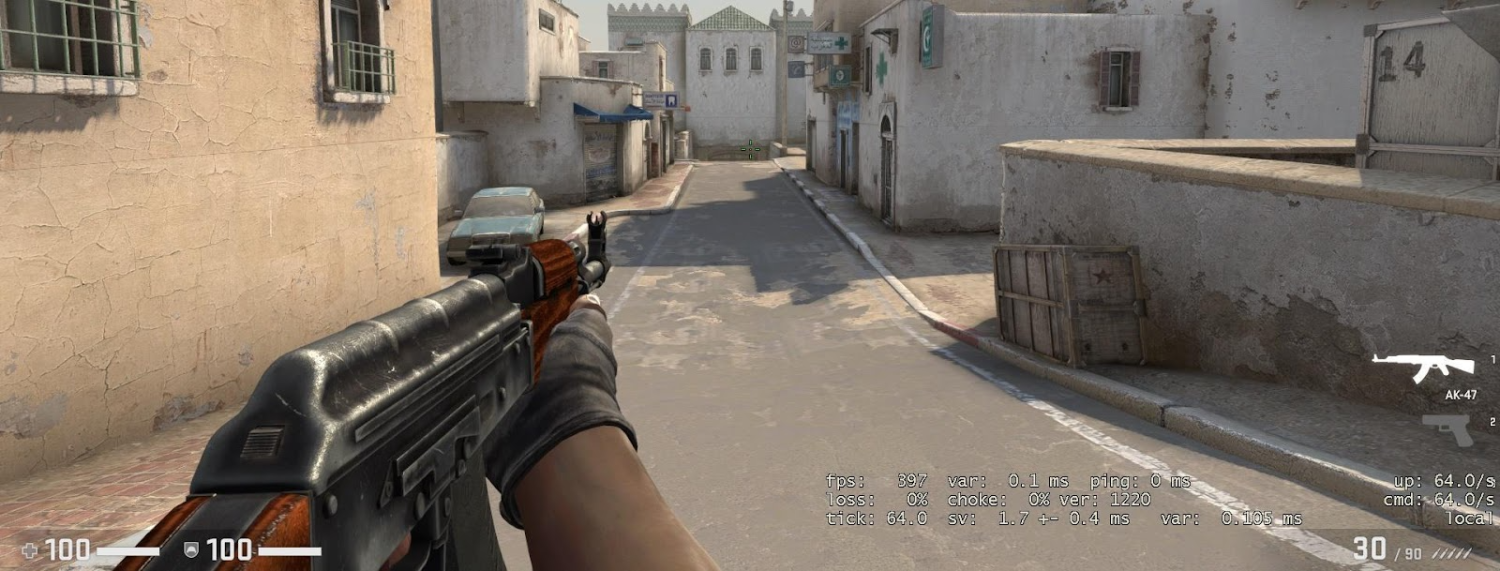
For those for whom dynamically approaching limbs during movement can cause discomfort, the developers have provided the cl_bob_lower_amt command.
The range of values can be adjusted from 5 to 30 units (the number is added after amt separated by a space). The lower the indicator — the less shaking.
Similar functions are performed by another command — viewmodel_fov. However, it allows you to zoom in or out on the player's camera.
This set of standard commands allows you to perform detailed configuration of hands in CS GO via the console.
Presets for Beginners
If you don’t want to tinker with the settings yourself, or want to rely on ready-made templates for adjusting hand placement in CS GO, we offer several options:
Central position of the weapon, hands as far away from the screen as possible:
viewmodel_offset_x -2
viewmodel_offset_y 2
viewmodel_offset_z -2
viewmodel_fov 68
Full shift to the right side, also the most distant position of the hands:
viewmodel_offset_x 2
viewmodel_offset_y 2
viewmodel_offset_z -1
viewmodel_fov 68
Slightly modified standard layout:
viewmodel_offset_x 1
viewmodel_offset_y 2
viewmodel_offset_z -2
viewmodel_fov 68
Another custom variation:
viewmodel_offset_x 2
viewmodel_offset_y 2
viewmodel_offset_z -2
viewmodel_fov 68
Non-standard example with high hand position:
viewmodel_offset_x 2
viewmodel_offset_y 2
viewmodel_offset_z 2
viewmodel_fov 68
Removing Fluctuations
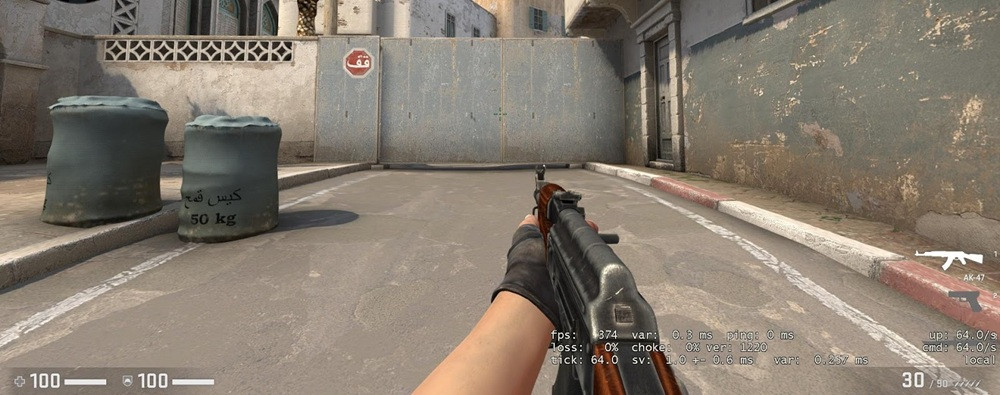
Realism in CS GO regarding the physics of limb behavior is commendable. But not everyone likes it. Therefore, the developers allowed gamers to independently control the “shaking” weapons both in running mode and when walking.
Vibrations while holding down the Shift key:
cl_viewmodel_shift_left_amt 0.5
cl_viewmodel_shift_right_amt 0.25
Vibrations during classic running:
cl_bob_lower_amt 5
cl_bobamt_lat 0.1
cl_bobamt_vert 0.1
cl_bobcycle 0.98
Cards for Customizing Hands in CS GO
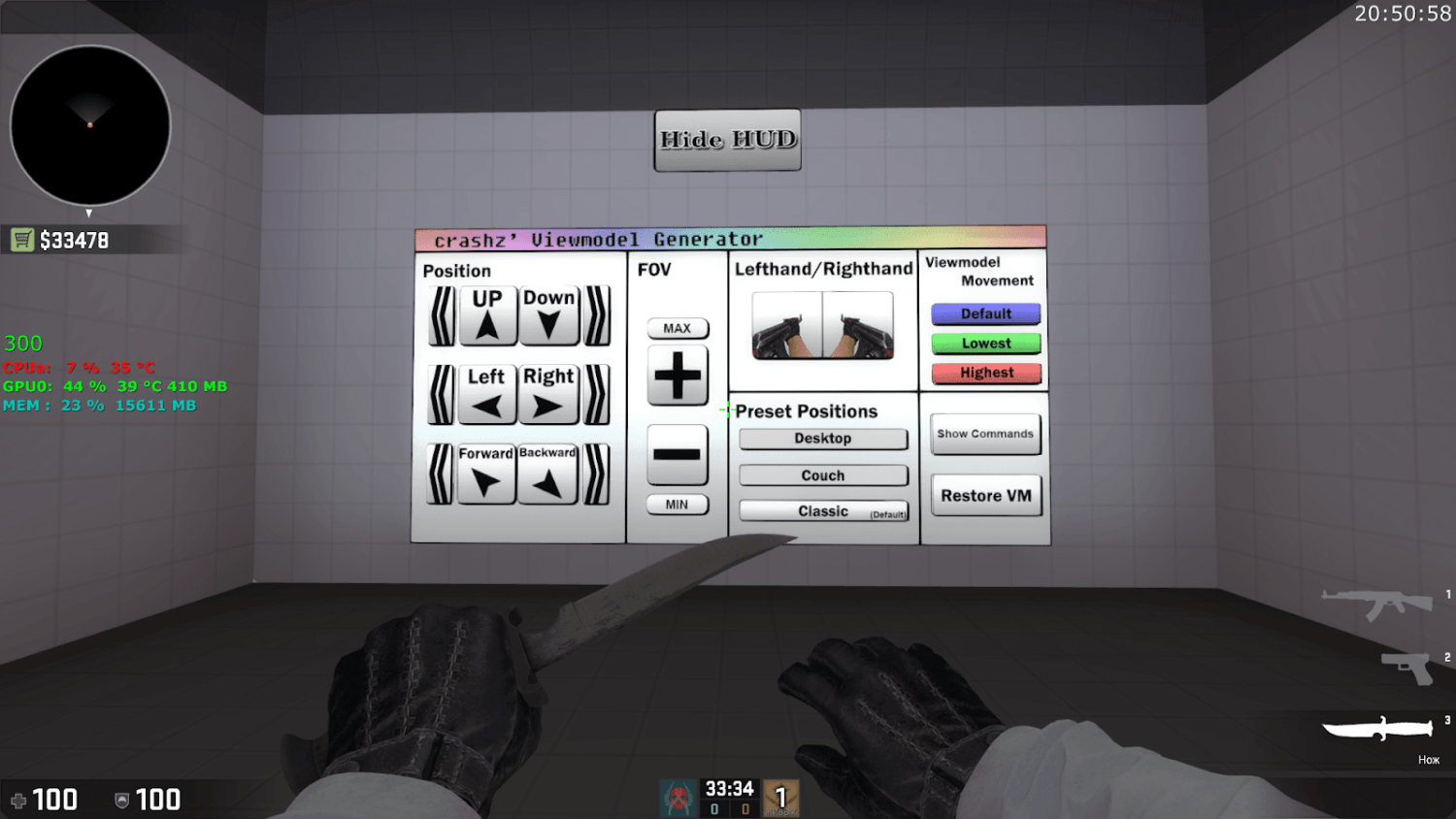
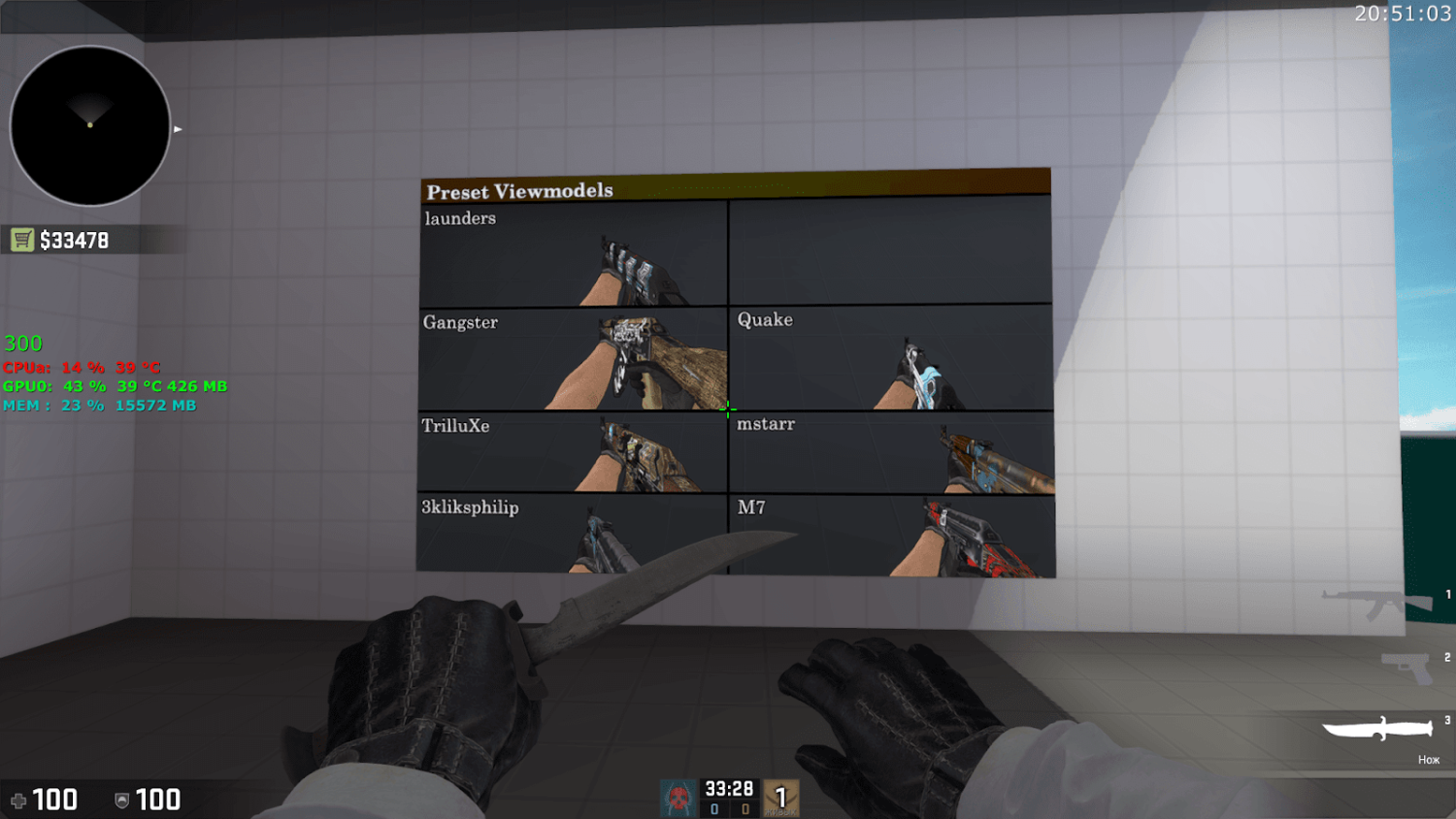
In the Steam Workshop you can find a lot of training cards for adjusting the position of weapons on the screen.
crashz' Viewmodel Generator — one of the best options. Installation instructions can be found here.
Simple’s config:
viewmodel_fov 68
viewmodel_offset_x 2.5
viewmodel_offset_y 0
viewmodel_offset_z -1.5
viewmodel_presetpos 3
cl_viewmodel_shift_left_amt 1.5
cl_viewmodel_shift_right_amt 0.75
viewmodel_recoil 0
cl_righthand 1
Crosshair:
cl_crosshairalpha 255
cl_crosshaircolor 0
cl_crosshairdot 1
cl_crosshairgap -999
cl_crosshairsize 1
cl_crosshairstyle 4
cl_crosshairusealpha 1
cl_crosshairthickness 1
cl_crosshair_drawoutline 0
cl_crosshair_sniper_width 1
cl_crosshaircolor_b 0
cl_crosshaircolor_g 255
cl_crosshaircolor_r 0
We hope the information was useful. If you want to read more cool materials, visit the LIS-SKINS blog more often. We regularly publish guides on your favorite shooter.
