


If you were scammed out of skins in CS2, you have 7 days to undo the trade: since 2025 Steam lets the sender revert any CS2 trade from their trade history, as long as the deal went through Steam. Once that window closes, or if the items left your account some other way, Steam Support does not restore lost items, though it will ban the scammer after a report. If your account was hacked, recover access through Steam Support first and deal with the skins after that.
Below we cover how to avoid scams when trading, where to report them, when skins can still be recovered and what to do if your account is stolen. One rule applies throughout: evidence (chat logs, screenshots, profile links) greatly improves the chances that support will side with the victim.
Appealing to a scammer's conscience is pointless. Before accepting a deal that looks too good, check the other person's profile: Steam level, account age, comments and whether the inventory is public. Keep your chat history: even if the items cannot be recovered, it lets Steam ban the scammer's account.
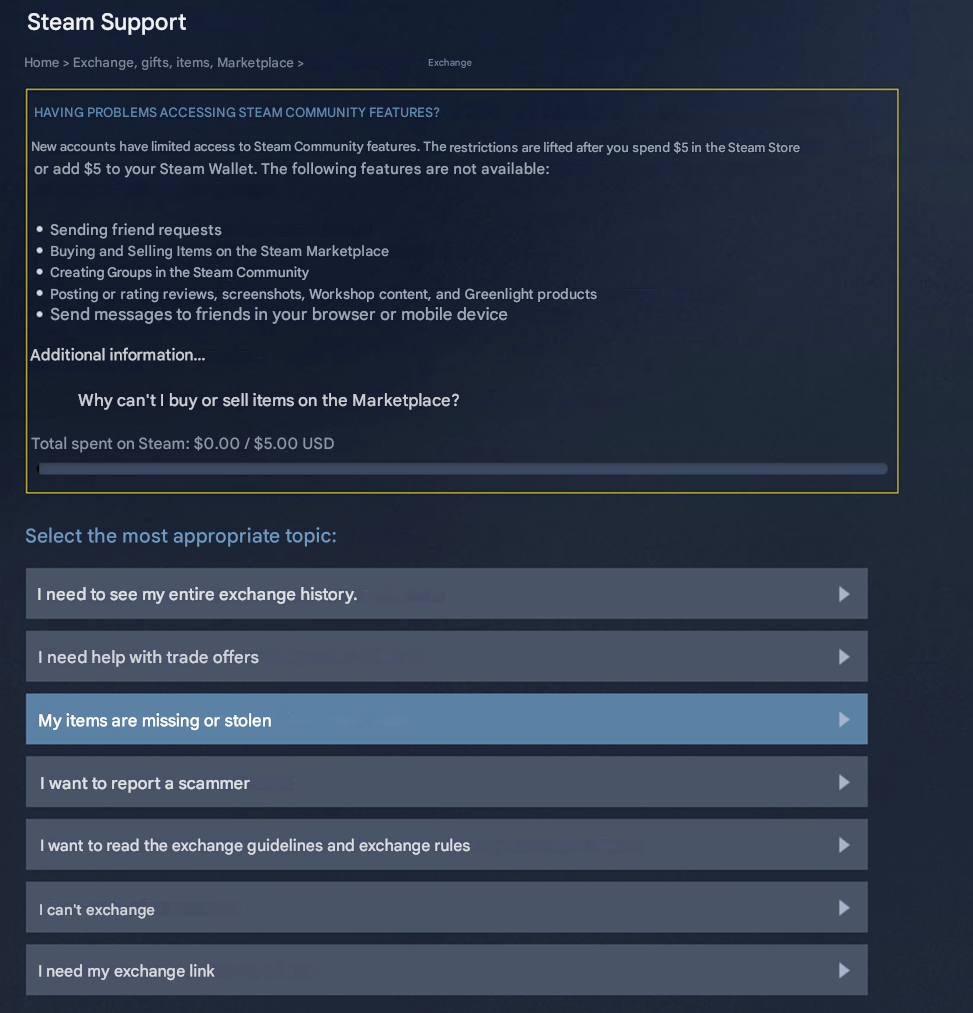
How to Avoid Getting Scammed When Trading
Most scams rely on haste and greed. A fixed routine is the best protection:
Never rush. There is no such thing as a $100 Dragon Lore or a $100 knife. If the other side pressures you or suggests finishing the deal on a third-party site, end the conversation.
Do not accept a "middleman." Reputation on third-party platforms is easy to fake. The only acceptable intermediary is someone you have dealt with before, or nobody.
Check the items in the trade window carefully before confirming: name, wear, pattern, stickers. Swapping in a similar but cheaper skin is a common trick.
Do not consider trades outside Steam at all, whatever the excuse: "my skins disappeared," "I do not trust Steam," "I have my own site."
Never enter your Steam login on third-party sites and never share your API key: that is how the Steam API scam works, where the scammer replaces your trade offer with their own.
When trading a rare skin, do not trust even a friend who suddenly asks to borrow it "for a couple of games." Check the profile: scammers copy nicknames and avatars, so you may see two identical profiles in your friends list.
A note on Trade Protection: whoever gave away items can revert the deal within 7 days. Some scammers exploit this by sending you a skin, taking payment outside Steam and then reversing the trade. That is why selling skins for money outside Steam, or on sites without deal protection, is not worth the risk. Read more about how Steam Trade Protection works.
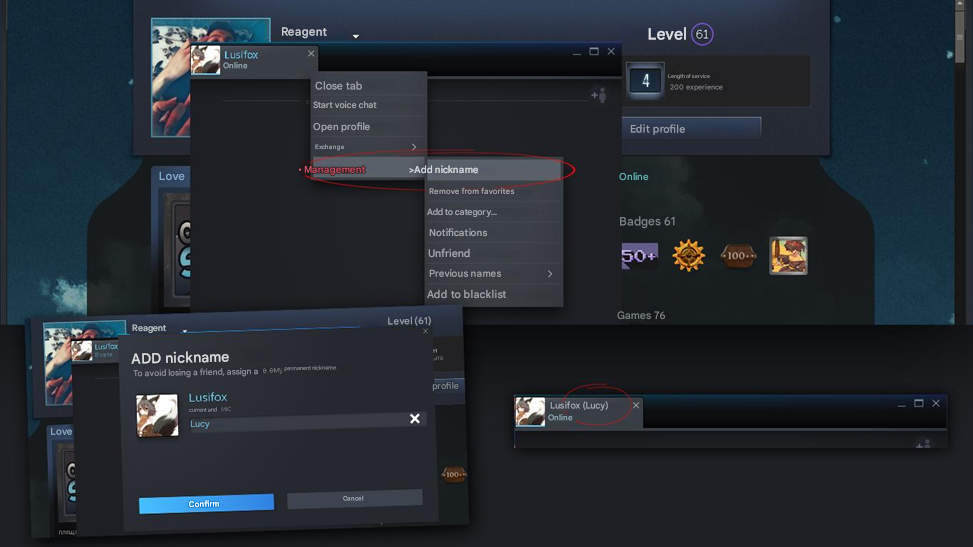
What to Do If You Were Scammed
If the scam has already happened, first check whether the trade can still be reverted: open your Steam trade history and find the deal. If fewer than 7 days have passed, you can get back the items you sent. Then report the scammer:
open the scammer's Steam profile;
click the More button in the top right;
select Report Player;
pick the matching reason (scam attempt, trade fraud);
describe what happened in detail and submit the report.
The more detail and evidence you provide, the faster support can handle the case. Attach chat screenshots, the profile link and the trade date: this makes it easier for a person to review the report instead of sending a template reply.
Getting Your Items Back
Can you get skins back after a scam? Through Steam Support, almost never: Valve has long followed a policy of not restoring items lost in trades. Item restorations were abused in the past to duplicate rare skins, which hurt the market economy. So today there is only one real way to recover items: revert the trade yourself within 7 days through Trade Protection.
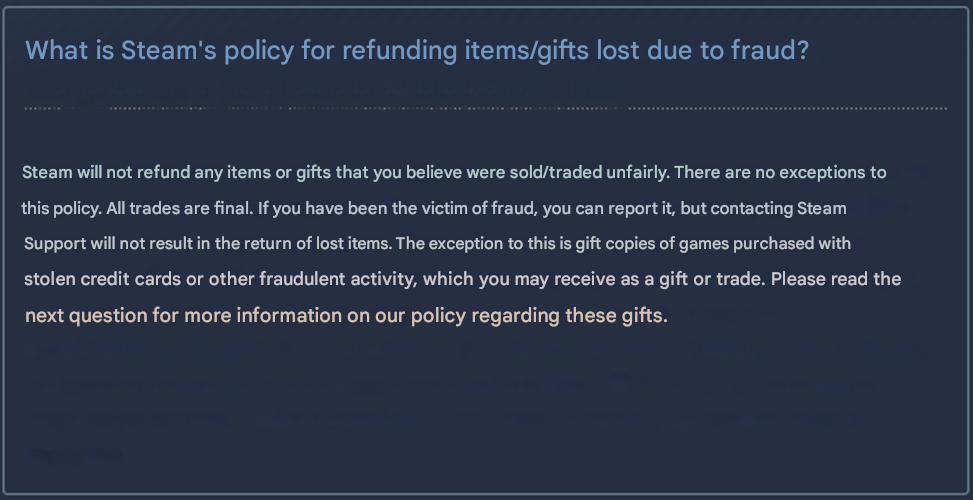
If the window has passed, Steam will ban the scammer's account and trading after a report and check who else they targeted. That will not return your items, but it stops further scams. We also have a separate guide on how to protect your inventory from scammers.
What to Do If Your Account Is Hacked
A stolen account is a different situation. It usually happens after logging in through a fake Steam page on a "free skins" site, clicking a phishing link from a message or a leaked password. Cases like this appear among the biggest hacks in the skin market too.
To recover an account with skins, you have to prove it belongs to you. The skins can only be saved if they have not yet been moved to another account. Have your original email, linked phone number, game keys you bought and Steam purchase details ready.
Start by restoring access:
on the Steam login screen, click "Help, I can't sign in" or open help.steampowered.com;
choose the option saying your account was stolen;
enter the email, phone number or account name you remember;
if the email has already been changed, choose "I no longer have access to this data." Otherwise a confirmation code will be sent to your email.
The system will then ask you to fill in a form proving account ownership.
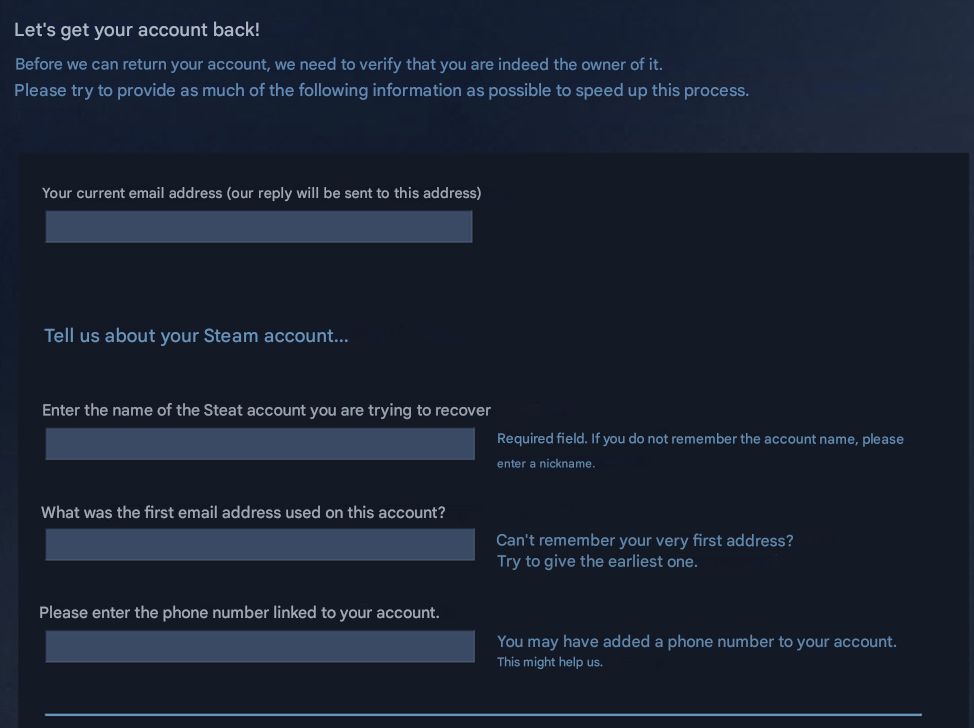
Fill it in as completely as possible. The strongest evidence is game keys you bought, transaction IDs and Steam purchase receipts. How complete the form is affects both the response time and the chance of recovery. Once you are back in, change your password right away, turn on the Steam Guard Mobile Authenticator and revoke any API key you did not create.
FAQ
Can you get skins back after a trade scam?
Yes, if fewer than 7 days have passed since the Steam trade: you can revert it from your trade history. After that, Steam Support does not restore items.
Where do you report a scammer on Steam?
Open the scammer's profile, click More and Report Player, describe what happened and attach evidence. Steam can ban their account and trading.
How do you protect your skins from scams?
Trade only through Steam, check items in the trade window, never enter your login on third-party sites, never share your API key and turn on the Steam Guard Mobile Authenticator.
