


We have updated the process of purchasing skins to make it more convenient for you!
How the purchase was arranged before:
If the user bought skins with a hold, after discharging, they were sent to him automatically. Moreover, if the user had problems with the trade link, his inventory turned out to be private, or some other error occurred, the transaction was canceled and the funds were returned to the buyer. After that, he had to complete the purchase again.
How everything works now:
If you bought a skin with a hold, after the release the trade will not be created automatically. You will need to go to the website Lis-Skins.com and click the “Pick up skin” button.
The system will check your Trade URL and the availability of your inventory, and only then will create a trade. Accordingly, if something goes wrong, for example if you left your inventory private, you will receive an error message. Correct it and try to create a trade again, and if you have any questions – contact support. Now, in such a situation, you will not need to make a purchase again, risking missing out on the skin you liked.
If everything is in order, then everything is as usual - the system will send you a trade, which you will need to accept through your browser or the Steam application.
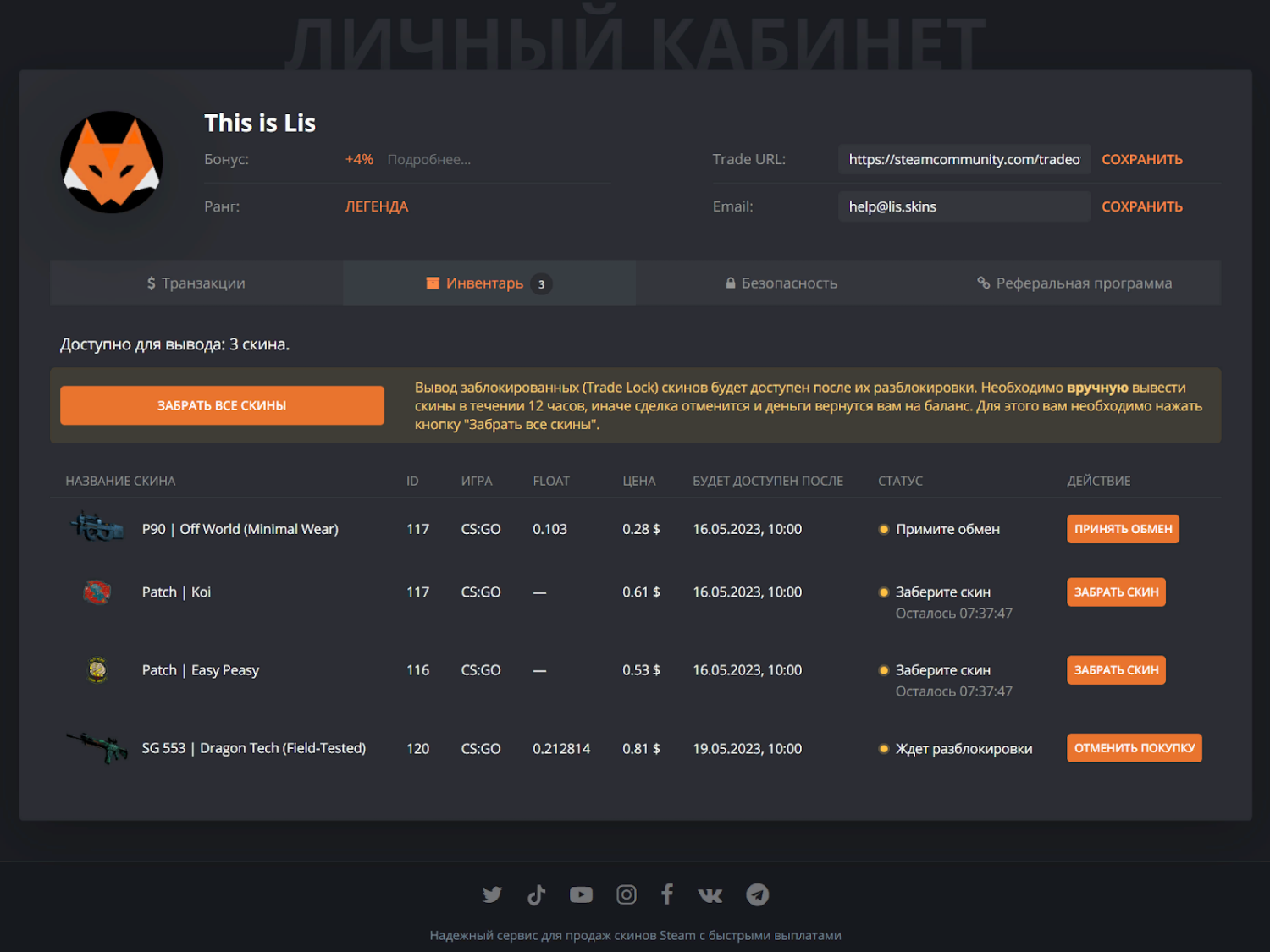
Now in your Personal Account there is an “Inventory” tab with information about all the skins you purchased, indicating the status:
- skins without hold;
- skins from which the hold has been removed, but you have not taken them yet;
- skins that are currently in hold.
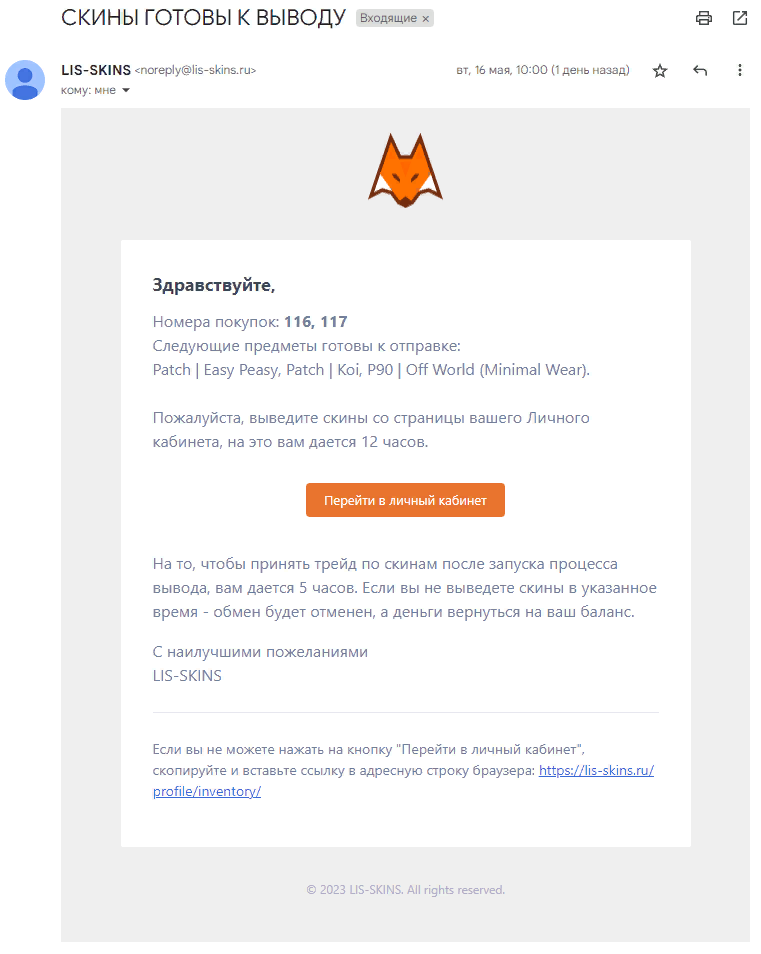
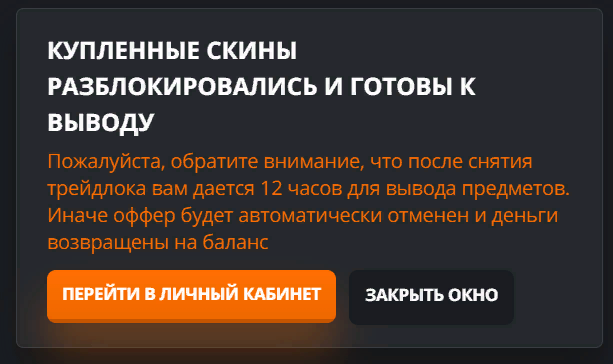
Please note:from the moment the skin is released, you will have twelve hours to claim it. So that you don’t miss anything, we will send a letter about the release to your email and notify you with a notification on the website.
Happy shopping!
