


No, an iron does not fix input lag: it is a meme that spread through the Russian-speaking CS2 community in February 2024 after jokes from streamers and pro players. A running iron does nothing to in-game input delay; real input lag usually comes down to PC, game and peripheral settings.
Input lag is a genuine concern for many esports players, especially in CS2, where fractions of a second decide fights. Players often blame their hardware for losses, and that is where the iron joke came from. Below we look at how the meme started, which well-known players joined in and what is actually behind complaints about lag.
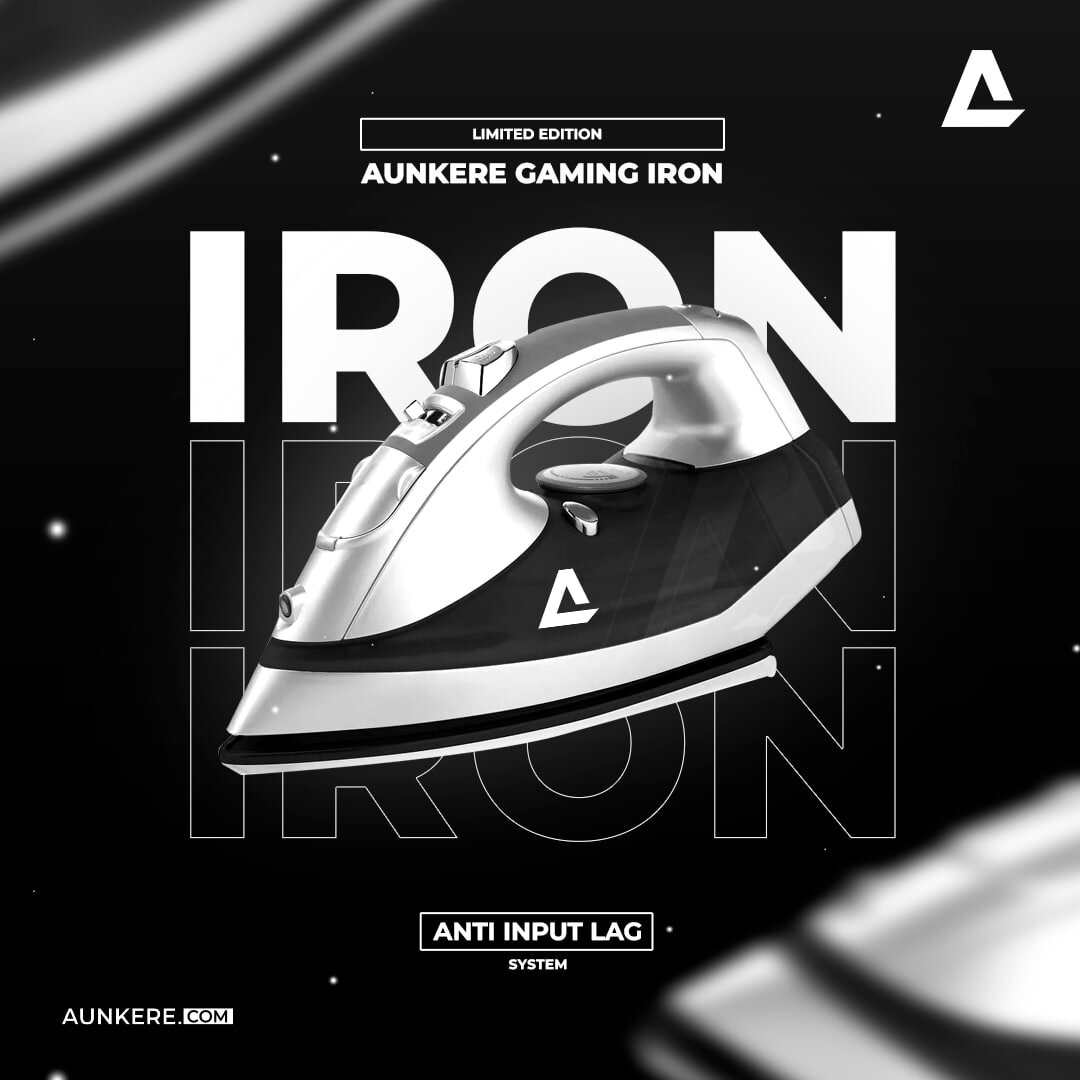
The joke went like this: who would have thought it, an iron can smooth out input lag. Aunkere, a streamer who also owns a gaming accessories store, offered the device as a comic prop for a gamer's desk. One of Dmitry "Recrent" Osintsev's followers mentioned that there was less lag with the iron switched on.
Evgeniy "Aunkere" Karjat posted a photo of a "gaming iron with input lag protection." The Aurora team announced a giveaway of three irons, and Denis "deko" Zhukov published a list of purchases that should help him deal with input lag. The list included two extension cords, a gasoline generator and the notorious iron.
Memes followed, and s1mple, one of the best-known players in Counter-Strike history (we covered his skin loadout separately), joined in too. Even Danil "donk" Kryshkovets could not resist the joke. During a game with s1mple, he was advised by spectators to turn on the iron to avoid lags. "We turned on three irons at once, testing now," he wrote. It was a joke, of course, and the "experiment" proved nothing.
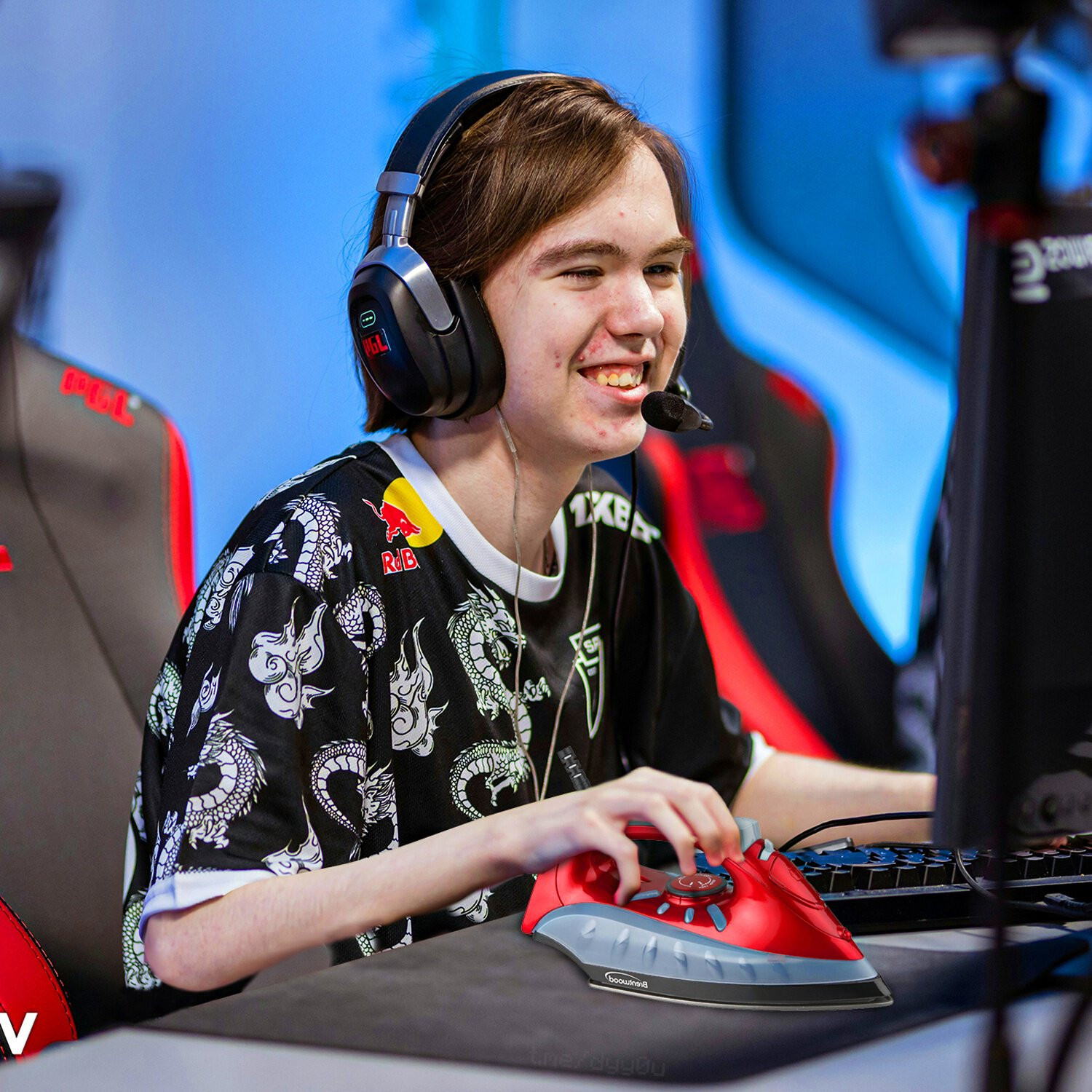
But no matter how much you joke, input lag still occurs; it may not have such a critical effect on the game, but it certainly reduces comfort. Many players have tried different fixes: new mice and keyboards, all kinds of PC tweaks, without always finding the cause.
The meme also came with a "theory": that input lag is caused by home wiring, and that the higher the load on the power grid, the more stable the current. That is not true: extra load does not make the voltage in your outlet more stable. Power or grounding problems can occasionally cause glitches in peripherals, but the fix is checking the wiring, outlets and power supply, not plugging in an iron.
If input delay really bothers you, start with the basics: update your GPU drivers, check your mouse polling rate and monitor refresh rate, close background apps and see what frame rate the game delivers. Our guide on how to enable FPS in CS2 shows how to display a frame counter, and for a pro reference point, see donk's CS2 settings.
