


There are three main ways to buy CS2 skins: on the Steam Community Market with Steam Wallet funds, on third-party marketplaces such as LIS-SKINS with real money, or by trading with other players. The Steam Market is the most familiar option, but Valve takes 15% from every sale and prices there are usually higher; on a marketplace the same skin is typically cheaper and the purchase takes a few minutes.
Below we show how to buy on each platform, which resources you can trust and how to avoid losing your account while chasing suspiciously cheap skins: offers 5 to 10 times below the market price are almost always a scam.
Official Steam Platform
Let's start with how to buy CS2 skins on Steam, since that is where most players go first. The advantages of this option:
Security. If your account is linked to an email and phone and the Steam Guard Mobile Authenticator is enabled, the transaction is safe;
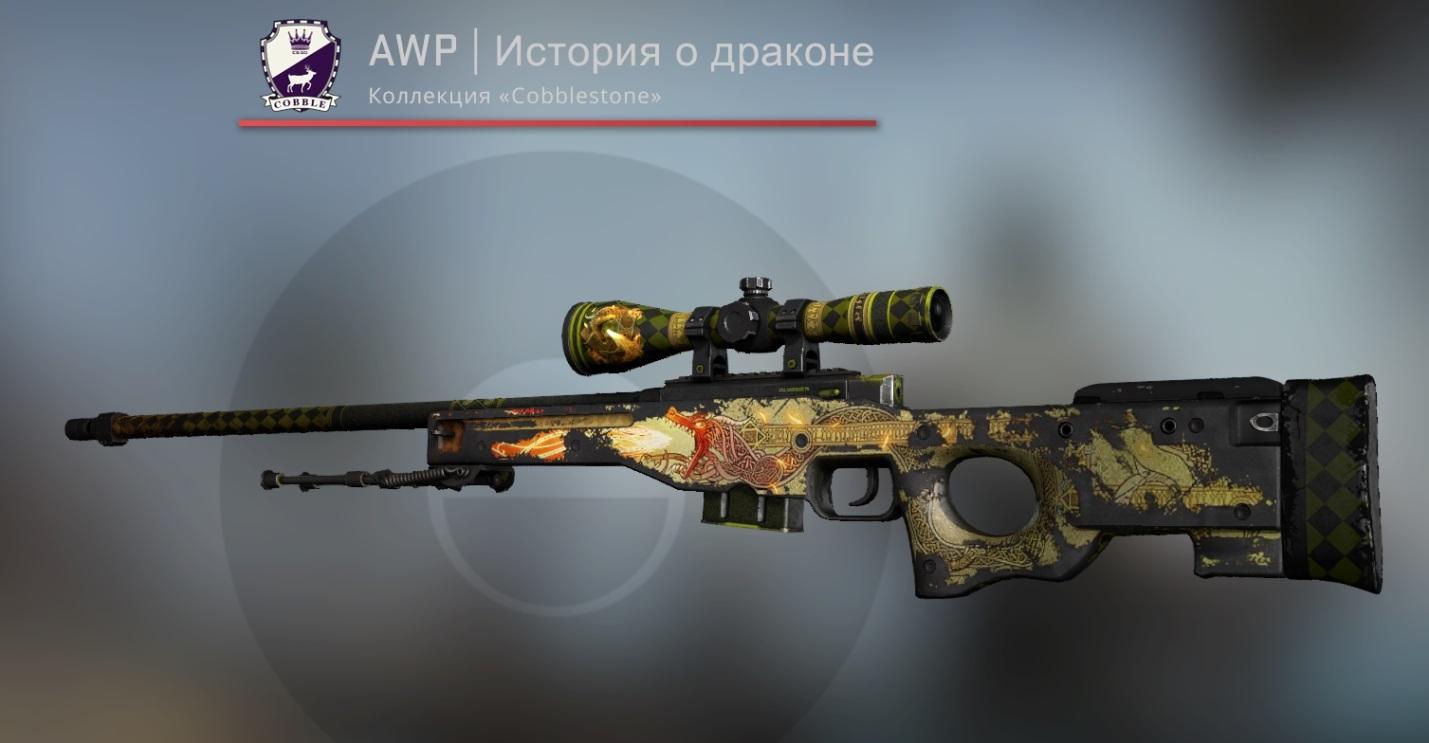
Selection. The Steam Market lists almost every item in the game. Say you want a rare AWP | Dragon Lore, which collectors around the world are chasing: even a Battle-Scarred copy costs from about $4,600, and Factory New around $11,500.
Open the Steam Market, type the name into the search and you get a list of offers for that skin. You can see the current price trend, the number of listings and other useful details such as the collection, wear and sales history. You can also inspect the item in the game to check its condition; other ways to preview a skin are covered in where to preview CS2 skins.
This is how the AWP | Dragon Lore looks in the game. Since this copy is Battle-Scarred and visibly worn, it is not the best investment, although tastes differ.
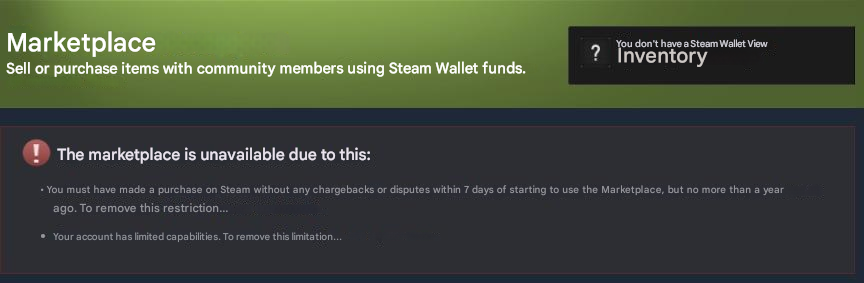
Keep in mind that the Steam Market is not available right away: your account needs at least $5 in purchases or wallet funding. Otherwise you will see a message like this.
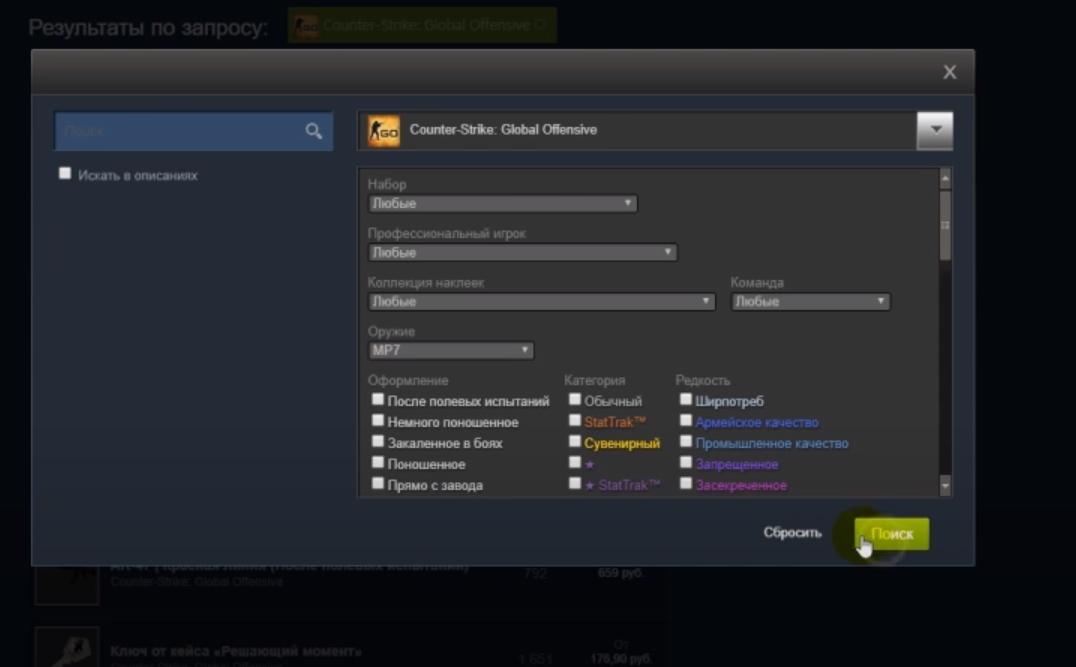
The purchase itself is simple. Go to the Market and open the advanced search, where you can set the weapon or knife model, sticker type and other parameters. Then click "Search" and pick a suitable listing.
Find the skin you need, click "Buy" and accept the Steam Subscriber Agreement. If the mobile authenticator is enabled, confirm the transaction on your phone.
The transaction is complete and the item is in your inventory.
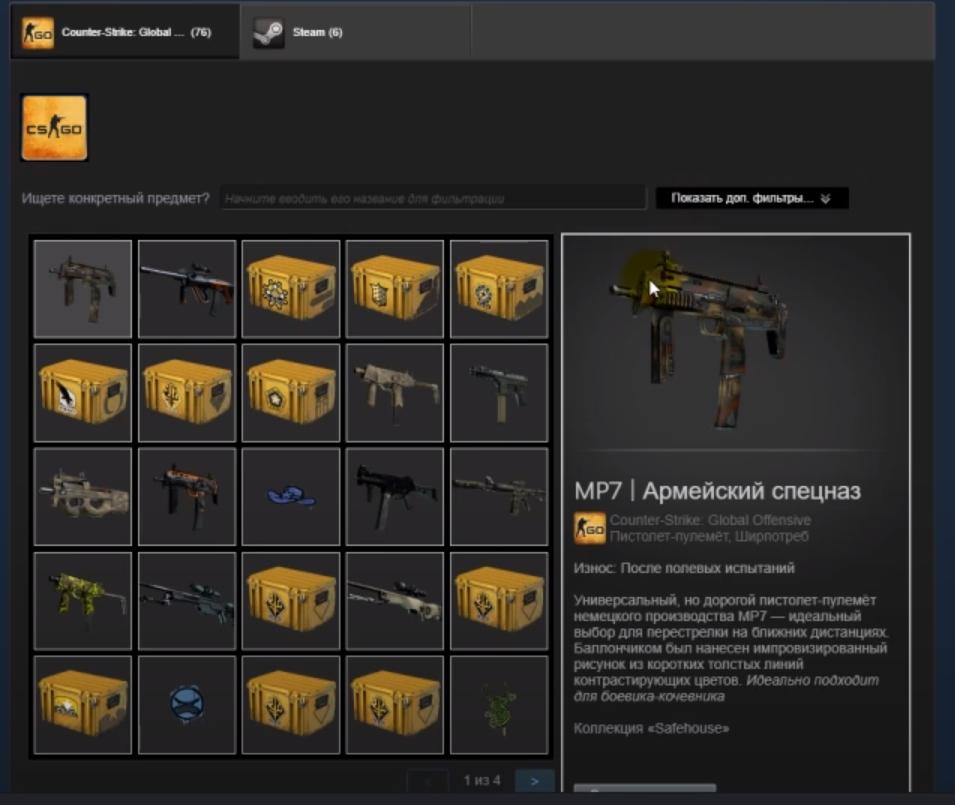
Two limits apply. An item bought on the Steam Market can be traded only after 7 days. And Steam Wallet funds cannot be withdrawn: if you resell, you get Steam balance again, minus the 15% fee.
LIS-SKINS Store
How do you buy CS2 skins on third-party services? The easiest way is our marketplace, which is built for safe purchases on the platform; a detailed step-by-step walkthrough is in how to buy skins on LIS-SKINS.
Our advantages:
regular restocking with new skins, items and stickers;
promotions and discounts;
the option to sell items you don't need and spend the proceeds on something useful;
a convenient filter and navigation system;
fast delivery to your inventory;
no additional commissions or hidden fees;
the option to inspect the item before buying.
You do not need to register or enter any confidential data to complete a purchase. Just log in via Steam (the button at the top right) and top up your balance in any convenient way:
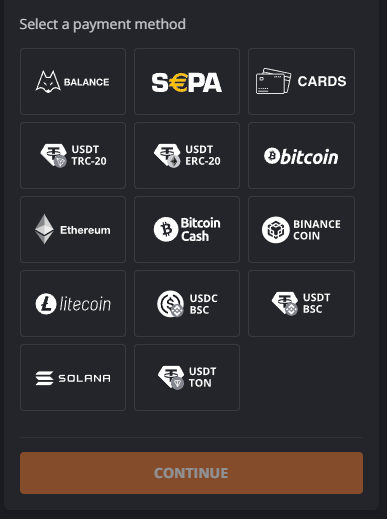
The full list of payment methods is available in your account and depends on your region.
To buy an item on our marketplace, select the weapon, knife, sticker or agent type in the "Type" filter on the left. Then narrow the results with "Rarity", "Wear" and "Other".

For example, you might be looking for a Covert sniper rifle with a StatTrak counter.
If you are looking for a specific item, reset the filters and type its name in English into the search bar (this is important).
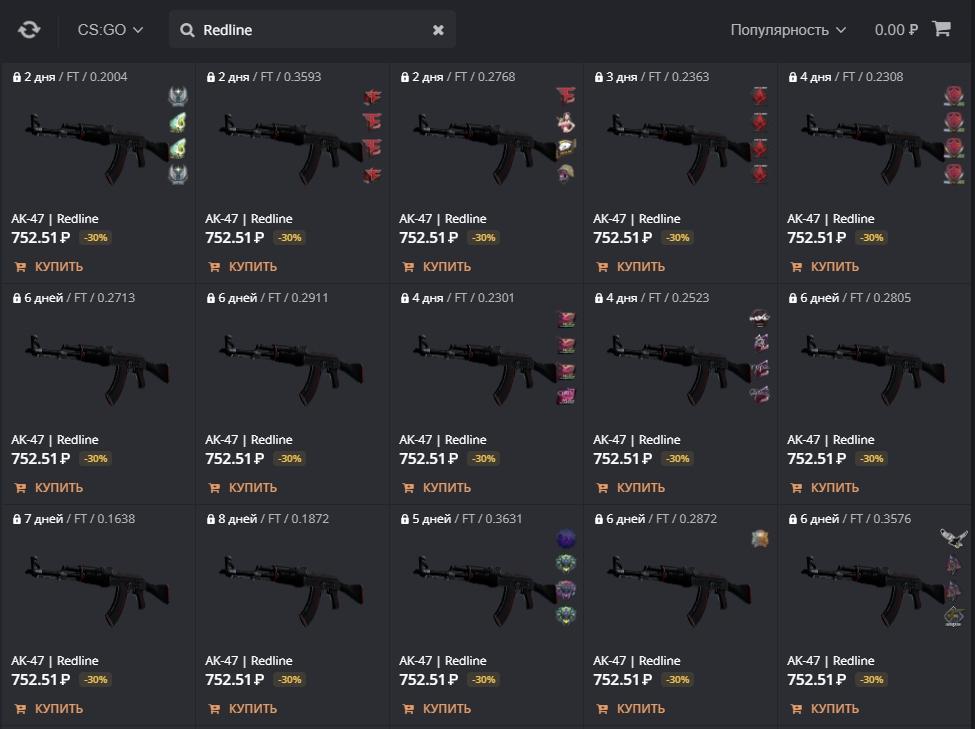
All that remains is to pick the best copy by price, wear and any other parameters that matter to you. Then click the item and add it to your cart.

You can keep shopping: the item is already reserved so that nobody else buys it by accident. When you are done, go to the cart and confirm the purchase by choosing a payment method and filling in the required fields.

Note: the minimum deposit depends on the specific payment method.
Now just wait for the bot to send a trade offer to your account with the skins. This usually takes a few minutes, depending on how busy the bots are with other buyers.
An important note on Trade Protection. Since July 2025, any CS2 trade can be reversed within 7 days, and the received items are locked for that period. That is why some skins on LIS-SKINS are sold with a countdown until they unlock, while others are sold unlocked and cost a little more. Read more about the mechanic in Steam Trade Protection explained.
Trading With Other Players
The third way to get the skin you want is to trade your own items for it through a Steam trade offer. You will need a trade link; where to find your trade link shows how to get it. Trading costs no money, but the risk is higher: check your partner's profile and the contents of the offer, never enter your Steam login on third-party sites and never share your API key. Common scam schemes are covered in how to protect your inventory from scammers.
