


Let's figure out how to change a hero in Dota 2. And now we are not talking about the draft before the start of the game, but about visual tricks. Why is this necessary? Because the same introductory drawing of the main menu over several years can be quite annoying, and you want some variety. These are the things we'll talk about. And at the same time, we'll touch on the topic of the lobby in a single-player game.
How to Change the Hero in the Dota 2 Lobby
So, you decided to test your character in the game, but at one point you got tired of him, or your priorities shifted. And then the teammates say that they don’t have a support, carry, or an offlaner.
Ember Spirit is also not very good, as it turned out.
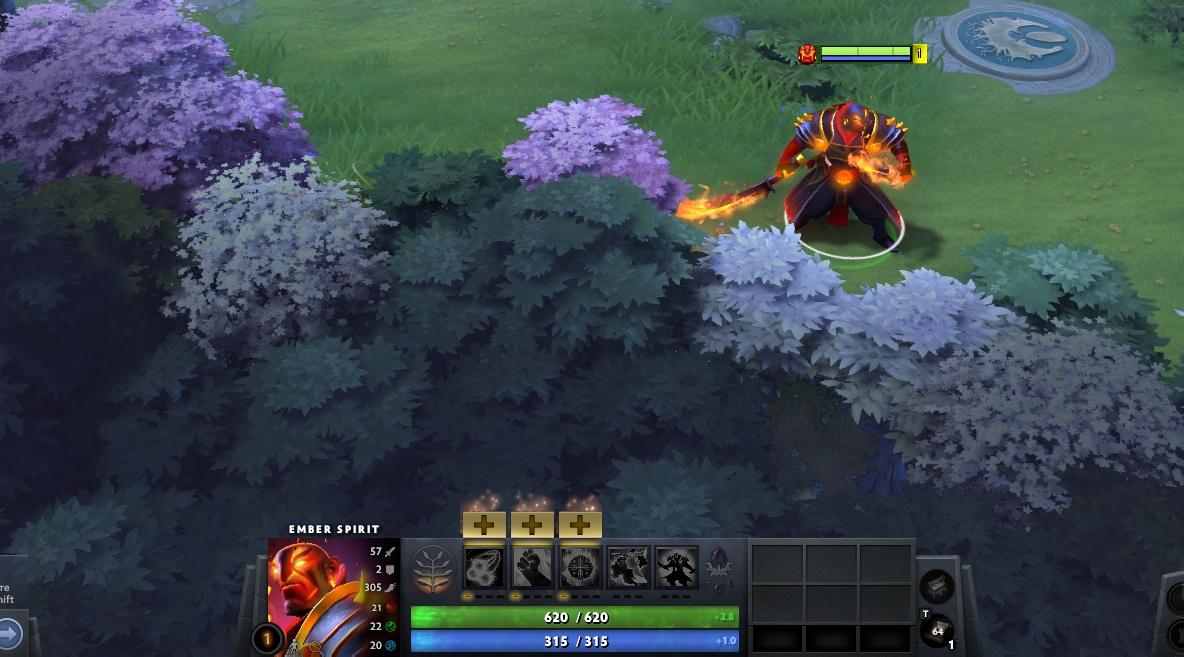
What to do in this case? Open the console with the "\" button (next to Enter, or above it) and write the command:
dota_sf_hud_force_captainsmode 1
As soon as you've made the choice — change the value to 0 in the console:
dota_sf_hud_force_captainsmode 0
That's it, the problem is fixed. No one is complaining for no reason.
How to Change Hero Video in Dota 2
Surely you are already tired of watching the same hero animations when choosing. Especially if you’ve played for a long time. Fortunately, the game engine allows changes, and the algorithm is simple.
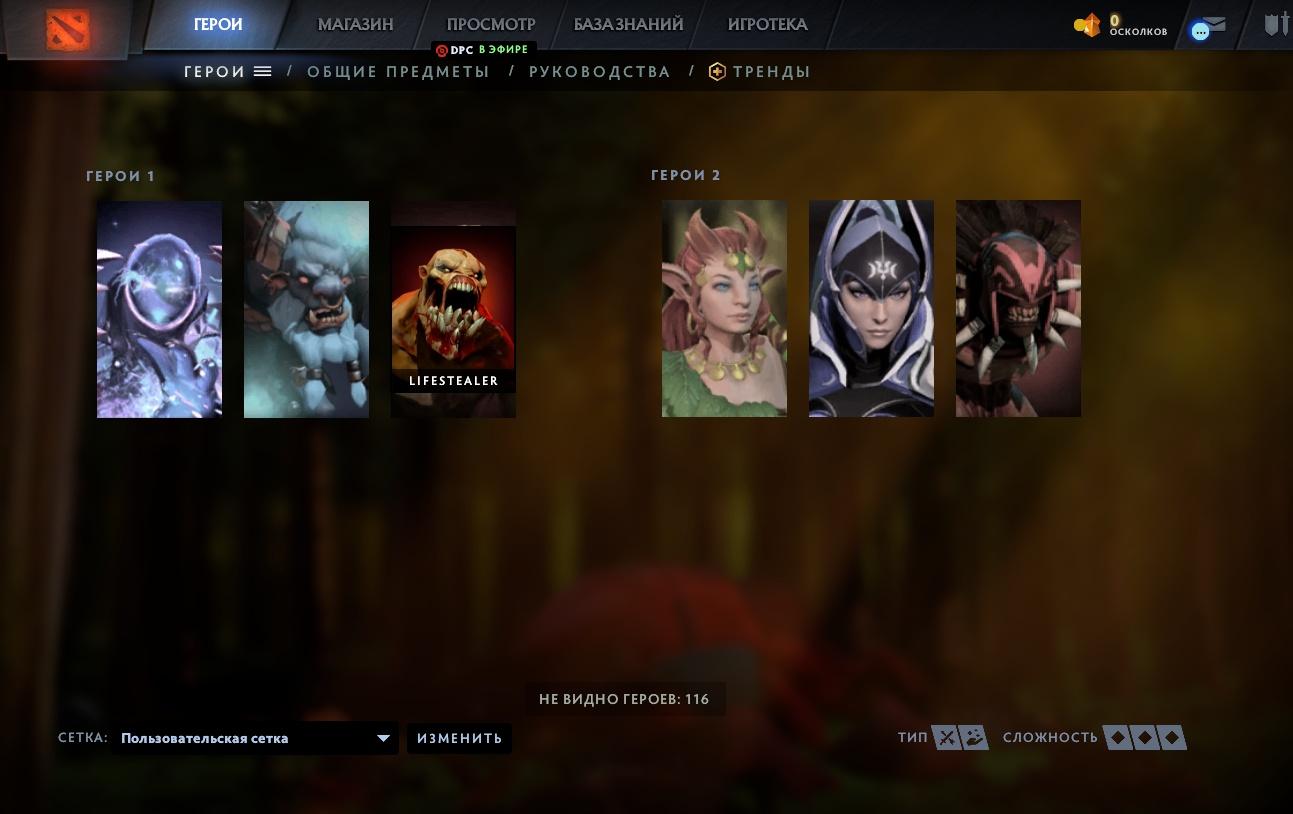
Let's look at the example of Lifestealer, although the algorithm is the same for each character. You’ll need any short video in WEBM format without sound and access to the game files.
The video can be found on YouTube or thematic platforms.
Now go to the following path:
C:\SteamLibrary\steamapps\common\dota 2\beta\game\dota\panorama\videos\heroes
The file name for Lifestealer is:
npc_dota_hero_life_stealer.webm
Before making changes, we strongly recommend saving the original file.
Now the most important thing: rename the downloaded file with the original name, save it, and that’s it.

As a result, we have a new animation with the old hero.
P.S. This trick does not work in-game, only on the main screen and during hero draft.
With one move, you change:
icon;
video presentation;
avatar;
animation;
portrait.
You can have fun with this — changes are saved instantly, no client restart required.
Removing Animations from the Main Page
Not everyone knows that the video greeting on the main screen can not only be replaced, but also removed entirely.

Experienced gamers note that this can increase FPS by 15–20 frames without changing settings. Why? It's unclear. Apparently, Valve left some engine optimizations up to the players — after all, there is a console.
And here’s how to use it:
Open the console and enter the following command:
map_enable_background_maps 0
As a result, the background will disappear completely and be replaced with black.

We recommend this for users with low-end PCs. Especially if you can’t change the hero avatar in Dota 2, which also affects FPS.
Almost any element can be customized here, if you have the time and interest.
We hope our tips help you improve your Dota account and add a few frames for smoother, more comfortable gameplay.
