


To set m0NESY's crosshair in CS2, copy the code CSGO-s5Qbj-nvF89-cJjDd-mRdSG-5Yt4N, open Settings → Game → Crosshair, click "Share or Import", paste the code and press "Import". You can also enter the console commands listed below. It is a small, static yellow crosshair with no dot, no outline and a negative gap.
Ilya "m0NESY" Osipov is one of the most productive AWPers in the game, and his crosshair is widely copied. Pros tweak their settings from time to time, so treat these values as a starting point. The rest of his config (video, mouse, viewmodel) is collected in our article on all m0NESY's settings in CS2.
The streamer and virtual sniper started playing at the age of 6. By 2019, he had already become quite well-known among juniors, and two years earlier, he achieved level 10 on Faceit. Interestingly, Ilya states that his nickname was chosen randomly and does not carry any hidden meaning.
The esports player began his journey to the top in 2019. In July of the same year, the future owner of one of CS2's most copied crosshairs joined the "NewBALLS" group and quickly became a finalist at the HardCup tournament in Zelenograd.
Career Highlights
The following year, Ilya moved to the Ztayhome team, under whose flag he won a championship organized by the well-known company Dell. And in 2021, as part of NAVI Junior, he reached the final of WePlay Academy League Season 2. In January 2022, G2 Esports signed the young talent.
Born in 2005, the player consistently claims the status of the best sniper. By his coming of age, he had already played over 18,000 hours in Counter-Strike and won 3 major competitions. His successes are linked to various original solutions that provide increased performance of his game. It should be emphasized that the m0NESY's crosshair in CS2 is a strictly individual matter. It is far from certain that it will fully suit someone else with a different style of play. However, it's definitely worth trying and getting to know. At the very least, you can adopt some original ideas and creatively rework them to form your own unique style.
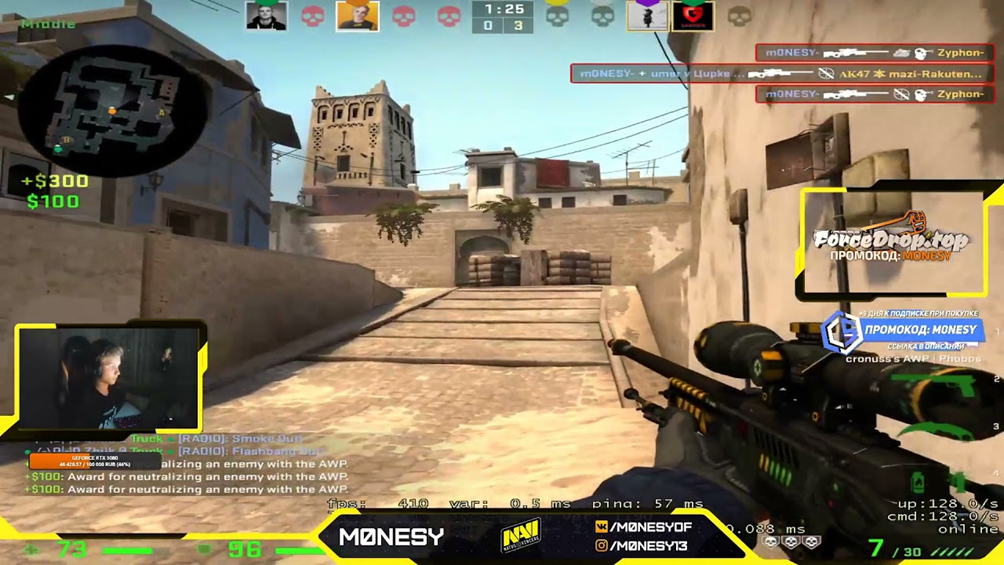
Basic Settings of m0NESY's Crosshair
It is characterized by:
a strictly static style (style 4, no expansion when moving or shooting);
the friendly-fire warning always on;
no recoil following;
yellow color (cl_crosshaircolor 2);
no center dot;
line length 2;
thickness 0;
gap -3;
alpha 253;
no outline.
No T-shape. The RGB values of 255 in the commands below only apply to a custom color; with cl_crosshaircolor 2 the crosshair stays yellow.
You can set m0NESY's crosshair in CS2 in two main ways. The most common is importing the share code: open Settings (gear icon at the top left), go to the "Game" tab and select "Crosshair". Click "Share or Import", paste CSGO-s5Qbj-nvF89-cJjDd-mRdSG-5Yt4N and press "Import". The code only carries the crosshair; sensitivity and video settings have to be set separately.
Alternative Method and Launch Options
If you use a ready-made config file instead, the steps are:
navigate to a special directory (usually located at steam/steamapps/common/Counter-Strike Global Offensive/game/csgo/cfg);
place the config file there (and keep a copy of your own config.cfg);
keep a backup of your previous config so you can roll back quickly if you do not like the new settings. The full walkthrough is in our guide on how to install a config in CS2.
You can set his launch options through Steam: go to your library and select Counter-Strike 2. For this object, call up the context menu and go to the "properties" block. In the window that appears, there will be a button to set the launch parameters. Then another window will open, where you should specify the command -freq 240 -novid -tickrate 128 +rate 786432 -console +cl_interp_ratio 1. The key one here is -console, which opens the console at launch; -novid, -tickrate and +cl_interp_ratio are leftovers from CS:GO and do practically nothing in CS2.
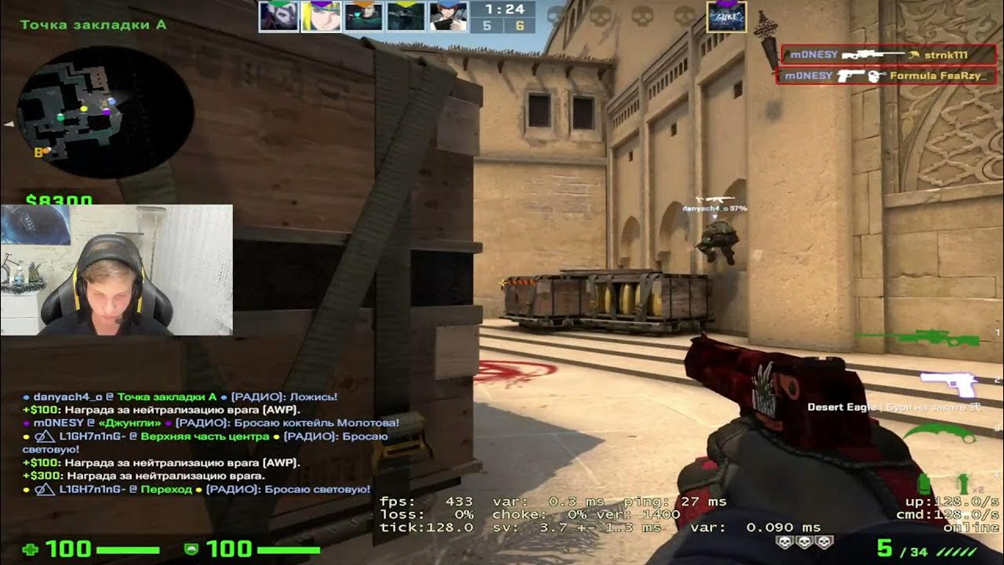
Console Commands for the Crosshair
Enter the following commands into the console: cl_crosshair_drawoutline 0; cl_crosshairalpha 253; cl_crosshaircolor 2; cl_crosshaircolor_b 255; cl_crosshaircolor_g 255; cl_crosshaircolor_r 255; cl_crosshairdot 0; cl_crosshairgap -3; cl_crosshairsize 2; cl_crosshairstyle 4; cl_crosshairthickness 0; cl_crosshair_sniper_width 1. To complete the picture, you need to set the resolution to 1280x960 and the screen aspect ratio to 4 to 3. The image on the display needs to be stretched — which is how m0NESY plays. The -freq parameter sets the refresh rate, so use the value your monitor supports.
Mouse Settings
Properly configured mouse sensitivity is one of the main factors for success in esports. Riflers and AWPers alike depend on it, each in their own way. Osipov is a typical hybrid athlete who feels equally comfortable in virtual battlefields with both the AWP and the "Kalashnikov." Therefore, the settings usual for this virtuoso are definitely worth trying for the vast majority of players, even those who have not yet decided with which weapon to tie their careers. So, typical options for this virtuoso are:
DPI 400;
overall sensitivity 2.3;
signal transmission speed 2000 times per second;
acceleration is absent;
base sensitivity on zoom 1;
sensitivity setting in Windows 6;
Raw input equals one;
eDPI 920.
m0NESY's Crosshair Code
This tool is extremely important in any shooter because it guarantees the highest accuracy — or, with a wrong choice, leads to failure. One of the outstanding contemporary players does not focus on one type of aiming, experimenting with specific variants before each competition. However, he has still shared his thoughts and preferences. His share code is CSGO-s5Qbj-nvF89-cJjDd-mRdSG-5Yt4N; to compare it with other pros, see our list of the best crosshairs in CS2.
An important role, of course, is also played by the positioning of the hands and combat weapons on the display. Copying the m0NESY approach will help the following combination of console commands: viewmodel_presetpos 3 viewmodel_fov 68 viewmodel_offset_x 2.5 viewmodel_offset_y 0 viewmodel_offset_z -1.5 viewmodel_recoil 0. The cl_viewmodel_shift_left_amt and cl_viewmodel_shift_right_amt commands from his older config only worked in CS:GO. To tune your own viewmodel, see our guide on how to set up hands in CS2.
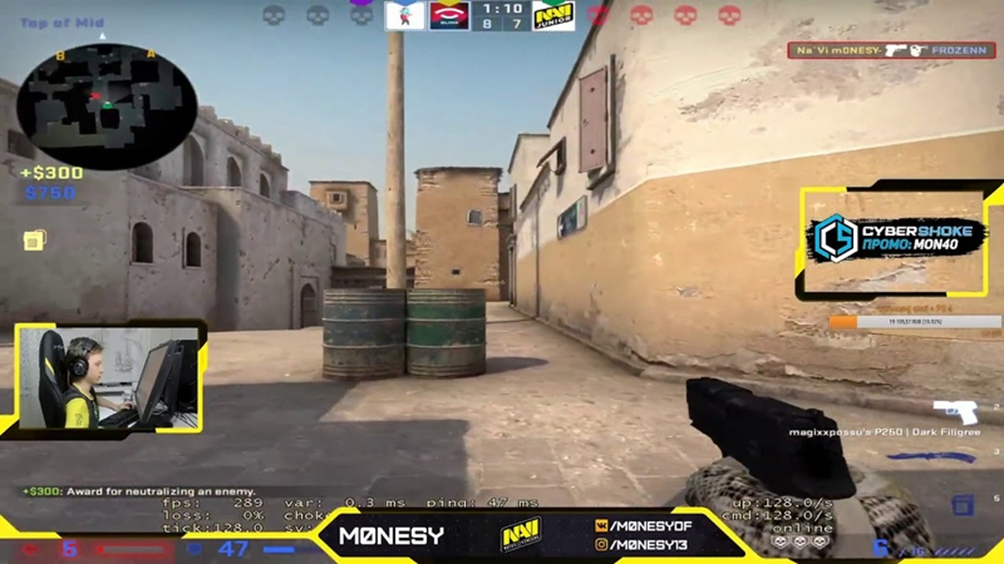
Additional Settings
m0NESY's setup is built for maximum performance. That's why he chooses a picture resolution of 1280x960 pixels. For the same purpose, it is recommended to choose the minimum quality of graphics, otherwise, it will not be possible to boost FPS to the limit. Shadow quality, however, stays high, since shadows help spot opponents earlier. Other video settings he uses in CS2:
lowered detail of textures and individual models;
V-Sync off;
exclusion of the use of ubershaders;
bilinear texture filter;
operation without the smoothing option FXAA.
As for shaders and effects, they are detailed on the weakest mode. Enhanced player contrast is also deliberately turned off. For smoothing in a multisampling mode, the 8x MSAA option is used.
Hardware
The AWPer uses the Logitech G Pro X Superlight, a mouse of deliberately simple design, distinguished by enhanced practical capabilities. The sensitivity is 25600 DPI. Game control becomes even more convenient thanks to 5 buttons.
His keyboard is also from Logitech, the G PRO: a simple, reliable mechanical tenkeyless board. Sturdy polymer material withstands even intensive hand impact over long hours, and the device itself looks elegant. RGB backlighting only enhances the appearance of the device.
The esports athlete uses a high-class monitor BenQ Zowie XL2586K. Important features:
increased sharpness and clarity of the image;
minimal blur of shadows;
swift restoration of image clarity after explosions and flashes;
advanced backlighting system;
contrast ratio of 1000 to 1;
image refresh rate of 540 Hz.
What Matters Beyond the Crosshair Code
No settings can automatically present victories to a gamer. Moreover, they must be liked by the players themselves, not selected based on fleeting fashion. The brightness of the image should normally be 80%, as the player himself has mentioned, and he prefers to sit in an ANDA SEAT X NAVI EDITION chair. But, again, it is not a fact that such a format will suit you.
Try, experiment, compare different configurations and choose the best parameters to solve your tasks from them. And remember, a toolset suitable for an advanced player will clearly be excessive for an ordinary Counter-Strike fan. If you want to copy his inventory as well, see the skins m0NESY uses in CS2.
