


You can cash out CS2 skins for real money only through a third-party marketplace: the Steam Community Market pays into your Steam Wallet, and that balance cannot be withdrawn to a card. On LIS-SKINS you sign in with Steam, pick items from your inventory, see the final payout after the fee and receive the money on a bank card or in crypto. Because of Steam Trade Protection a standard payout arrives after 7 days, but if you meet the conditions, instant withdrawal within minutes is available. Below is a step-by-step walkthrough and what to watch out for.
Why the Steam Wallet Is Not Real Money
When you sell on the Steam Community Market, Valve keeps about 15% (5% for Steam plus a 10% CS2 fee), and the rest goes to your Steam Wallet. You can spend it on games and items, but you cannot withdraw it to a card. That is why players turn to marketplaces that buy the items and pay out to their own account details. Our guide on how to sell CS2 skins compares every option in detail.
Liquidity matters too. Cheap Consumer and Mil-Spec items are worth cents, so selling them will not add up to much. Most of the value usually sits in knives, gloves, popular AK-47, AWP and M4 skins, rare stickers and cases.
What You Can Sell
If you have played Counter-Strike for a few years, your inventory has probably collected quite a lot:
weapon, knife and glove skins;
agents;
stickers and charms;
graffiti;
cases from various collections;
patches and other items.
Anything that can be transferred through a Steam trade can be sold on LIS-SKINS. Items you received in a trade less than 7 days ago are still under Steam's protection and become available for sale once it ends.
How to Convert Skins Into Real Money on LIS-SKINS
You never need to send codes or passwords to staff or follow third-party links. The process looks like this:
Sign in to LIS-SKINS with your Steam account.
Paste your trade link. In Steam, open Inventory, then "Trade Offers" and "Who can send me Trade Offers?". Our article on where to find your trade link shows it step by step.
Wait for your inventory to load and select the items. The total and the service fee appear on the right, so you know exactly what you will receive.
Choose a payout method: a VISA/Mastercard bank card, crypto (Bitcoin, Ethereum, USDT, Litecoin, Solana and others) or your LIS-SKINS balance. Once you pick a currency, the system shows the payment options that fit it.
Enter your email and payout details and confirm with the "Get money" button.
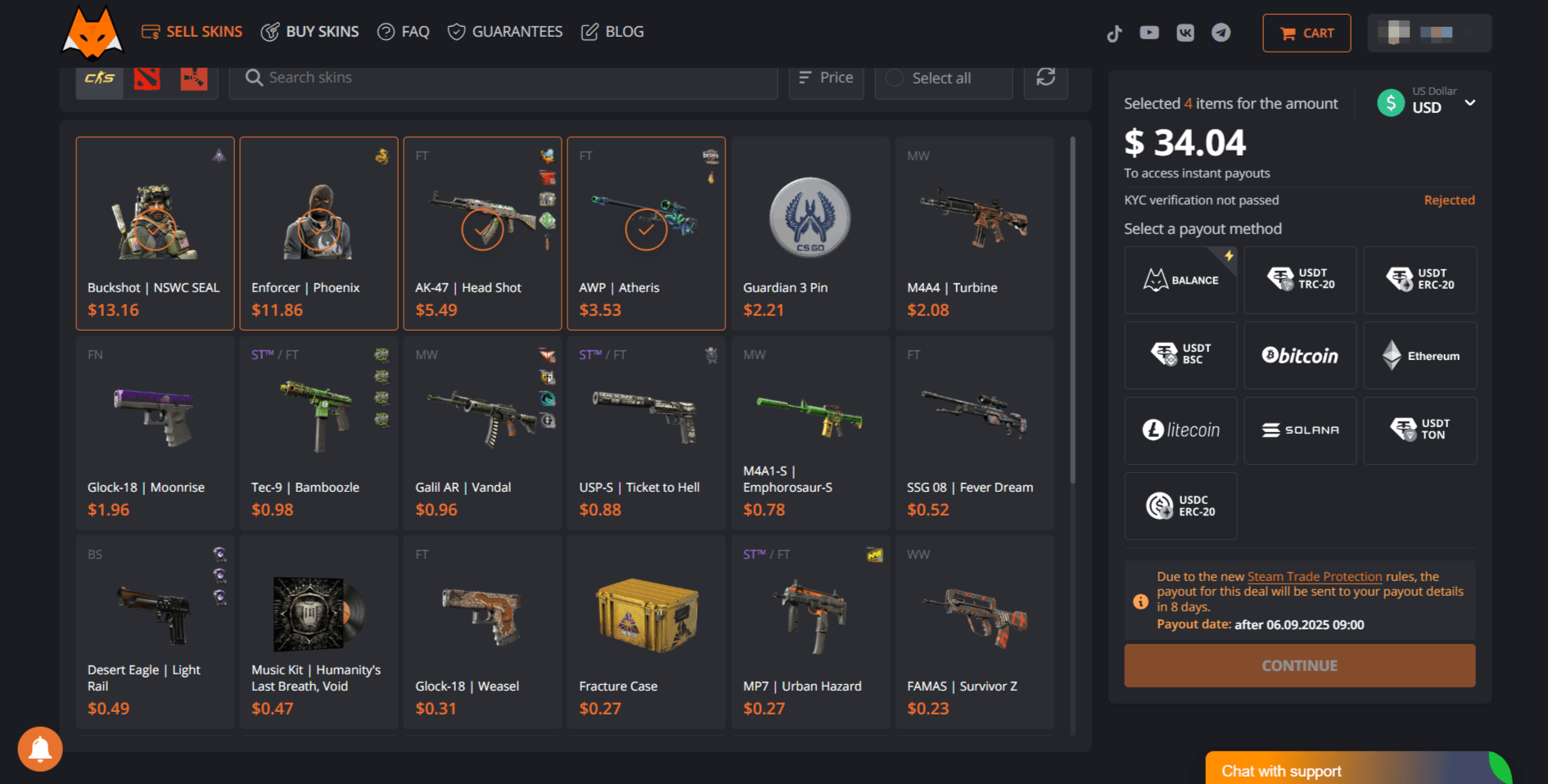
If your account has trade restrictions, the sale will not go through and the site will show a warning. Follow the "Trade restrictions" link to find out the reason from Steam Support. Common causes are a recent password or device change, no Steam Guard Mobile Authenticator, or suspicious activity on the account.
When the Money Arrives: 7 Days or Right Away
Since July 2025 Steam has Trade Protection: the sender can reverse any CS2 trade within 7 days, and received items are locked for that period. Our article on Steam Trade Protection explains the mechanic in detail. As a result, a standard payout for sold skins arrives after 7 days, once the protection period is guaranteed to be over.
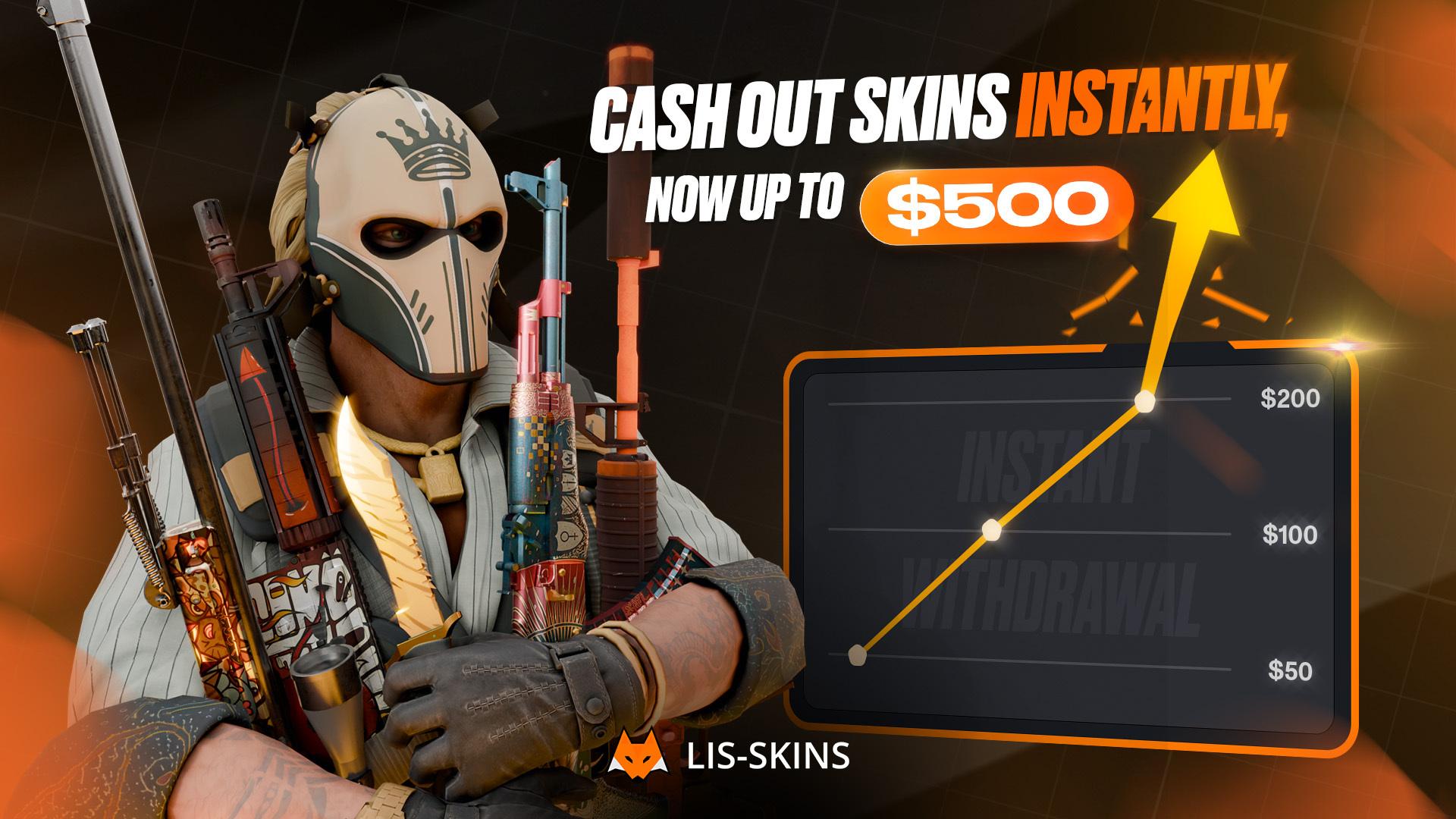
Instant withdrawal gets you paid faster, in about 5 minutes. It requires identity verification (KYC) and at least $50 in total sales, and the instant amount is capped: up to 10% of your total sales volume, but no more than $250. You can still sell without KYC, just with the 7-day payout.
LIS-SKINS Balance: Swap What You Don't Need
If your goal is to refresh your inventory rather than withdraw cash, choose the LIS-SKINS balance instead of a payment system. The funds land in your site account, and you can spend them right away on a skin for the AK-47, Desert Eagle or AWP. The catalog is stocked by users selling items they no longer need, so the choice is wide. If you plan to trade regularly, see our tips on how to make money selling CS2 skins.
Safety: How to Avoid Scammers
Skepticism about third-party services is understandable: scammers regularly build copies of well-known sites with a similar design and a look-alike domain. A few rules keep your inventory safe:
check the address: LIS-SKINS has one domain, lis-skins.com, with no extra characters, letters or dots, and no satellite sites that "redirect" you somewhere;
never enter your Steam login and password on third-party pages; sign-in must go through the official Steam window;
never share your Steam API key or Steam Guard codes;
before confirming a trade, check who you are sending items to and which ones.
LIS-SKINS does not tolerate attempts to profit from other people's accounts and acts against them. You can read user reviews of the site on the independent Trustpilot portal. Our guide on protecting your inventory from scammers covers the most common schemes.
FAQ
Can you withdraw money from your Steam Wallet?
No. Steam Wallet funds can only be spent inside Steam. To get real money, sell your skins on a marketplace that pays out to a card or in crypto.
How long does it take to get paid for sold skins?
A standard payout arrives after 7 days because of Trade Protection. Instant withdrawal, available after KYC and $50 in sales, takes about 5 minutes within your limit.
Do you need to verify your identity to sell skins?
Not for a standard sale with the 7-day payout. KYC is only required for instant withdrawal.
Which skins are worth cashing out?
Liquid items: knives, gloves, popular skins for main weapons, rare stickers and cases. Cheap low-grade skins are worth cents, so the payout for them is minimal.
