


CS2 public servers with skins are community-run servers where a plugin lets you pick any knife, gloves or weapon skin with commands such as !ws, !knife and !gloves. The skins are visible only on that server and never reach your Steam inventory, but it is a free way to try any item in the game. You can join through the in-game community server browser or with the console command connect IP:PORT. Below you will find a list of popular servers with IPs, what separates a good server from a bad one, and how to stay safe.
Skins have long been more than cosmetics: they are a way to stand out, part of the game's economy and, for many, an investment asset. That is why CS2 public skin servers keep a steady audience. Here you can try out the AWP | Dragon Lore, which sells for about $4,600 in Battle-Scarred and around $11,500 in Factory New, or play with gloves that cost hundreds or thousands of dollars.
These servers also have an atmosphere of their own. They are not only a warm-up before ranked play but also a place to try custom modes, chat with collectors and traders, and find like-minded players.
Public CS2 servers with skins and an active player base help you practice your aim and, at the same time, show which skins you actually like in the game rather than in a screenshot. It is a good way to find ideas for your collection.
What Are CS2 Public Servers with Skins
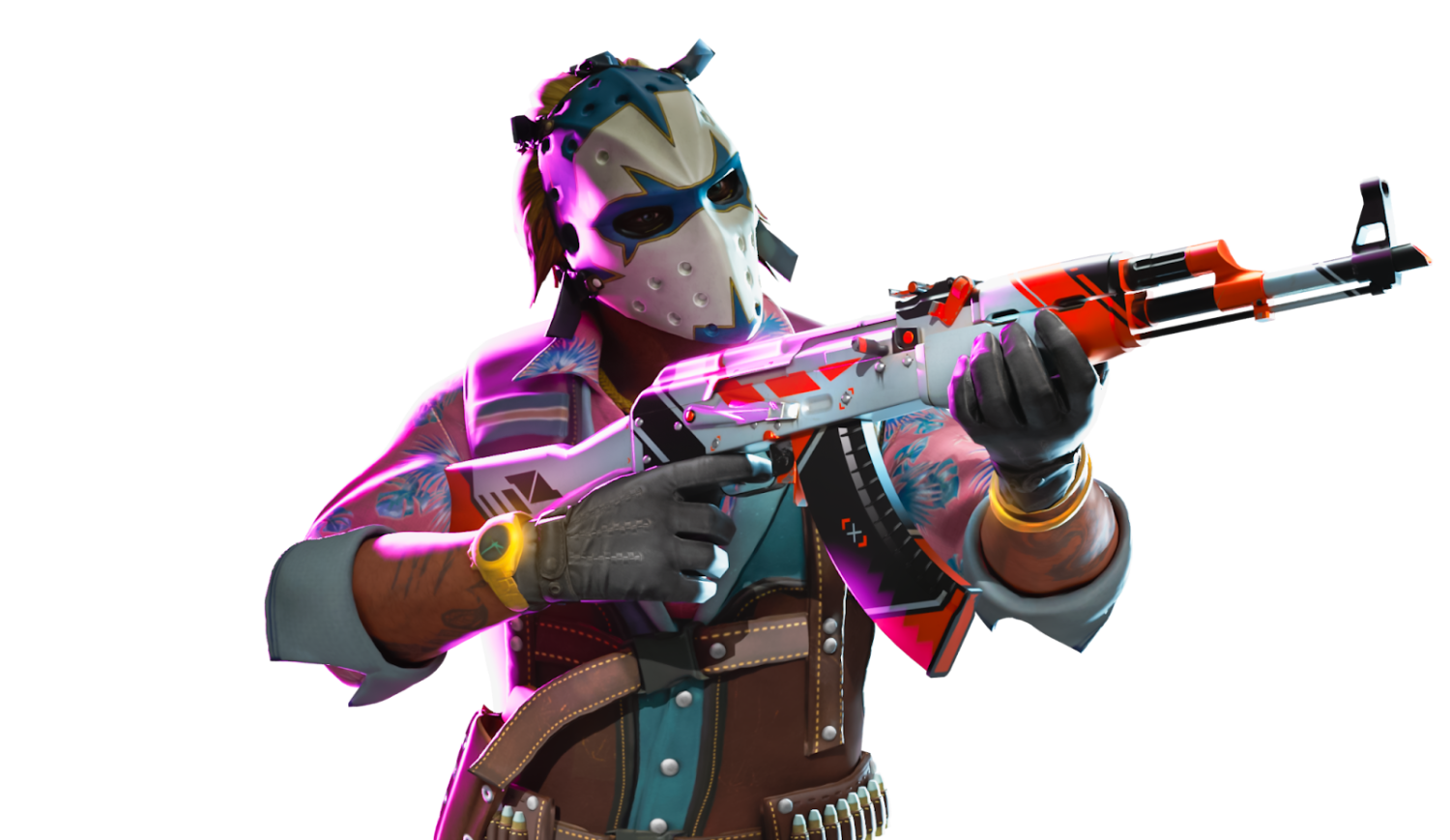
Valve's official servers offer stability and one set of rules, but far from everything the game can do. Beyond matchmaking there is a large world of community servers where things work differently, and that is where CS2 public servers with skins live. For more on the format itself and how the skin plugins work, see our article on CS2 servers with skins.
A public server is a custom server run by the player community. It can be a small local project or a large network with thousands of active users. What they share is freedom of setup: non-standard maps, modified rules, custom modes and, most importantly, access to any skin.
In matchmaking you are limited to your own inventory, while on a CS2 public server with skins you can instantly pick any knife, gloves or weapon through a chat command or a menu. That makes these servers handy for testing a skin before buying, matching a visual set or simply playing with a top-tier AWP.
CS2 public servers with skin commands let you switch between items mid-game. It is especially useful when you want to compare, say, a Karambit Doppler and a Karambit Marble Fade without leaving the map, or check the animations of the models covered in our guide to CS2 knife types.
There are several popular types of these servers, each with its own audience:
DM servers with skins: for players who want to sharpen their aim with full weapon access.
CS2 Mirage public servers with skins: for those honing positions on one of the most popular maps.
CS2 AWP LEGO public servers with skins: fast, light-hearted sniper fights.
CS2 Sandstone public servers with skins: a map rarely seen in matchmaking, so the game feels fresh.
Servers with skin selection via commands: built for convenience and customization, so you can change skins at any moment or build a set to match your mood.
Many of these servers go beyond simple try-ons. They run their own reward systems with in-server currency, ranks and items for activity. Keep in mind that all of this exists only on the server and has no real value: such "skins" cannot be moved to your Steam inventory or sold.
Some projects even build their own player rankings and visual progression, where your rank depends not only on frags but also on the sets you choose. Your look becomes part of your in-game identity.
So CS2 public servers with skins and an active community are not just a trendy way to play. They are an ecosystem of their own, where appearance matters as much as your kill streak, and many players spend more time on them than in classic matchmaking.
Key Features of a Good Public Skin Server
With so many servers out there, it is easy to land on boring, unstable or empty ones. CS2 public servers with skins vary widely, and not every one deserves your time.
The first thing to look at is a stable population. If at least 10 or 15 people are playing even on a weekday evening, the server has a real community and steady activity.
Second: ping and optimization. Ping over 100 ms and freezes in the middle of a gunfight ruin the experience (our guide on what MS means in CS2 explains these numbers). Good CS2 public skin servers are hosted close to their players, for example in Europe or the CIS, to keep latency low.
On the technical side, commands like !ws, !knife and !gloves should respond without delay. Many CS2 public servers with skin commands offer clear menus where picking an item takes a couple of clicks.
Security matters too. A proper server will never ask you to log in through a third-party website, let alone sign in to Steam in a suspicious window. Quality servers run trusted plugins and skip intrusive ads.
And of course, there is the atmosphere. On a CS2 Sandstone or Mirage server with skins you will see someone running with a Butterfly Knife | Fade, others comparing the AWP Graphite and Asiimov, and someone discussing their setup in chat. It is not just shooting; it is part of the community.
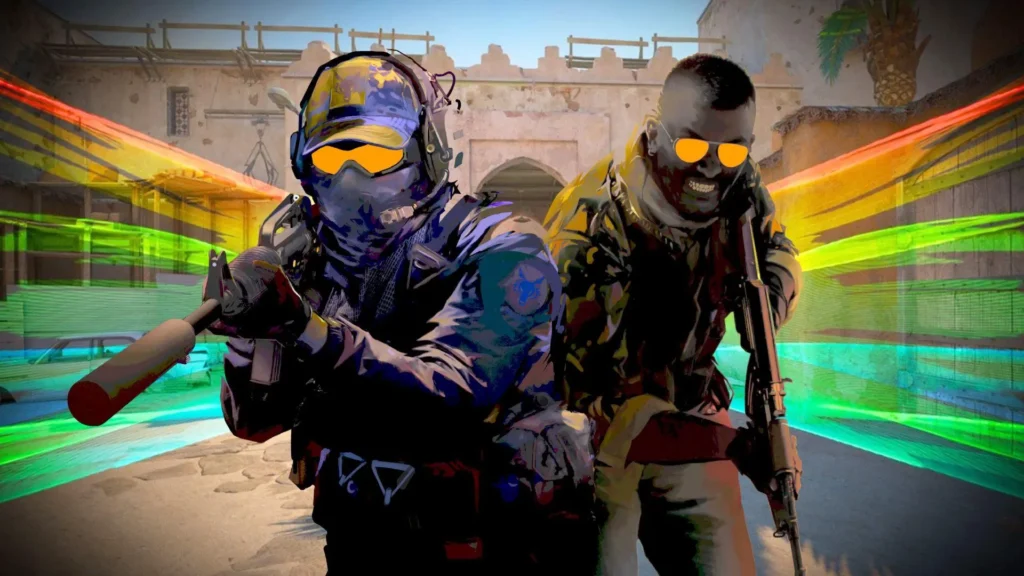
Top CS2 Public Servers with Skins
Community server IPs change over time, and projects close or move. If a server on this list does not respond, search for it by name in the community server browser or on the project's website.
1. CSLand Skins Mirage
IP: 45.89.34.12:27015
One of the most balanced CS2 Mirage public servers with skins. It is easy to find a 5v5 game, a warm-up or just some free shooting against other players. Its main strength is a stable skin system: the usual commands work instantly, the menu is clear, and knives from the Butterfly to the M9 Bayonet let you build any inventory you like.
2. AWP LEGO Unlimited
IP: 15.235.112.43:27037
A server for unwinding after ranked matches. One of the few CS2 AWP LEGO servers where people play for fun rather than to win. A reward system keeps matches interesting: kill streaks unlock rare skins without any donations.
3. Dust2 Only Skins
IP: 185.91.116.45:29004
Classic Dust2 with modern features. CS2 Dust2 skin servers suit anyone who loves the map: you will meet plenty of experienced players here, see rare sets and try your favorite finishes on familiar spots.
4. 5v5 Competitive Skins
IP: 46.174.52.89:28027
A good fit if you want serious play and good looks at the same time. CS2 5v5 skin servers like this one work well for practicing in a competitive format. Skins, gloves and knives are picked through commands without lag, which makes it handy for testing a setup before you buy.
5. Arena by CSFun
IP: 46.174.55.208:27026
A duel server with instant respawn and full skin access. The interface is clean, so it is easy to focus on reactions and aim. It is also the easiest start for new players: items are quick to find in the menu, which makes it a good first server for learning the !ws and !knife commands.
6. TradeTesters Pro
IP: 192.223.24.227:27015
This one stands apart: people mostly come here to compare rather than shoot. Players join to match gloves with an AK-47, compare Fades and Dopplers and see how a finish looks on different maps. A useful spot for traders and collectors and one of the most specialized servers on this list.
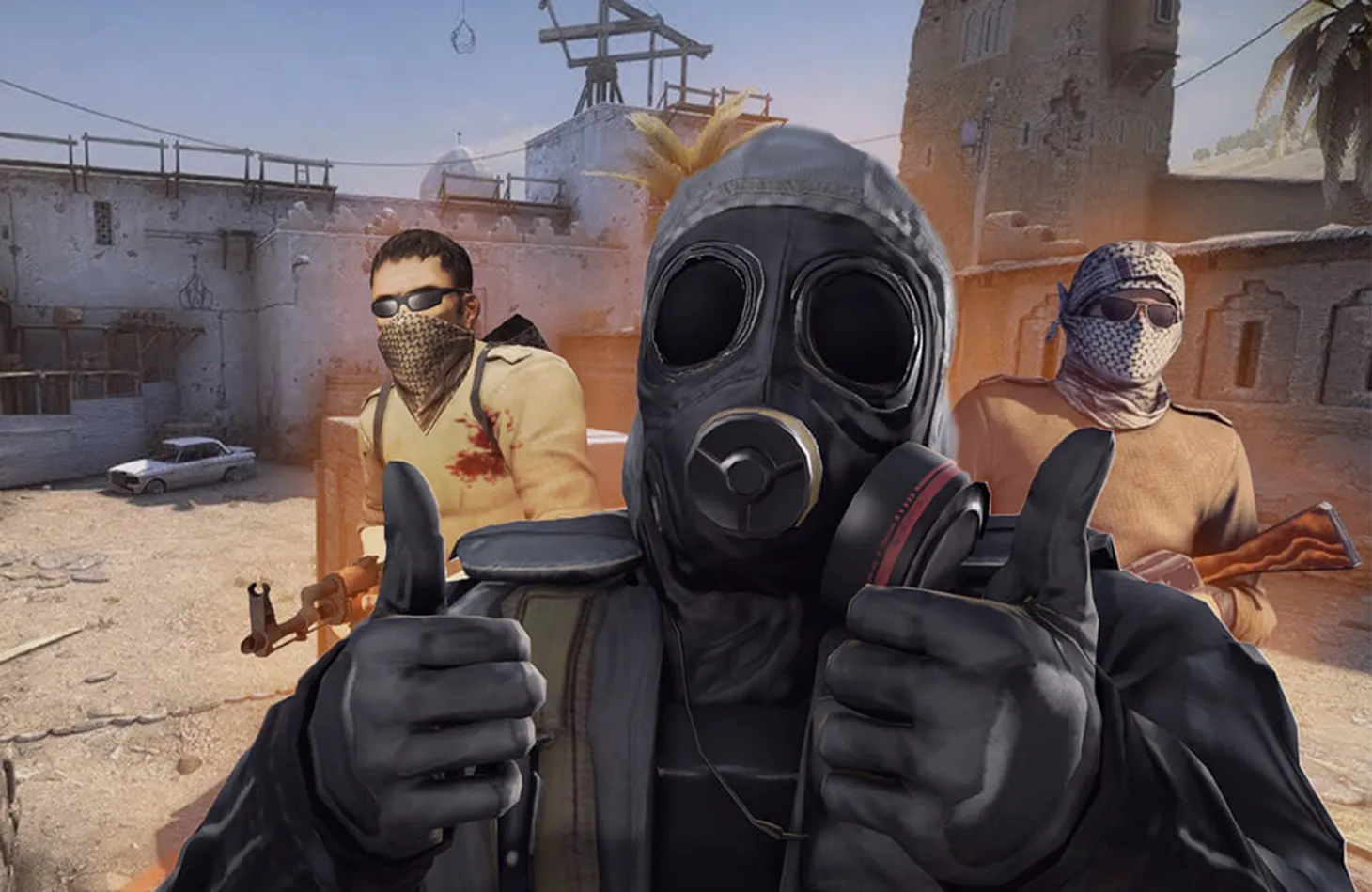
How to Find and Connect to a Server with Skins
Finding a good server is easy once you know the tools. The first option is a server monitoring site such as GameTracker, where you can look up CS2 skin server IPs and filter them by ping, region and activity.
In the game itself, use the community server browser under Play and search for skins, ws or the project's name. Recommendations are often more reliable, though: communities on Discord, Reddit or Steam chat tend to point to servers that are actually alive rather than overhyped empty ones.
Finally, you can connect directly through the console with connect IP:PORT. It is fast and convenient, especially if you already keep a list of trusted servers. If your console is not enabled yet, follow our guide on how to open the console in CS2. And if you would rather host your own server for friends, see how to create a server in CS2.
Safety and Etiquette on Public Servers
Even a casual server can get you into trouble. Not every CS2 public skin server is trustworthy. If you are asked to follow a link, log in on a third-party site or download an "anti-cheat," leave the server. Reputable admins never ask for personal data, and you should never enter your Steam login or API key on third-party sites.
Remember that skins on a public server are not real: they exist only on that server. Any offer to "transfer" such a skin to your inventory for a fee or a Steam login is almost certainly a scam.
Behavior is part of the culture too. Insults, voice chat spam and command abuse can get you banned from the server, especially one with a lively community.
Check whether the server has a website, a Discord and active social media. Real CS2 skin servers with active players rarely stay in the shadows.
Skin Servers and the Trading Community
When it comes to trading, nothing beats a server where you can see exactly how a knife looks in the game. Many CS2 skin servers with !ws commands exist precisely for this: to let players try on, compare and decide whether this is the fade they want. Once you have picked a model, compare prices across all CS2 knives and buy the real skin on LIS-SKINS.
Traders, streamers and collectors use these servers all the time. Some record skin reviews, others compare expensive and budget setups, and some help beginners choose an AWP for their style.
Sometimes the path into the trading community starts on one of these servers: you exchange opinions, get advice, follow updates and gradually become not just a player but a participant in the CS2 economy.
Why Skin Servers Are Worth a Try
Public servers show CS2 from a different side. If you want to play with style rather than just shoot, try new modes, meet like-minded players or test skins before buying, these servers are the right place.
Beginners will find it easiest to start with AWP LEGO servers or duel arenas, then move on to 5v5 CS2 skin servers. That way you get both fun and practice.
Play, practice and build your collection, and let skin servers show you in advance which items are really worth your money.
FAQ
How do I join a CS2 public server with skins?
Open the community server browser under Play and search for the server by name or for "skins." Alternatively, enable the console and type connect IP:PORT with the server's address.
Which commands give you skins on a server?
Most servers use !ws for weapon skins, !knife for knives and !gloves for gloves. You type them in chat, and some servers open a menu instead. The exact list depends on the plugin installed on the server.
Do skins from a public server stay in my inventory?
No. Plugin skins are visible only on that server and never appear in your Steam inventory. To use a skin in matchmaking, you need to own it, for example by buying it on LIS-SKINS.
Why does a server IP from the list not work?
Community servers change addresses, shut down or move. Search for the project by name in the server browser or check its website and Discord, where the current IP is usually posted.
