


Copy the config of a famous player, for example, cs go simple parameters – a convenient way to quickly set the optimal game settings without wasting time manually selecting them. Professional players place high demands on the performance of the game and its convenience for them, since at high-level competitions the outcome of the match can depend on some little thing. Therefore, by installing the config from a pro, you will get settings that will most likely be better than the default option and will allow you to play more efficiently.
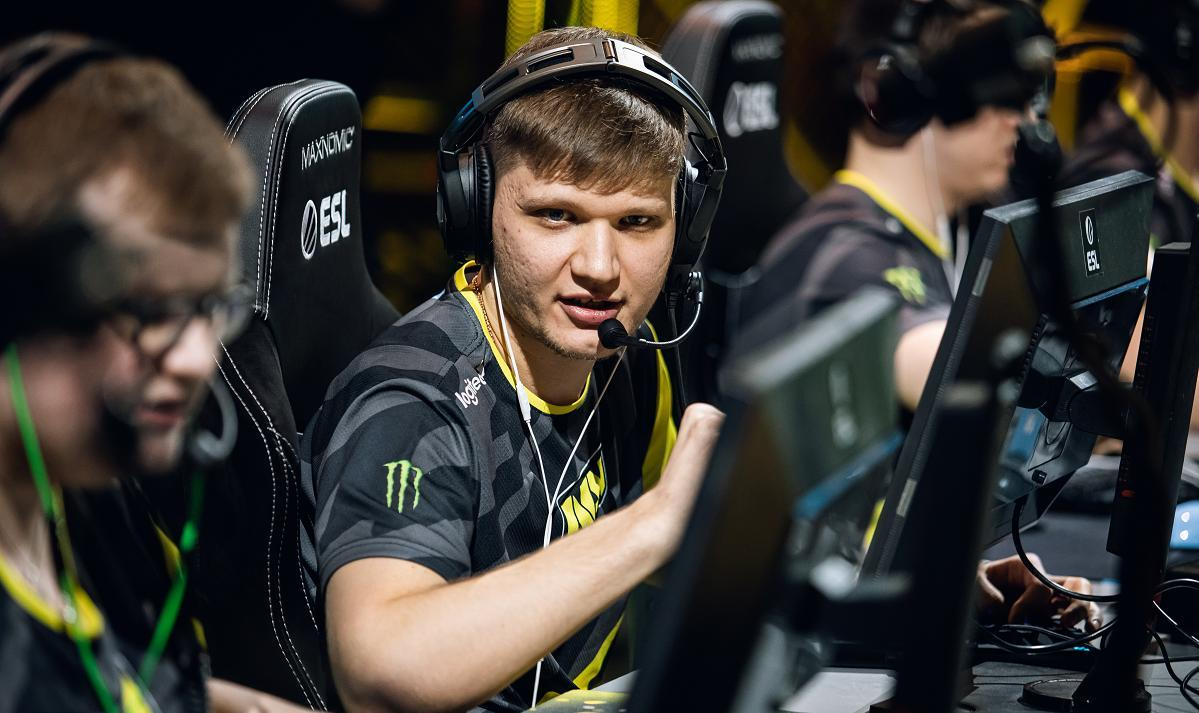
By now, s1mple has become one of the most famous CS:GO players in the world. Now he plays for Natus Vincere, and with his participation the team has been taking prizes in major tournaments for several years now. In addition, he has unique personal statistics, holds a record number of MVP titles and was twice named the best player of the year. It looks like the cs go simple launch parameters in 2022 are really worth paying attention to!
What settings should you pay attention to
Beginner players often don’t even think about how flexibly you can customize the game. Beginners take the default parameters for granted and try to adapt to them, but meanwhile, it is much more productive to adjust the game to suit themselves. In addition, you need to take into account that as you gain gaming experience and develop skills, the requirements for settings may change, so from time to time it is worth rechecking and adjusting them.
As a rule, when it comes to setting cs go simple parameters, we mean the following groups of parameters: sensitivity mouse;
sight parameters;
screen resolution and graphics settings;
interface settings;
console settings;
radar settings;
settings launch;
location of hand models;
personal key bindings.
Let's go through these settings and look not only at the parameters themselves, but also at what they mean.
Simple graphics settings
The graphical parameters of the game largely depend on the type of monitor that is used. Like the vast majority of e-sportsmen, s1mple plays on a professional ZOWIE monitor, since this is what they use at major competitions, which means it’s logical to get used to them during training.
In addition, it is clear that he uses a 4:3 screen aspect ratio, which makes the picture slightly stretched. The screen resolution is 1280x960. This may seem unusual, but after a few rounds the eye stops paying attention to this change. The advantage in this case is quite noticeable: due to the change in proportions, enemy models become wider, which means they are a little easier to notice and hit.

Simple graphics settings
Quality settings for this minimal. Like many eSports players, Simple chooses low levels of detail, shadows, models and textures, prioritizing performance and high FPS. The shadow settings can be considered controversial, as some advise setting the parameter to “Low” rather than “Very Low”, since the difference in performance is negligible, and “Low” shadows increase the chance of spotting an enemy in some situations. However, such settings – a matter of habit and personal preference.
Mouse sensitivity
As s1mple himself says, he has not changed the mouse sensitivity settings since 2013. This parameter is 3.09, which is quite a lot. Otherwise, the mouse parameters do not differ from the standard ones.
Indeed, changing the sensitivity after you have already gotten used to it does not make much sense. Since experienced players have highly automated shooting skills, it may take a lot of time to retrain to a different mouse sensitivity, during which the performance will drop.
This sensitivity differs significantly from other settings: if the launch parameters of cs go Simple in 2022 may differ from those that he used before, since preferences may change, then to the sense he, as and most pros are conservative.
The player’s complete mouse settings look like this way:
DPI: 400
Sensitivity: 3.09
eDPI: 1236
HZ: 1000
Sensitivity in zoom: 1.00
Mouse acceleration: 0
Sensitivity in Windows: 6
Raw input: 1
Aim settings
S1mple's sight parameters are designed primarily for playing with AWP, but it may also be convenient for those who prefer other types of weapons. They are selected to make the scope small and compact. In addition, it acquires a contrasting color that will be reliably visible in any background images.
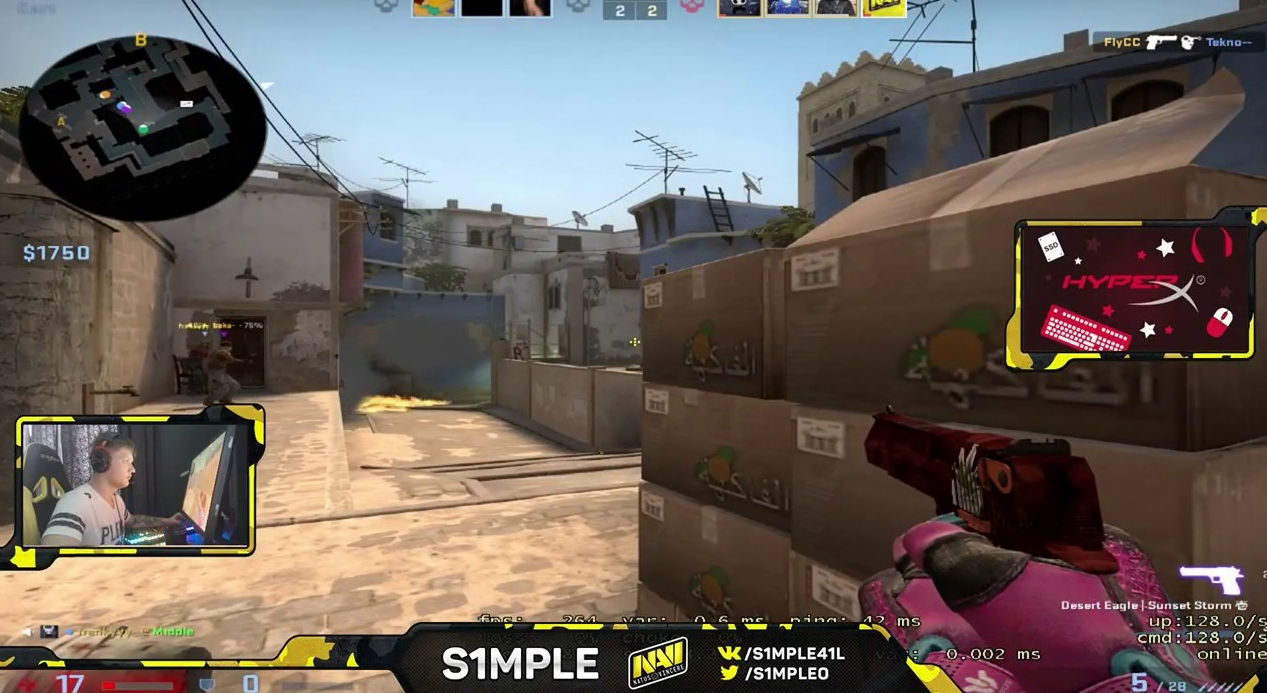
To adjust the sight you will need the following parameters:
cl_crosshair_drawoutline "0";
cl_crosshair_dynamic_maxdist_splitratio "0.35";
cl_crosshair_dynamic_splitalpha_innermod "1";
cl_crosshair_dynamic_splitalpha_outermod "0.5";
cl_crosshair_dynamic_splitdist "7";
cl_crosshair_outlinethickness "1";
cl_crosshairalpha "355";
cl_crosshaircolor "4";
cl_crosshaircolor_b "250";
cl_crosshaircolor_g "250";
cl_crosshaircolor_r "250";
cl_crosshairdot "1";
cl_crosshairgap "-1";
cl_crosshairgap_useweaponvalue "0";
cl_crosshairscale "0";
cl_crosshairsize "2";
cl_crosshairstyle "4";
cl_crosshairthickness "1";
cl_crosshairusealpha "1";
Binds
In addition, the cs go simple launch parameters include two binds. The first is the mouse wheel jump. This control option may seem unusual to those unaccustomed to it, but many eSports players use it because it simplifies the coordination of movements while moving and shooting at the same time. The command used for this is bind "MWHEELDOWN" "+jump".
Secondly, the bind "c" command is used. "incrementvar cl_radar_scale 0.45 0.8 0.35, which reduces the size of the radar. This improves visibility and generally helps you navigate the map faster.
Interface settings
It is worth mentioning a group of settings that determine how the game will look. In particular, a group of commands is used that sets the initial radar scale, its parameters and notes that the player must always be in the center.
cl_radar_always_centered "1";
cl_radar_icon_scale_min "0.6";
cl_radar_rotate "1";
cl_radar_scale "0.5";
cl_radar_square_with_scoreboard "1";
The interface and hand model settings do not contain anything fundamentally unusual.
Launch options
These parameters determine more subtle game settings, which may affect FPS and other game characteristics. In 2022, the cs go simple launch parameters looked like this: -freq 120 -console +cl_interp 0 +cl_interp_ratio 1 +cl_cmdrate 128 +cl_updaterate 128 +rate 128000 +fps_max 301 -procesheap -threads 8.
As you can see, here we are talking about network parameters and how to reduce the time required to launch the game and ensure good FPS. For example, one of the settings limits the number of frames per second, and another sets the settings for using a multi-core processor. However, if you play on modern hardware, the effect of the settings in this group will be small.
How to set Simple settings
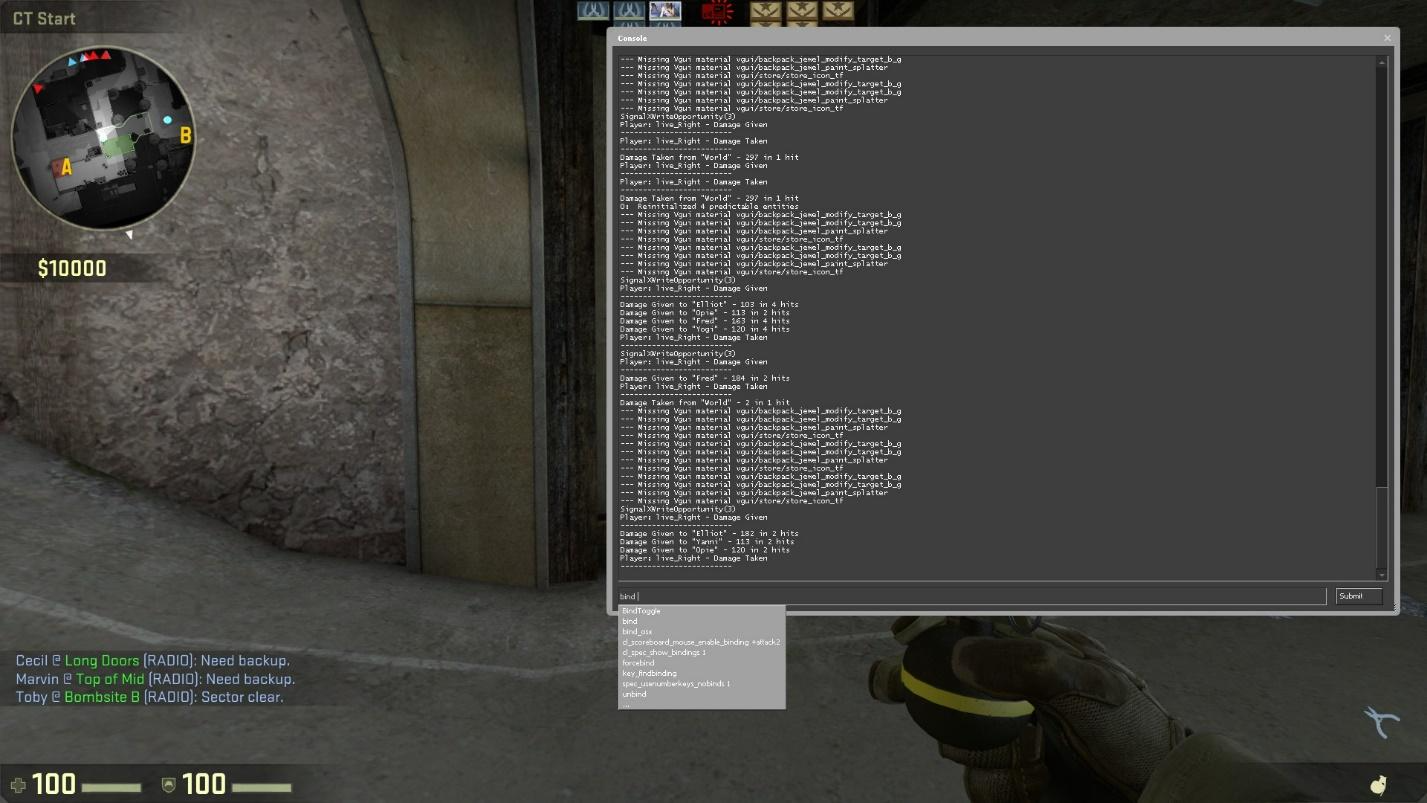
The easiest way to set the settings used by s1mple in your game – use the console. Make sure that the “Enable developer console” option is activated in the game settings. After this, when you press the ~ key during the game, you will be able to enter commands. Of course, there is no need to retype them manually – copy and paste each section individually. It will not be possible to paste all the parameters at once, since there is a limit on the number of characters that can be entered at one time.
All game settings are stored in the config.cfg file, which by default is located at Program Files (x86) > userdata > 730 > cfg. Therefore, you can speed up the process and not enter console commands manually each time. this small As a precaution, you can edit the config yourself or simply download the file with the current cs go simple settings, unpack it and copy it and replace it into this folder. If you want to apply only part of the settings, for example, only those related to the sight, or separately the cs go simple launch parameters, the easiest way is to do it manually, and then, if desired, save the resulting config so that you can easily do so later. switch to it.
In addition, remember that some settings need to be set not only in the game, but also in the parameters of the peripheral devices that you use. This applies, for example, to monitor settings and mouse sensitivity.
Note that all the cs go simple launch parameters in question – These are completely legal settings that can be set through the game menu or console. Therefore, by using them, you do not risk getting banned. At the same time, the game will become noticeably more comfortable for you, which means there will be more victories.
