


To get infinite grenades in CS2, open the console on your own (local) server and enter sv_cheats 1, then sv_infinite_ammo 1. From that point a thrown grenade is not used up, so you can repeat the same throw as many times as you want. These commands do not work in matchmaking, Premier or FACEIT; they are meant for practice only. Below are all the grenade practice commands, a step-by-step training setup, useful binds and lineup examples on popular maps.
What Are "Grenade Commands" in CS2?
"Grenade commands" usually means a set of console commands that turns a local server into a practice server: grenades never run out, the flight path is visible, and the last throw can be repeated with one command. That makes it much faster to learn timings and lineups, since you do not have to rebuy a grenade or walk back to the throwing spot.
The key features:
sv_infinite_ammo 1 makes grenades (and ammo) infinite.
sv_grenade_trajectory_prac_pipreview 1 previews the grenade flight path before you throw.
sv_rethrow_last_grenade repeats your last grenade throw.
A practice server setup and binds for convenience.
These commands are especially useful on maps like Mirage and Inferno, where every inch of smoke or flash matters.
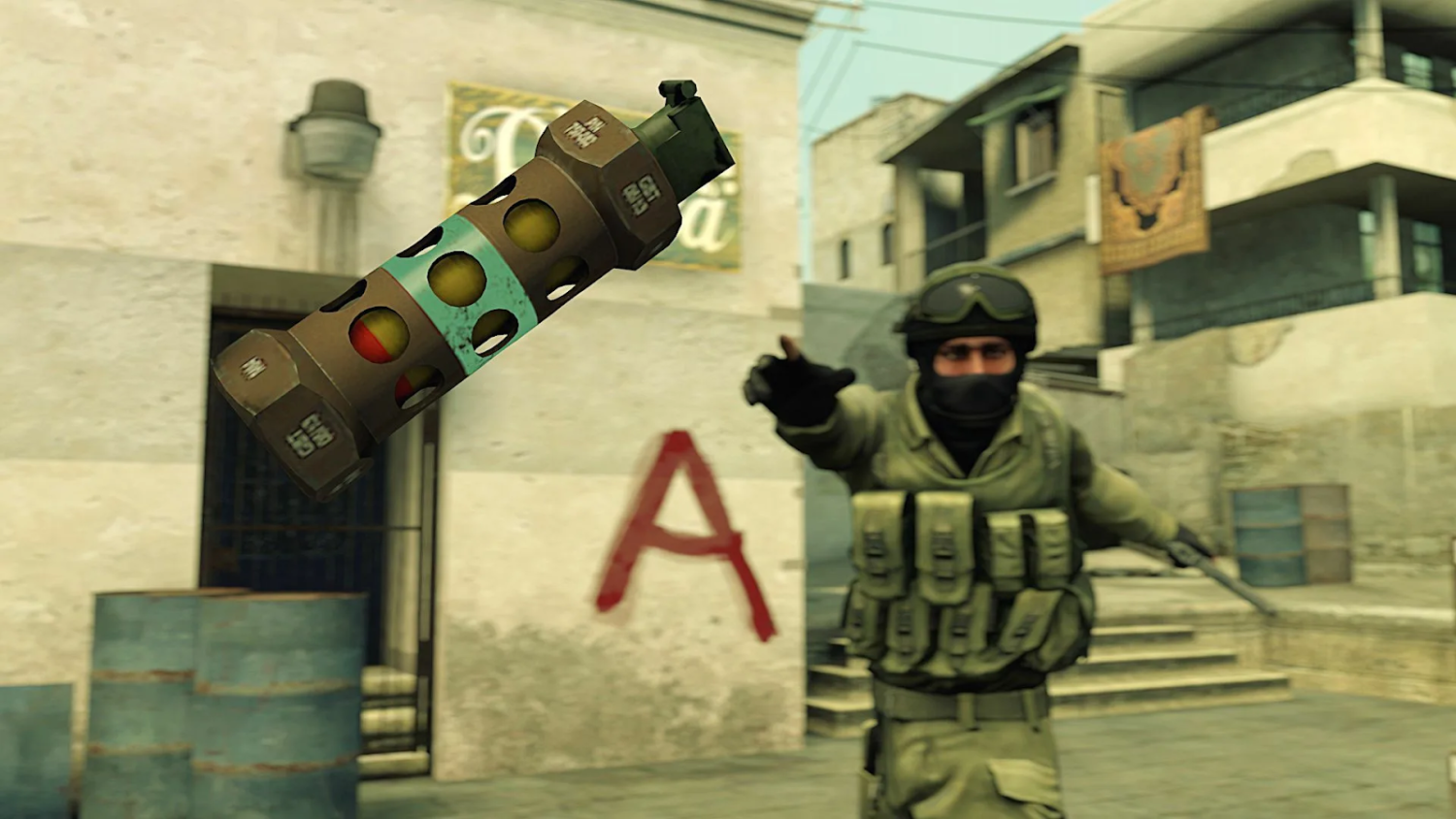
Types of Grenades in CS2 and Their Functions
Each grenade serves its own purpose and can change the course of a round, so before drilling lineups it helps to know exactly when to use which one.
Flashbang
Description: blinds enemies looking in its direction when it explodes.
Usage: entries, site takes and defensive holds.
Role: on offense it clears positions, on defense it works as a counter-flash.
Every player needs flashbangs. They help your team take a site or bail out a teammate in a tough spot.
Smoke
Description: creates a thick smoke screen that blocks vision.
Usage: cutting off angles, fakes, retakes.
Role: on offense it blocks CT or connector, on defense it delays pushes.
Smoke grenades are the backbone of any tactic and essential for retakes and site entries.
Molotov / Incendiary
Description: ignites an area and deals damage over time.
Usage: blocking paths, clearing corners.
Role: useful both on offense and defense.
Molotovs are great for area denial and flushing enemies out of hiding spots.
HE Grenade
Description: deals area damage on detonation.
Usage: finishing off low-HP enemies, damaging grouped players.
Role: a versatile utility grenade in any situation.
This is the grenade to use when you need quick damage on enemies behind cover.
Decoy
Description: mimics gunfire and distracts enemies.
Usage: faking presence, baiting rotations.
Role: rarely used at high levels, but it can mislead opponents when used well.
The decoy is underrated, and in the right hands it can be surprisingly effective.
Using the right grenade at the right moment often decides who wins the round. To feel confident in matches, you need to know their functions and practice your throws consistently.
How to Activate Grenade Commands in CS2
First open the console with the "~" key. If it does not open, enable the developer console in the game settings. All the commands below require sv_cheats 1 and only work on a server you host: a local practice game or your own server with friends.
Before training, enter:
sv_cheats 1: allows practice commands.
sv_infinite_ammo 1: infinite grenades and ammo.
ammo_grenade_limit_total 5: lets you carry every grenade type at once.
sv_grenade_trajectory_prac_pipreview 1: a preview window of the trajectory before you throw.
sv_grenade_trajectory_prac_trailtime 10: how many seconds the trail of a thrown grenade stays visible.
sv_showimpacts 1: shows bullet and grenade impacts.
sv_rethrow_last_grenade: repeats the last grenade throw.
noclip: free flight mode to check positions.
You will still find sv_grenade_trajectory 1 and sv_grenade_trajectory_time 10 in many older CS:GO guides; in the current version of CS2, use the prac trajectory commands listed above. To avoid typing everything each time, save the commands in a separate file and load it as a config. More useful commands are collected in our list of CS2 console commands.
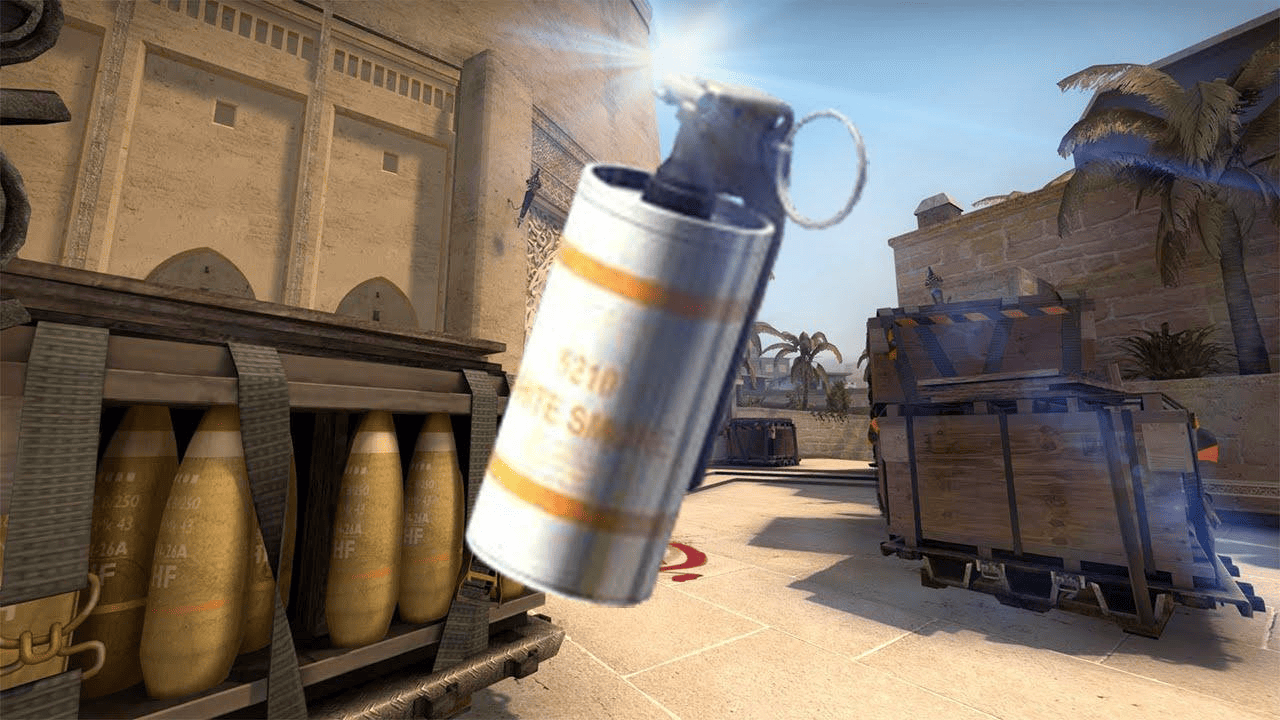
Grenade Training: Step-by-Step Guide
All you need for lineup practice is a local server and a few commands:
Launch the map you want in practice mode, with or without bots (Play → Practice). If bots get in the way, remove them with bot_kick.
Open the console and enter the grenade practice commands from the list above.
Optionally, download a dedicated grenade practice map with lineup hints from the Steam Workshop.
Use sv_rethrow_last_grenade to repeat throws and see where the grenade lands.
Memorize aiming landmarks (antennas, windows, beams).
Record your throws on video for review.
A selection of maps for this kind of drill is in our guide to the top maps for grenade practice in CS2. Following these steps regularly helps you memorize lineups faster and use them confidently in real matches.
Binds and Handy Commands for Real Matches
Grenade binds save fractions of a second: you do not have to open the buy menu or scroll through slots, so you can focus on strategy instead of key presses. The basics of binding are covered in our guide on how to make a bind in CS2.
Every player eventually settles on a personal setup. Buying grenades with one key at round start saves clicks in the buy menu, and a dedicated flash key lets you pull it out instantly. This matters most in high-pressure moments, when you need to throw utility and push right away.
A few helpful binds:
Quick buy: bind "kp_end" "buy smokegrenade"
Fast flash: bind "mouse4" "use weapon_flashbang"
Jump-throw: alias "+jumpthrow" "+jump;-attack", then alias "-jumpthrow" "-jump" and bind ALT "+jumpthrow"
Valve has changed the rules for binds that run several actions on one key more than once, so test the jump-throw script on a local server before a match; if it does not fire, do the jump-throw manually. Some players put it on ALT, others on the mouse wheel or a side mouse button. The goal is to streamline your controls, not to confuse yourself in a clutch.
Test every bind on a practice server before taking it into matchmaking or FACEIT. That way your hands get used to the setup and everything runs on muscle memory during the match.
Tactical Use of Grenades
Grenades help your team only when the throws are part of a plan. Here are examples for offense and defense (callouts are explained in our guide to CS2 map positions).
Offense
Mirage: smoke CT and stairs for an A site push.
Inferno: molotov into apartments to flush out players holding close angles.
Dust2: flash over upper tunnel onto B site.
These tactics help break through defenses and force mistakes from the enemy team.
Defense
Delay an enemy push with a smoke on Banana (Inferno).
HE against enemies rushing through tunnel on Dust2.
Decoy to fake a rotation.
These moves are especially effective when holding defensive positions.
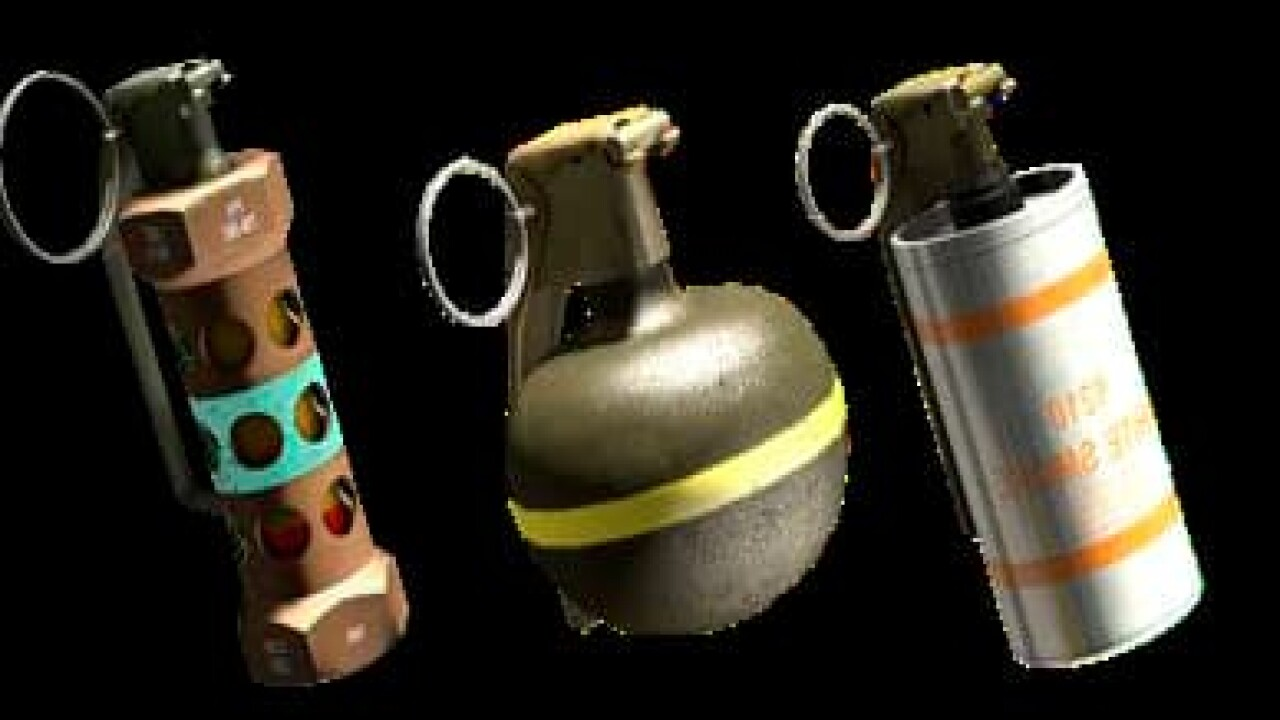
Maps and Grenades: Examples on Popular Maps
Every map has its own lineups: elevation, corners and wallbang spots change how a smoke or molotov lands. That is why grenade practice in CS2 works best when it is built around specific maps.
Mirage
On Mirage, success on either side depends heavily on effective use of smokes, flashes and molotovs. The classic jungle smoke from T spawn is a must-know for any player pushing A site. Other essentials include a flash from apartments that blinds anyone on site and a molotov into underpass to cut off a fast defensive push. Mirage demands awareness of vertical angles: not every smoke lands where you expect it to. To avoid mistakes, watch pro demos and rehearse these grenades on a local server with trajectories enabled.
Inferno
Inferno is the textbook map for mastering smokes and molotovs, since its tight spaces make every inch count. One key defensive throw is a molotov into apartments to delay a rush on A. On attack, a CT smoke during a B split isolates the defender rotating from spawn. Top players also use early-round HE grenades on Banana to chunk down rushing opponents. In narrow corridors, one misthrown smoke can give enemies vision, so practice these throws in live timing scenarios with your team.
Overpass
Overpass requires creativity due to its unique layout. A smoke on Heaven when attacking A site blocks the AWPer and lets you plant safely. Molotovs into bathrooms or HE grenades into Monster are also highly effective. A well-placed flash from lower bridge can blind defenders holding B. On defense, success depends on strong comms and the ability to reposition quickly, using smokes to stall pushes.
On all these maps, knowing the lineups is not enough; you need to understand the tactical context. Grenade practice on real maps is the foundation for confident play against better-prepared opponents.
Common Mistakes When Using Grenades
Even experienced players make grenade mistakes. A practice server with infinite grenades helps you find and fix these common issues:
Overthrowing or falling short.
Flashing teammates instead of enemies.
Throwing smokes too early, so they fade before the engagement.
Throwing without info or purpose.
Avoiding these errors noticeably improves the value of your utility every round.
Tips for Improving Your Grenade Skills
A local server alone is not enough to master grenades. You also need to learn from pros and train consistently:
Watch POV demos of pro players (e.g., s1mple, ZywOo).
Study pro matches from teams like NAVI, G2 and Vitality.
Use Steam Workshop maps for drills.
Sync grenade timings with team executes.
Every training session brings you closer to pro-level game sense.
Why Grenades Matter Most: Final Thoughts for CS2 Players
Good grenade use is what separates experienced players from beginners. The sv_cheats 1 plus sv_infinite_ammo 1 combo on a local server lets you practice quickly, learn timings and develop tactics, while trajectories and the rethrow command speed up the process. Consistent training and game review remain the key to improvement.
FAQ
What is the command for infinite grenades in CS2?
Enter sv_cheats 1 in the console, then sv_infinite_ammo 1. Grenades will no longer be used up after a throw. To carry every grenade at once, add ammo_grenade_limit_total 5.
Why are infinite grenades not working?
Usually sv_cheats 1 is not enabled, or you are not on your own server. The commands only work where you are the host: a local practice game or your own server with friends. They are not available in matchmaking, Premier or FACEIT.
How do I rethrow my last grenade?
The sv_rethrow_last_grenade command throws your last grenade again from the same spot and angle. It is handy to bind it to a separate key, for example bind "n" "sv_rethrow_last_grenade".
How do I see the grenade trajectory in CS2?
After sv_cheats 1, enter sv_grenade_trajectory_prac_pipreview 1 to get a flight preview window before you throw. The trail of a thrown grenade is controlled by sv_grenade_trajectory_prac_trailtime (time in seconds).
