


After the announcement of Counter-Strike 2, prices for old cosmetic items increased, so some are wondering how to install a skin in CS 2 for free. It is worth noting right away that if you want your skin to be visible to other players, then no third-party program will help, you will have to fork out money and buy it on the trading platform.
How Skinchangers Work in CS 2
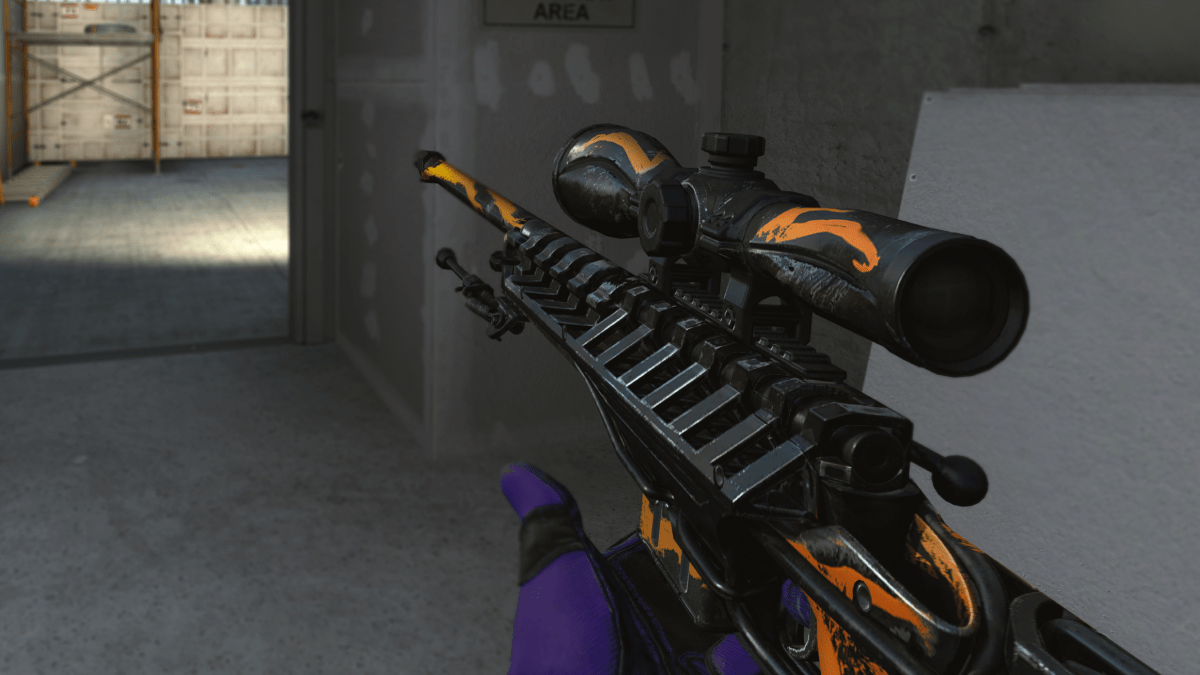
Skinchanger is a program that allows you to install any skin from CS without having to buy it. It is possible to use even skins that do not exist on the trading platform, which are added to the program as exclusive.
Usually such programs have a monthly subscription, but if you try, you can find free, high-quality analogues. Skinchangers have two disadvantages:
They cannot be used on official Valve servers. If you enter any rating mode or a server with an anti-cheat, you will almost instantly be issued a VAC Ban for using third-party programs.
The skins that you install are visible only to you, other players see a standard model of the weapon in your hands.
It is better to use such programs on your local server, or go to servers where there is no anti-cheat. It is unknown why the developers treat skinchangers this way; they do not provide any advantage in the game, they just change the standard model at the client level. If a player wants the skin to be visible to other players, then he will have to buy it in any case.
In fact, this is not due to Gaben’s greed, but to the fact that the anti-cheat sees changes at the client level and simply perceives it as a WallHack or another cheat. If you were able to play for some time and not get banned, then it is only a matter of time, sooner or later you will receive a virtual slap on the head.
If you received a ban for a skinchanger, then you don’t even have to try to appeal the ban to technical support, they won’t remove it. Therefore, if you want to play with skins, then it’s better not to risk your account, but buy them in our store at a good price.
How to Install Skinchanger for CS 2
We will not recommend certain programs for replacing skins, choose at your own peril and risk and remember that you are risking not only your account, but also your computer. A large number of files with cheats contain viruses that can disrupt the operation of your system, or steal your Steam account.
Before installing the skinchanger, we advise you to carefully read the reviews and check the files for viruses using anti-virus software.
In order to install a skin in CS 2, you first need to download the program. The principle of operation is a little different for everyone, but all skinchangers work according to a common template:
First of all, you need to download the cheat to your computer.
Next, go to the program and download from the Internet the model of the skin that you want to see.
After that, select your skin, which you constantly play with, and replace its model with the one you downloaded.
Some skinchangers, in addition to replacing weapons, have other functions, for example, they optimize the game and increase FPS by changing the game config. The main advantage of such software is that you can use skins that were created by other players and are not available on the trading platform. If you really want, you can even make your own skin and play with it thanks to the changer.
How to Play with a Skinchanger in CS 2
If you still want to go to the servers with an anti-cheat, despite the risk of getting a VAC Ban, then follow these tips:
Log in from your left account, which you won’t mind if they ban you.
Use high-quality software. If you can, then buy a skinchanger with a monthly subscription, this will reduce the chance of detection and subsequent punishment.
Every month the anti-cheat system is getting better and better at detecting any interference on the client side, so sooner or later you will be banned. If you stopped using the skinchanger and did not receive a punishment, then do not rejoice, there is a possibility that you will be given a ban with a delay of several weeks.
How to Install a Purchased Skin in CS 2
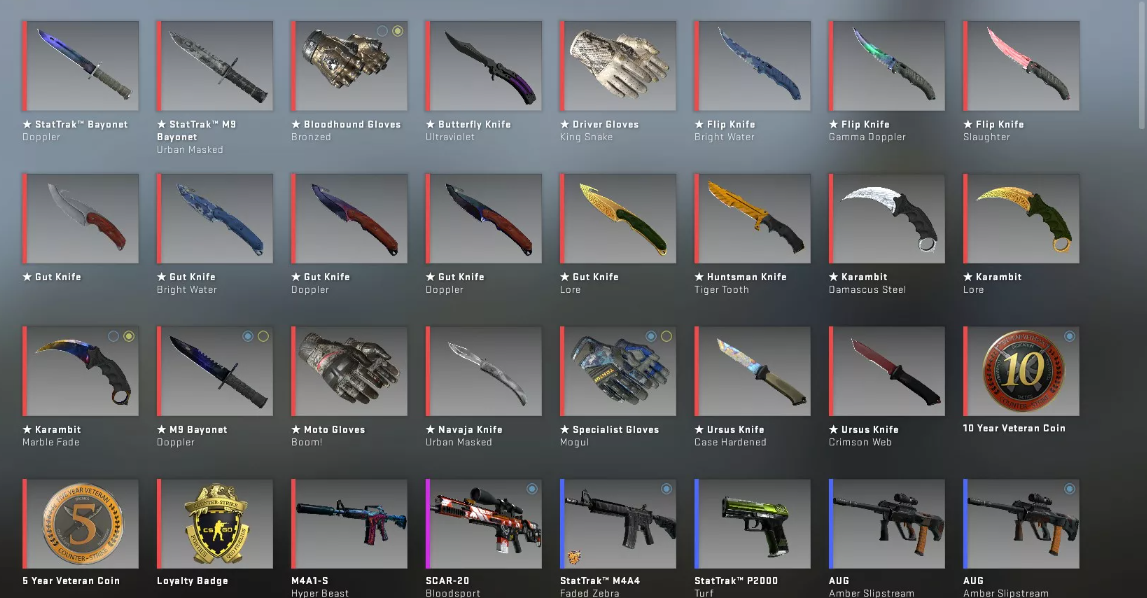
Installing a skin in CS 2 using the official method is much easier. Just go to the trading platform and buy it. After that, go to your inventory in the game, select a weapon and install the purchased model.
You can buy skins not only on the trading platform, for this you also use various online stores that offer exactly the same skins, but at a lower price.
If you want to put a skin on a revolver, you first need to put it as the main weapon. To do this, go to CS, then to the inventory, press the revolver and select it instead of the Desert Eagle. After this, install the desired skin, now you can admire it during matches.
How to Install a Skin on Your Server
If you own a server, you can add unique skins to it that will be visible to other players. To do this, you need to:
Install the models you are interested in on your computer.
Drop them into the archive of your server.
Set new save paths.
Update your hosting.
For transferring, select the Gameserver folder, FastDL does not suit us. The second is for compressed files that are downloaded directly to the hosting. Models that end up in the first folder are installed on the server itself.
When specifying the path for downloading skins, rely on how players will receive these skins, through the in-game store, through VIP, or directly instead of standard models — the prescribed path depends on this.
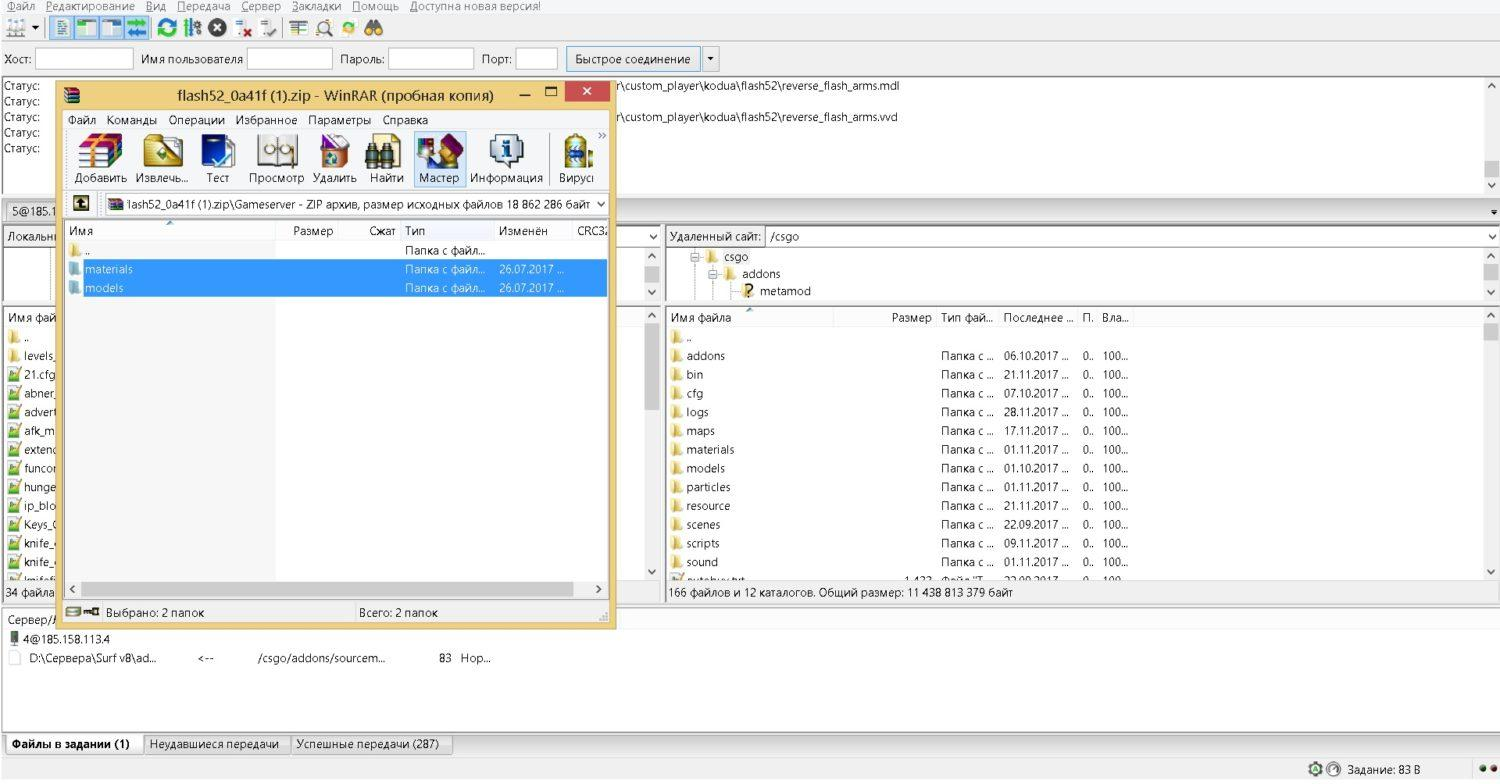
The last step will be setting up content hosting. If you add unique content to your server such as sounds, maps or skins, then you need to configure the content hosting so that it downloads these files to the players’ client. Otherwise, they simply will not be able to log into the server, or will not hear the sounds you have installed.
Installing skins in CS 2 on your server is not a difficult task, but if you have any questions, you can contact the technical support of the company that provides you with hosting services, they will advise you and help.
