


Welcome to LIS-SKINS. Today we'll figure out how to watch demos from FACEIT CS:GO. But first, let's understand what this thing is in general.
FACEIT — a gaming platform that allows CS:GO players to get away from the classic Valve ranking. It has a proprietary scoring system that allows you to more accurately determine the extent of your skill.
Thanks to FACEIT you can:
Play in competitive mode in 5x5 format;
Participate in various 1x1, 2x2, 5x5 tournaments;
Raise your skill and level of play to qualify for future leagues such as FPL and FPL Challenger;
Earn special FACEIT points, which can be used to buy skins for weapons and operatives in a special store.
The FACEIT platform is completely free, but there are a few mandatory steps to get here:
Go to the official website of the platform;
Register using the link in the upper right corner of the page;
Fill in the necessary data, including nickname, full name, and date of birth;
Choose, of course, CS:GO as the main game;
Connect a Steam account, from which all necessary game data will be parsed;
Download and install FACEIT anti-cheat, otherwise, nothing will work.
With the preliminary preparations over — you can go to the heart of the matter.
Why you need demos in CS:GO
To assess the skills of a cyber athlete, just loud words and statements are not enough. High-minded speeches need to be backed up with visuals — and we're not talking about screenshots that mean nothing. Every professional or semi-professional club has at least one analyst who analyzes game replays in detail, looking for mistakes, inaccuracies, and various solutions to situations.
Watching replays allows you to do many things:
Analyze your own mistakes. For example, you are repeatedly killed in the same place on the map, or the “ingenious” point of entry turns out to be maximally disadvantageous. You won’t see it from the first-person view, but if you switch to the enemy’s camera, the picture will immediately change.
Study the strategies of opponents from the enemy team. You can analyze timings, shot points, cohesion, movement paths, positions, formations, and more.
Learn about new spreads for offense and defense. Extremely useful in those cases when out of nowhere comes a smoke or Molotov, and you’re left standing — literally burning.
Identify cheaters. In the demo, you can clearly see how a player's weapon moves. Whether they fired through walls, turned away from a smoke screen in advance, or shot into the void — it's all visible.
All that remains is to figure out how to pull it all off. That’s what you came here for.
How to download and watch any demo from FACEIT
So, you want to carefully study someone’s replay to analyze the game, skills, features of the player, and other technical aspects. To do this, go to the FACEIT website, but don’t forget to pre-register and log in to the platform — otherwise, it won’t let you in.
After that, in the search box, enter the nickname of the gamer you're interested in. For convenience, let’s take the long-suffering Sanya S1mple.

Go to “Stats” and scroll down until you see the list of uploaded replays.

Click on any replay, and you’ll be redirected to a new tab. Go to “Overview” and click “Watch Demo.”
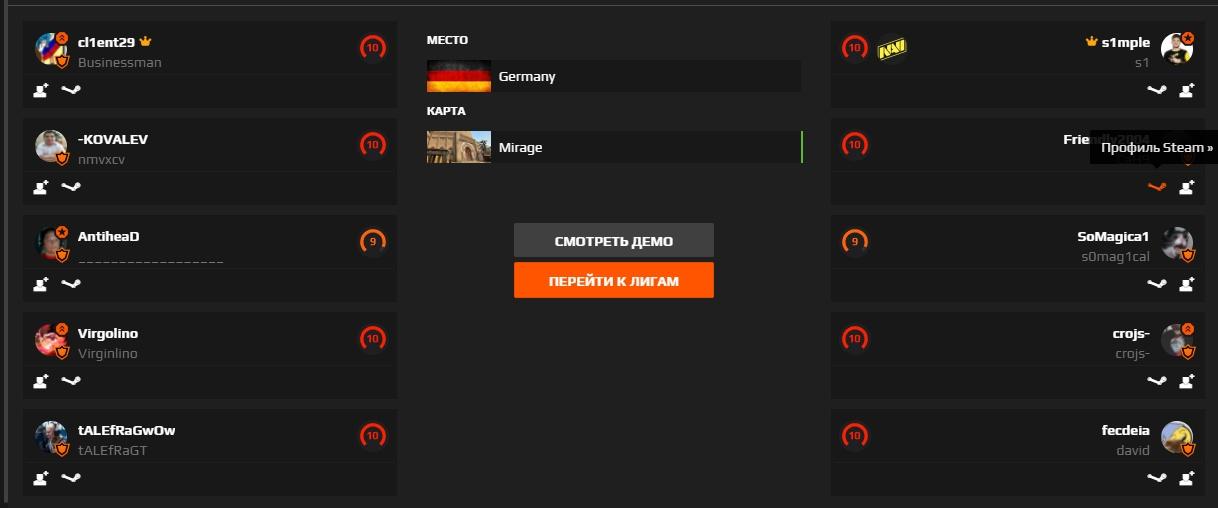
The system will automatically offer to download the archive with the replay. Save it to any folder on your PC. Note: the average weight of a demo can reach 70–100 MB, so free up space in advance.
Then, open the CS:GO client and press Shift + F2 to open the internal demo player.

If the demo doesn’t show up, it’s because it’s in *.gz format. Unpack it using WinRAR or 7-Zip. After that, everything should work.
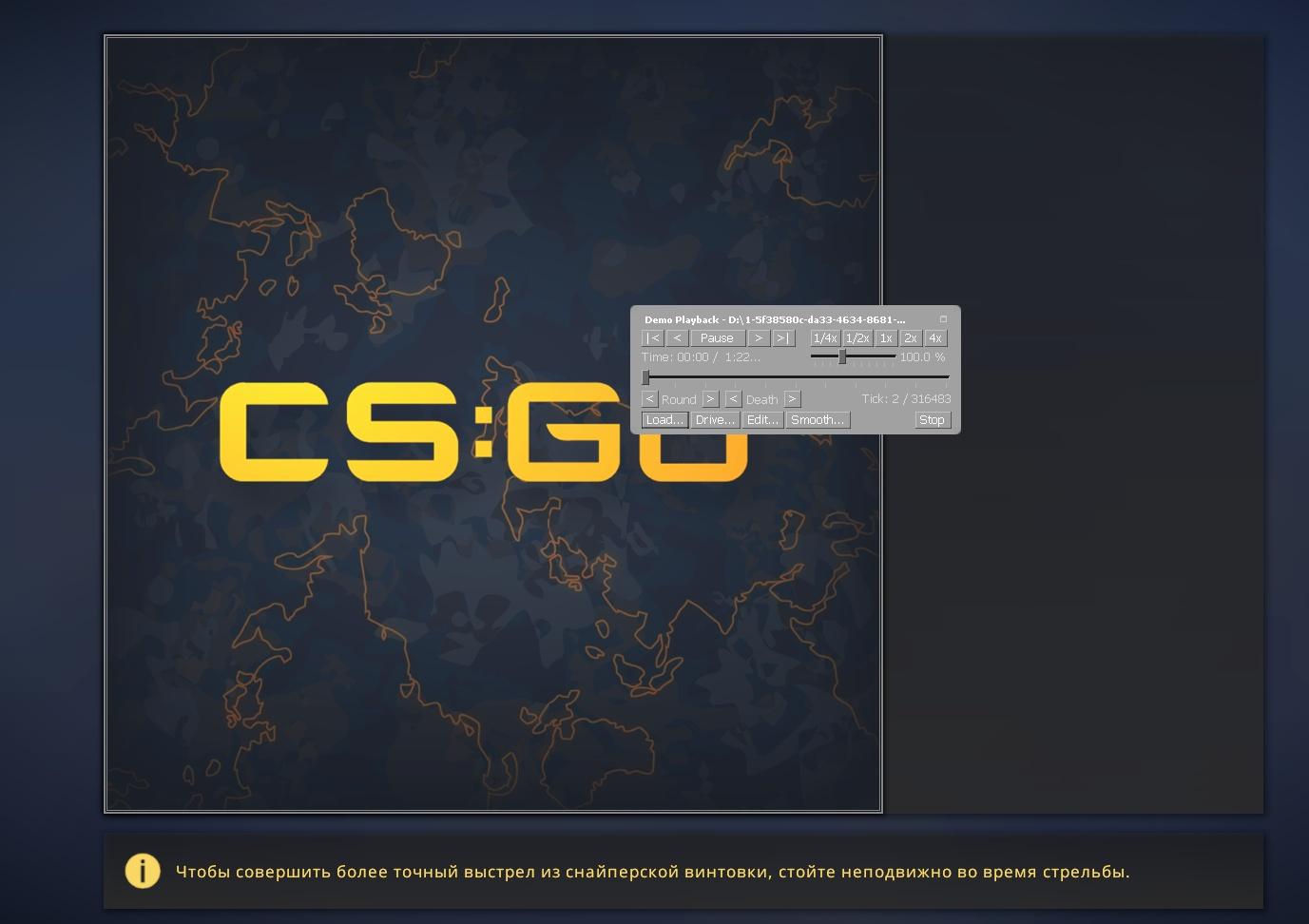
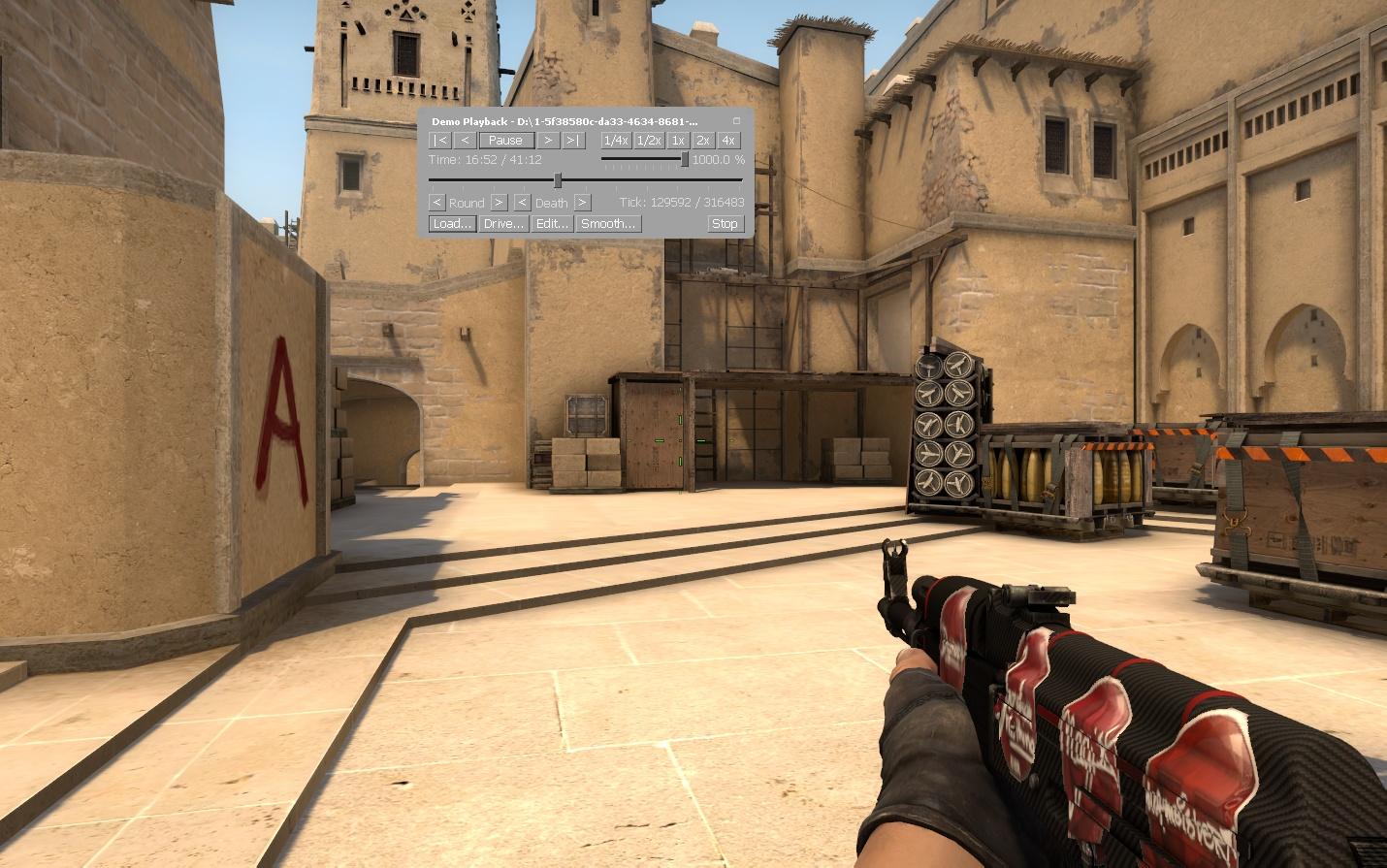
In the demo player you can rewind, analyze the situation, speed up gameplay (up to x10), and stop playback at any moment to study the details. Basically, it’s not hard to figure out.

If you want to see only gameplay — without HUD elements or nicknames — open the developer console (~) and type:
cl_draw_only_deathnotices 1
That’s basically it.
How to record your own demo in the game
If you want to demonstrate your skills on camera, you don’t need to install additional software or a capture card. Just join any server (preferably official), and at the beginning of the match, open the console and type:
record name_demo (your chosen name, in Latin characters)
Avoid spaces in the file name. The demo will be saved in the following directory:
Disk:\SteamLibrary\steamapps\common\Counter-Strike Global Offensive\csgo\replays
The folder will be created automatically after your first recording. If not — something went wrong.
We hope these tips help you analyze gameplay — both of others and your own. The sooner you identify mistakes and improve team coordination, the sooner you'll reach FACEIT level 10 and the highest rank in CS:GO.
Good luck, fighter.
