


To improve your game, it is useful to analyze what is happening in detail, and for this you will need information on how to include bullets in cs go – Using this function, you can see what spread a particular weapon gives, as well as find the optimal positions for a shot.
What are tracers for?
The ability to turn on a bullet tracer in cs go can be useful both during training and in regular matches. Tracer – These are traces of bullets in the air that look like bright sparks and display the flight path. Since the line along which the bullet flies does not always perfectly coincide with the point of aim, taking some time to play with tracers can help you understand how the spread of different types of weapons differs, and therefore learn how to aim better.
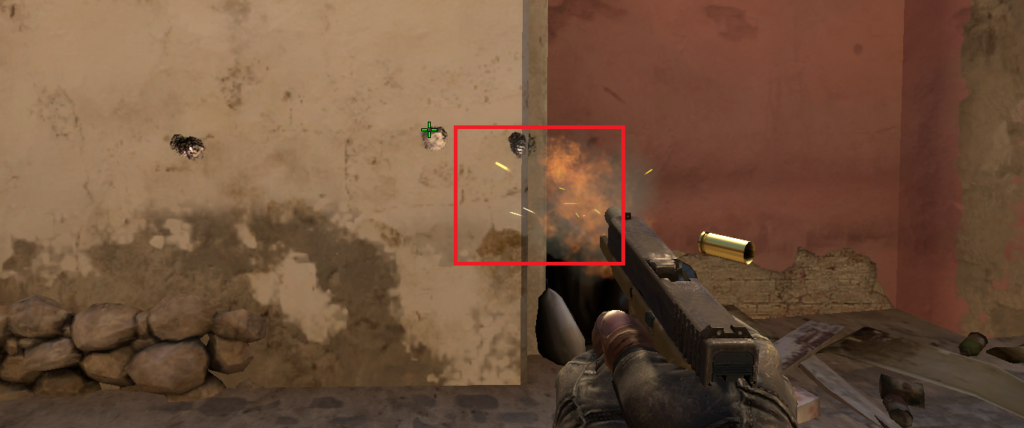
How to enable the tracer
Actually enable flight bullets in cs go very simple– this can be done via the console. First, make sure that the console is activated: to do this, go to the “Game” section. in the settings and check the status of the “Enable Developer Console” option.
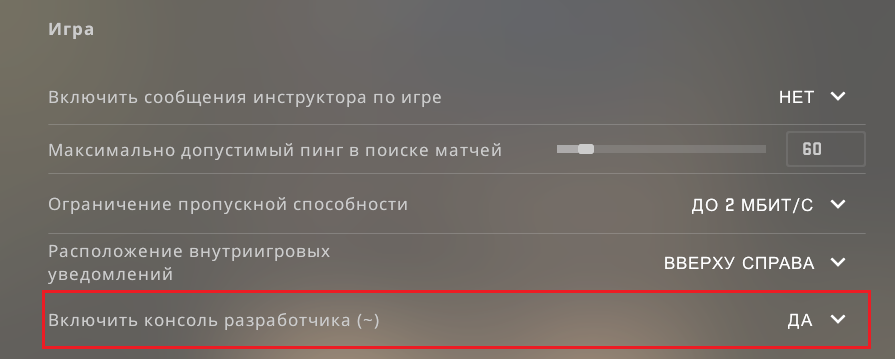
Next you can use the following commands:
r_drawtracers_firstperson 1 – turns on the display of bullet traces;
r_drawtracers_firstperson 0 – disables the display of bullet traces.
After you enable the bullet tracer in cs go, you can associate its commands with keys for quick switching, so as not to enter a long sequence of letters into the console each time. To do this, use the console command “bind”, which is used as follows:
bind key “required command”.
Thus, in order, for example, to bind the inclusion of tracers to the Z key, you need to enter into the console the following:
bind z «r_drawtracers_firstperson 1»
Choose a convenient pair of keys and bind the above commands to them to quickly hide or show bullet trajectories during the game. Now you can not only turn on bullets when shooting in cs go, but also create a bind for this command. This knowledge will be useful to you in other situations, since it significantly saves time on settings.
Enable or disable the tracer?
Opinions differ about whether it is worth turning on bullet tracing in cs go, not only in training, but also in a regular game. Some pro players leave the tracer active, claiming that it helps them act more efficiently. Others disable this feature, believing that unnecessary visual elements on the screen only get in the way. Sometimes the best option is – Binding the inclusion and disabling of bullet trajectories to hotkeys so that they are activated only when it is important, for example, to aim from a difficult position. When choosing which option is best for you, you should consider the following factors:
Depending on the characteristics of your computer, turning on tracers can reduce FPS by 5-20 frames per second.
If you are good at catching the moment when to turn on display bullets in cs go, this increases your chances of noticing an enemy who is shooting from afar with sniper rifle.
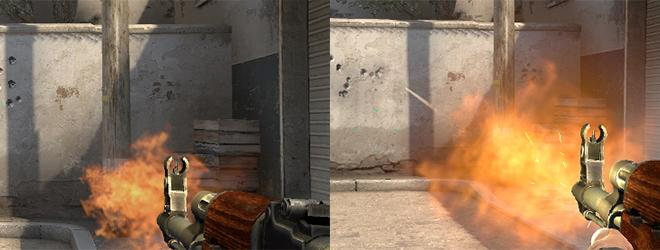
You will need to practice for a while to figure out which tracer mode suits your play style best. In any case, this function remains indispensable during training, as it allows you to understand in detail how a particular weapon shoots, adapt to the spread and practice shooting from key points on the map. Regardless of whether we are talking about a sniper rifle or a shotgun, understanding what the trajectory of the shot will be will help you accurately hit the enemy.
Commands for setting up shooting
Having learned how to turn on the trajectory of bullets in cs go, it is useful to look at other commands that can useful for setting up shooting. It is worth considering that some console commands that affect how weapons behave can only be used in local matches, since they are considered cheating. Therefore, you can use them only on a local server with friends, or during training, when you are practicing alone. In this case, temporarily disabling recoil can be useful to observe how the spread of your chosen gun occurs.
Using such commands begins by entering “sv_cheats 1” into the console. - commands to enable cheat mode. Then the following parameters may be useful:
weapon_recoil_scale 0 – remove horizontal recoil
weapon_recoil_cooldown 0 – remove vertical recoil
weapon_accuracy_nospread 1 – disable scatter
Many players are also interested in the possibility of enabling fast bullets in cs go, that is, increasing the rate of fire. There is no allowed command that would directly affect the rate of fire – The rate of fire is different for each type of weapon. However, it may also be affected by other game settings – for example, if lags constantly occur, you won’t be able to shoot as quickly as possible. Therefore, it is useful to check the server settings, graphics, and mouse settings so that they do not become an obstacle to fast shooting.
Setting up bullet trails in cs go
To make the game even more convenient for yourself, you should pay attention to one more setting - enable bullet trails in cs go. Each shot leaves marks on the walls surrounding the player buildings Thus, holes and traces of blood appear on them. Some players find that such visual details are too distracting and do not convey any useful information.
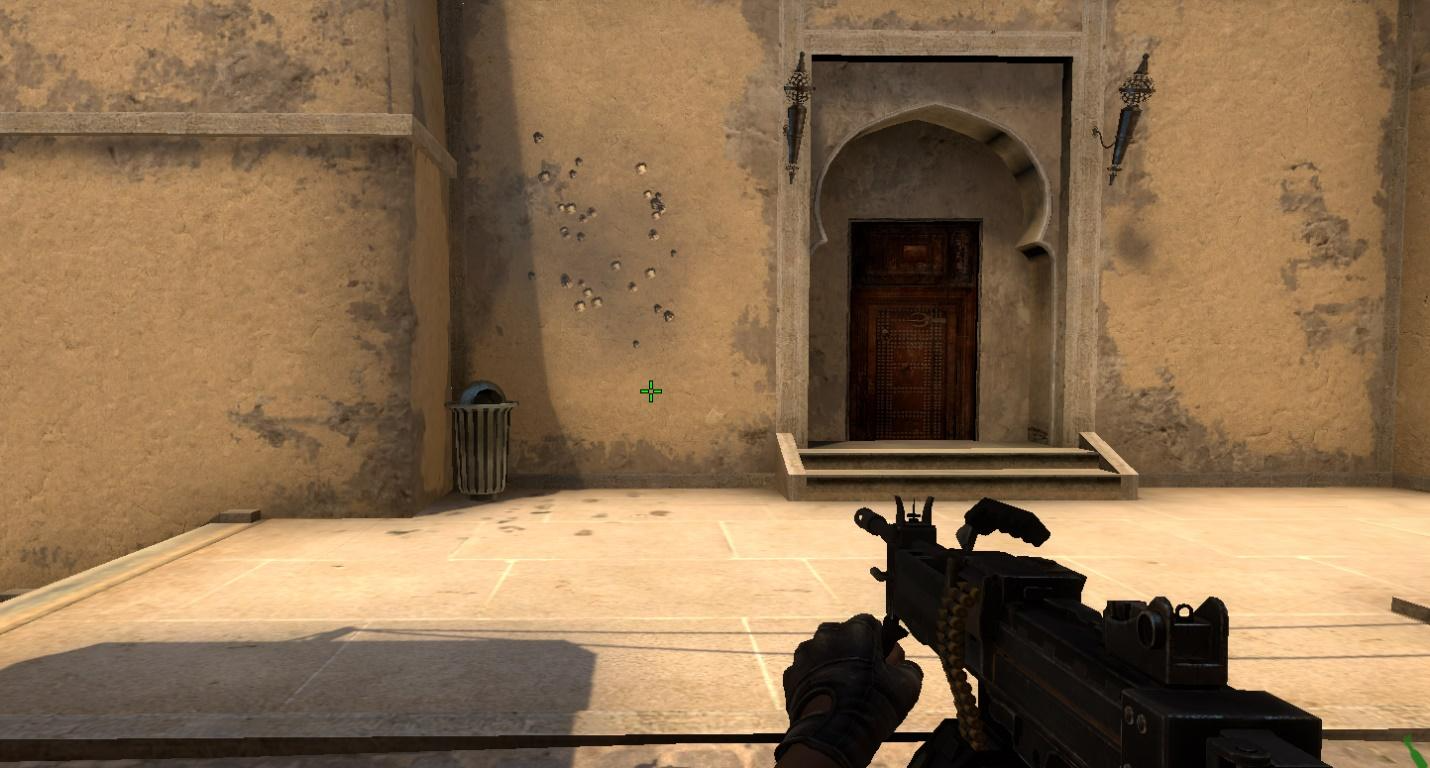
To get rid of them, just one console command is enough: r_cleardecals. When it is introduced, gunshot marks disappear from surfaces. Since the need for such a function in a game arises quite often, it is useful to make a bind for it as well. Often the command to enable bullet hits in cs go is tied to the Shift key, since it is convenient to press it without being distracted from the game. But there is another alternative – associate it with the W button so that the cleaning of surfaces from unnecessary elements occurs automatically every time the player moves forward.
Thus, the command to turn on bullets in cs go or turn off their display helps make the gameplay more convenient, as well as reduce the load on the computer, which is important for weak computers, where changing these settings can really affect FPS.
Other useful settings
You can not only turn on the visibility of bullets in cs go, but also use similar commands for other weapons. If you want to practice not only shooting, but also using grenades, the sv_grenade_trajectory 1 command will come in handy. However, unlike tracers, it is only available in training mode, and not in regular matches. Using other commands, you can make the ammunition infinite, see the shooting time in seconds, simplify the purchase of equipment.
Thus, knowing how to enable the display of bullets in cs go and knowing other console commands, you will be able to configure the game optimally for each situation. The variety of parameters allows you to practice individual elements, concentrating only on them during training, in order to quickly improve your skills. In addition, some of the parameters described are also applicable in regular matches. Use them to optimize your FPS, shoot more accurately, and act more efficiently.
