


The quickest way to launch a map with friends in CS2 is to gather everyone in a lobby, start the map yourself (from the Workshop maps section of the Play menu or with the map map_name console command), and have your friends join your game from their Steam friends list. For custom maps, every player must be subscribed to the same map in the Steam Workshop, otherwise they will not be able to connect. Below we cover every launch method, maps for practice, duels and co-op, useful server commands, and fixes for the most common errors.
A private session on your own map is all about flexibility. There is no rating to lose, the group sets its own rules, and the map becomes a practical tool for aim training, learning utility lineups, or running a small tournament among friends.
Why Launch a Map With Friends in CS2
For many CS2 players, friends are more than teammates in ranked games; they are partners for custom sessions. Your own map gives you what regular matchmaking cannot: time to break down a difficult position, rehearse a five-man site execute, drill a strategy, or test a new smoke lineup without a round timer or opponents in the way.
Beyond practice, custom maps offer mini-games, surf, parkour, duels and co-op missions. These sessions help newer players learn movement and map layouts, and give experienced players a way to unwind after serious matches while staying sharp. Nothing you do here affects your Premier CS Rating or Competitive rank, so the focus stays on teamwork and having a good time.
Ways to Launch a Map With Friends
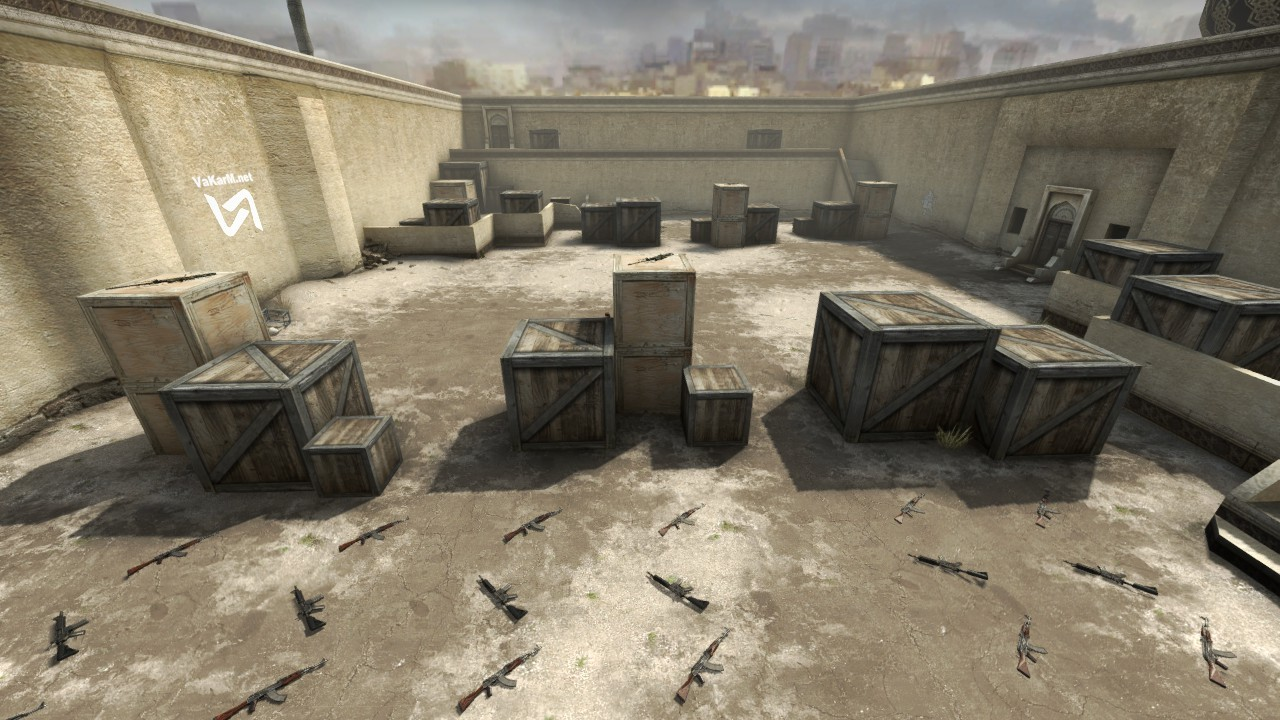
The right method depends on the goal: queue for an official mode as a group, open a private map just for your friends, or run a proper server. If you simply want to land in the same match, a lobby is enough, and our guide on how to play CS2 with friends covers that in detail. This article is about launching a map of your own.
Through the Lobby and Game Menu
Start by building the group: open the friends list on the right side of the CS2 main menu and invite people to your lobby. Then open Play, go to the Workshop maps section, pick a map you are subscribed to, and launch it. The game starts a local server on your PC, and your friends can join you there. It is the fastest route when everyone is already online in Steam: a couple of clicks and you are practicing grenades or setting up duels.
Through the Steam Friends List
Once the map is running, friends can connect through Steam: open the friends list, right-click your name, and choose "Join Game." The host can also send a game invite the same way. This is handy when part of the group is in Steam but has not opened CS2 yet.
Through the Console
If you prefer to control the server manually, use the console. Enable it in the game settings (see how to open the console in CS2) and type map de_mirage or the name of any installed map to load it instantly. A Workshop map can be launched by its number with host_workshop_map ID, where the ID comes from the map page URL in the Steam Workshop. To join a dedicated server, use connect IP:port.
The console route is useful for testing a manually installed map, or when the menu does not show the map you need.
Your Own Server and LAN Play
If your group plays regularly or gets together in one room, you can set up a CS2 dedicated server on a separate machine. It keeps running even when the host is not playing and lets you keep persistent settings. For play restricted to the local network, the server uses sv_lan 1. The full setup is covered in our guide on how to create a server in CS2. Keep in mind that CS2 still requires a Steam login.
If something goes wrong while launching a map, start by verifying the integrity of the CS2 files in Steam and make sure everyone has the same version of the map. Mismatched files or an unfinished update are the most common reasons friends cannot connect.
Best Maps in CS2 to Play With Friends
Once the group is ready, the map choice sets the tone for the whole session: intense aim practice, relaxed surfing, or a parkour run full of falls and jokes over voice chat.
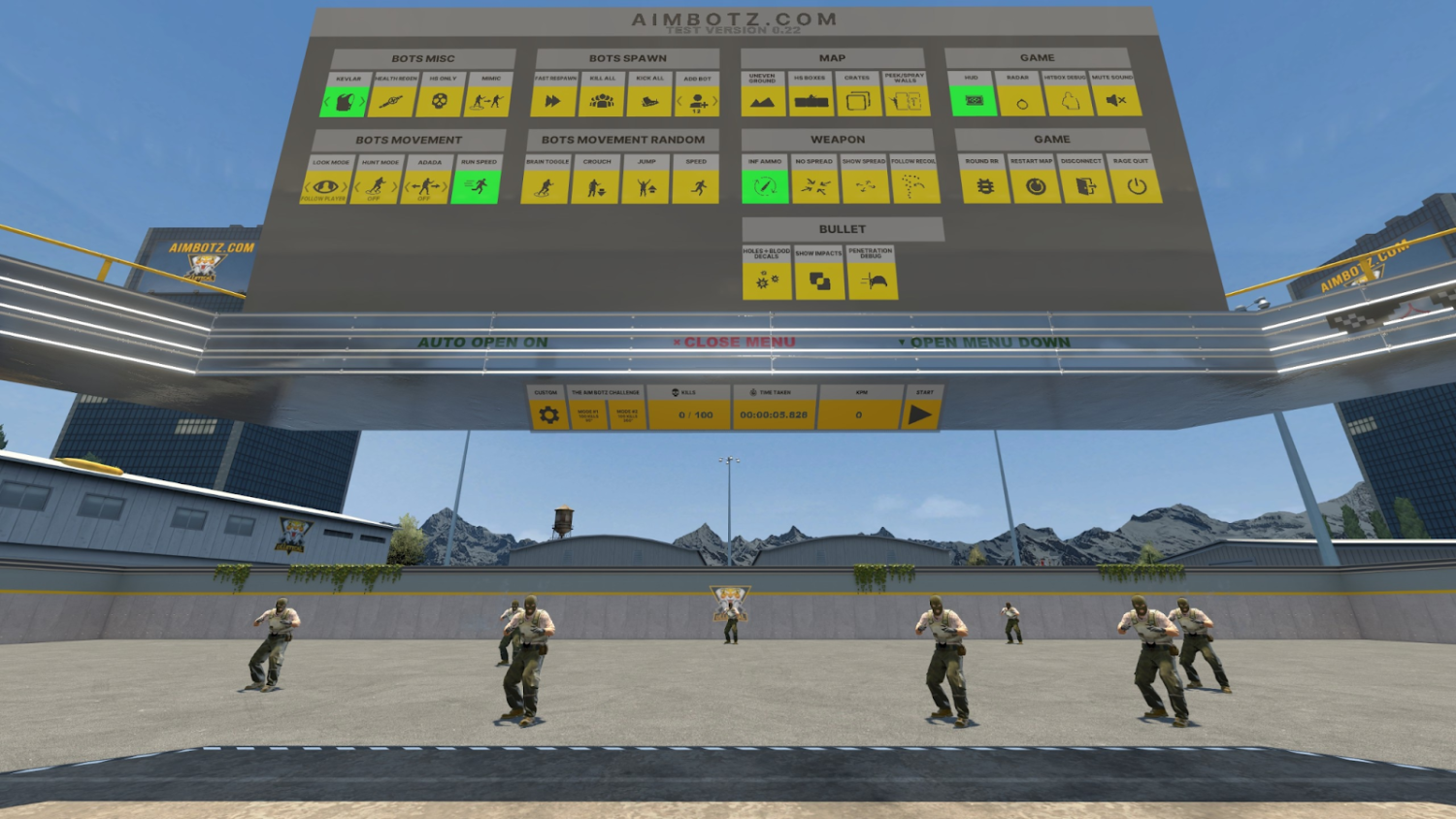
For aim practice, go with aim maps. The genre classic is aim_botz, which has a CS2 version: you can work on reaction time and shooting from different positions, or hold a quick accuracy contest. More options are in our list of the best aim maps in CS2.
For something more laid-back, try surf maps. Many classics such as surf_utopia have been rebuilt for CS2 by Workshop authors and are easy to find by name. Surfing has long been its own subculture within Counter-Strike, and for a group of friends it is one of the best breaks from standard gunfights, with plenty of room to compete on skill.
Players who like something more active will enjoy parkour and bhop maps: jumps, tricky obstacles, and racing each other to finish the course first. Here the shared experience matters more than winning.
Maps like these show what the game can do beyond standard matches: they build skills, bring the team together, and make an ordinary evening more interesting. Before subscribing, check the description to confirm the map was made for CS2, because CS:GO maps do not run in the new game.
1v1 Maps to Play With a Friend
For a head-to-head match, use maps built specifically for duels. The CS2 Workshop has versions of well-known ones:
aim_map: the classic symmetrical map for rifle and pistol duels;
awp_india and similar AWP maps: for practicing with the sniper rifle;
multi-arena duel maps (search for "1v1" or "arena"): several small arenas inside one map.
You can set up the match with console commands: mp_maxrounds sets the number of rounds, mp_roundtime_defuse changes the round length on bomb maps, and mp_restartgame 1 restarts the game with the new settings. This format works well for sparring and sharpening individual skill.
Horror Maps and Unusual Modes With a Friend
Horror maps for playing CS2 with a friend are a genre of their own in the Workshop: atmospheric locations where you solve puzzles, run from monsters, and try to survive in the dark. Close relatives are escape quests and mini-game maps whose rules have little in common with regular CS.
The easiest way to find them is to search the Workshop for horror, escape or minigames and sort by popularity. Read the description before launching: authors usually list the recommended number of players and any server settings the map needs. Our guide on how to access the Workshop in CS2 explains where to look and how to subscribe. Once subscribed, the map appears in your list and you can invite a friend to play through it together.
Cooperative Maps to Play Together
Co-op maps in CS2 work differently from standard matches: they include objectives, story elements and missions that require real teamwork. The official co-op missions from CS:GO operations were not carried over to CS2, so co-op today relies on community-made maps. Search the Workshop for co-op, coop or mission.
Before launching one, remove the team size limits with mp_limitteams 0 and mp_autoteambalance 0 so all your friends can end up on the same side.
Installing and Launching Custom Maps
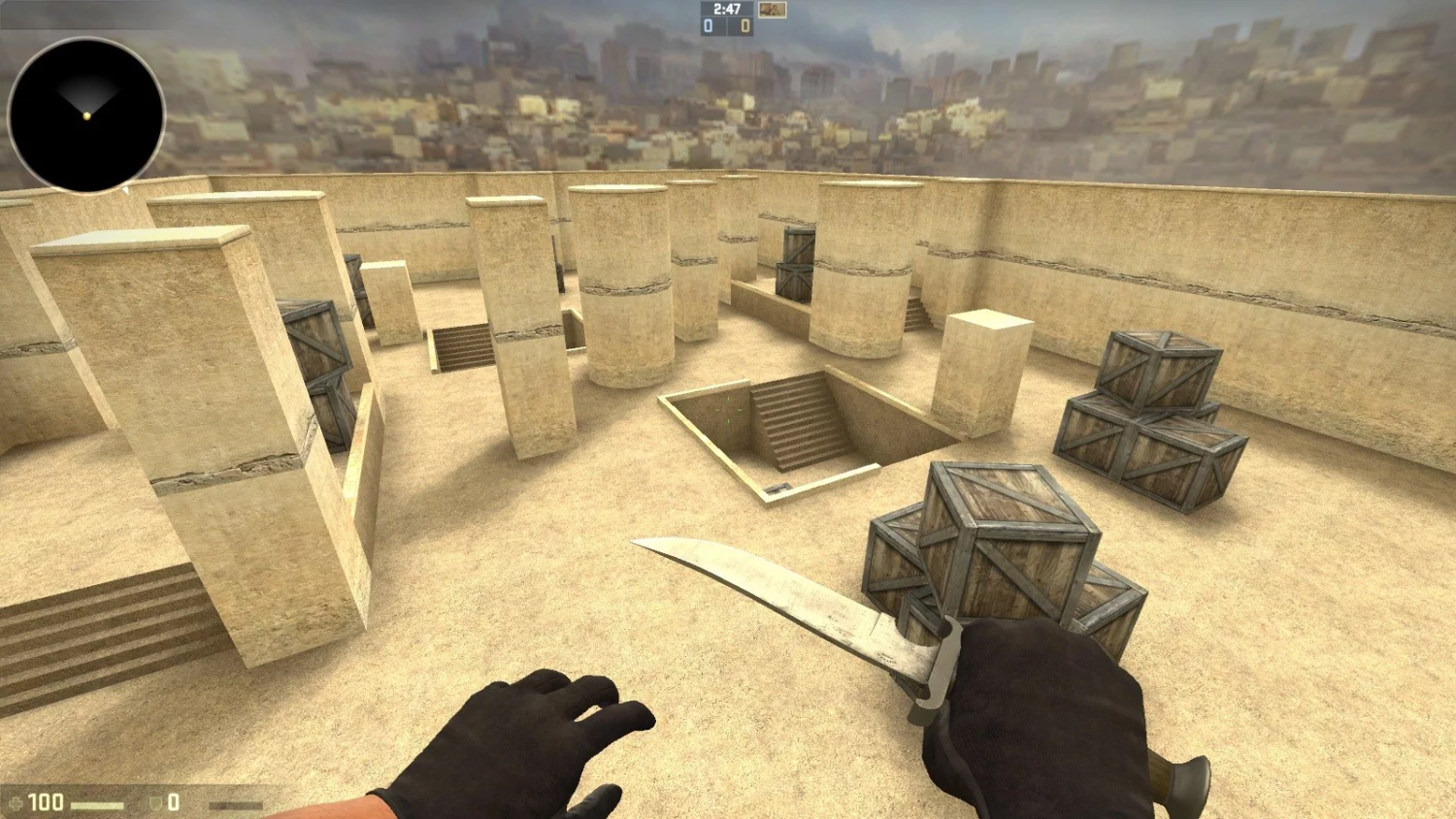
Custom maps give CS2 a second life. They take you beyond the standard modes into something genuinely different, from horror quests to physics-based mini-games. New players are often put off by the installation process, but it is simple.
Almost every CS2 map is downloaded through the Steam Workshop. Open the Counter-Strike 2 Workshop page, find a map, and click "Subscribe." Steam downloads it automatically and the map appears in the game. Occasionally a map is distributed as an archive, and then you install it manually. One important point: CS2 runs on Source 2, and old CS:GO maps (.bsp files) do not load in it, so you need a version built for CS2.
To install a map manually:
Extract the archive and place the map file in
steamapps\common\Counter-Strike Global Offensive\game\csgo\maps.Check whether the folder already has a map with the same name. If it does, back it up first.
Restart CS2 so the game picks up the new files.
Launch the map with
map map_namein the console.
Once it is installed, invite your friend to the lobby and test the new location right away. Remember that a map only works for the group if every player has it. If a friend cannot connect, they most likely lack the file or have an outdated version, so agree on the map in advance.
Settings and Commands for Playing With Friends
Once the map is running, especially a custom one, set up the session right away. Without that, things turn chaotic fast: bots get in the way, teams are uneven, and rounds end too quickly. Commands are entered by the host, meaning the player who launched the map.
The main commands:
sv_cheats 1: unlocks practice commands such asnoclip(works only on your own server);bot_kick: removes all bots from the server to make room for friends; more in our guide on how to remove bots in CS2;mp_restartgame 1: restarts the match from scratch, useful after changing settings;mp_limitteams 0andmp_autoteambalance 0: remove team size limits;mp_roundtime 60andmp_roundtime_defuse 60: set a 60-minute round for relaxed map study;mp_warmup_end: ends the warmup immediately;mp_buy_anywhere 1andmp_startmoney 16000: buy anywhere on the map with a full budget for grenade practice.
Before inviting friends, the host usually spends a couple of minutes on these settings so the game does not have to stop later. If you play regularly, save the commands in a separate config and run them with one line; see how to install a config in CS2. The full list is in our article on CS2 console commands.
Common Errors and Fixes When Launching a Map
Technical problems are most frustrating when the whole group is already waiting. Even experienced players run into a friend who cannot join or a server that will not start, so it helps to know the usual causes in advance.
The most common issue is that a friend cannot join the game. Usually it comes down to privacy. If the host's Steam profile hides game details or the friends list, the "Join Game" option may not appear; in that case, sending a direct invite is simpler. If that does not help, make sure both players are subscribed to the same map and that it has finished updating for both.
Sometimes CS2 shows a map loading error. This happens when one player does not have the map, or has a different version from the one the host is running. It is especially common with Steam Workshop maps. To fix it:
check your Workshop subscriptions and confirm both players have the same map;
unsubscribe from the problem map, restart the client, and subscribe again so it downloads fresh.
Occasionally the game crashes right after the map loads. Corrupted files or outdated drivers are the usual suspects. Verifying file integrity in Steam and installing the latest graphics driver normally solves it. If you have modified game files with third-party mods, restore them to the original state.
High ping deserves a separate mention. On a local server everyone connects to the host's PC, so the host should be the player with the most stable connection. For regular sessions, a dedicated server in a region close to most players works better. Sometimes a simple router restart is enough.
FAQ
How do I invite a friend to my map in CS2?
Gather your friends in a lobby, launch the map from the menu or with the map command, and have them join through the Steam friends list ("Join Game"). For Workshop maps, every player needs to be subscribed to the same map.
Can I play with a friend on a map without bots?
Yes. After the map loads, type bot_kick, and use bot_quota 0 to stop bots from coming back. The host enters both commands.
Why can't my friend join my map?
Most often the friend does not have the map or has a different version, or Steam privacy settings hide your game. Check the Workshop subscription, send a direct invite, and verify the game files if needed.
Do CS:GO maps work in CS2?
No, maps in the old CS:GO format do not run in CS2. Many popular maps have already been ported to Source 2 by their authors, so look for the CS2 version in the Workshop.
Why You Should Try Playing Maps With Friends
Playing CS2 on your own map with friends is a stress-free experience with no rank pressure: you can train, test tactics, or simply unwind. Create a lobby, invite your friends, and launch the map that suits your group.
