


There are two ways to bind jump to the mouse wheel in CS2. In the game settings, open "Keyboard / Mouse", click the "Jump" line and scroll the wheel. Or enter bind mwheeldown +jump; bind mwheelup +jump in the console, and jump will trigger when you scroll in either direction, while Space can stay as a backup.
A scroll jump makes bunny hopping and precisely timed jumps easier, which is why many experienced players use this bind. Below we explain why it helps and which commands fit different setups.
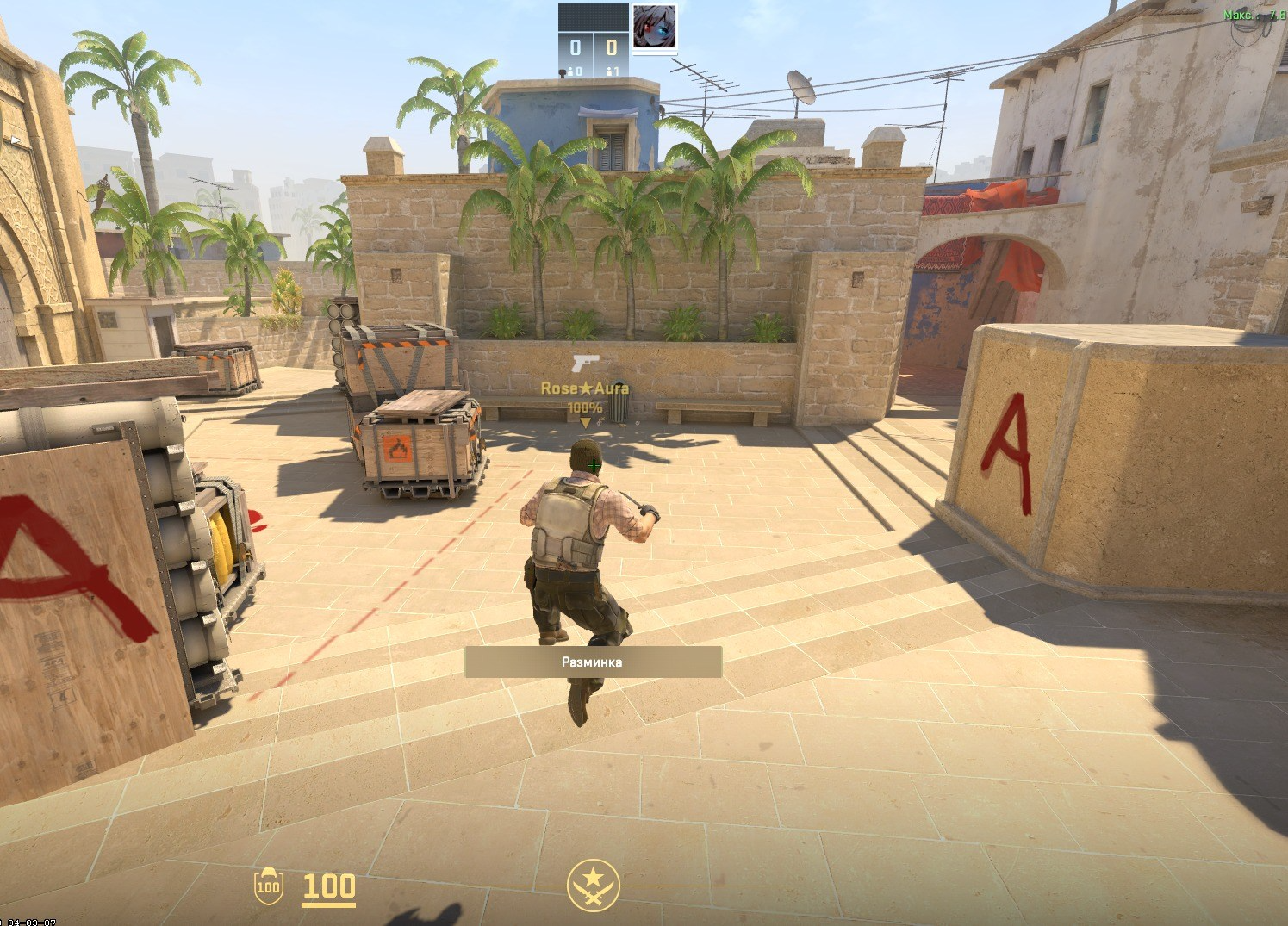
Why Should You Bind Jump to the Mouse Wheel?
Jumping is an action necessary for using bunny hopping — a technique of moving around the map that allows you to move faster than running. Players often shorten it to bhop.
Setting a jump bind to the mouse wheel has several advantages. These include:
Faster reaction. Scrolling the wheel is quicker than pressing Space, so you can gain speed.
Easier bunny hops. A chain of jumps is much easier to perform by scrolling than by repeated keypresses.
More natural movement. Most players find using the wheel more natural than pressing a button.
Bunny hopping takes practice: without training on dedicated bhop maps, results will be modest. Keep in mind that long jump chains are noticeably harder on official CS2 servers than on community servers with bhop settings, so Workshop maps or such servers are the better place to train. See our guide to the bunny hop command for more.
An Easy Way to Bind Jump to the Mouse Wheel
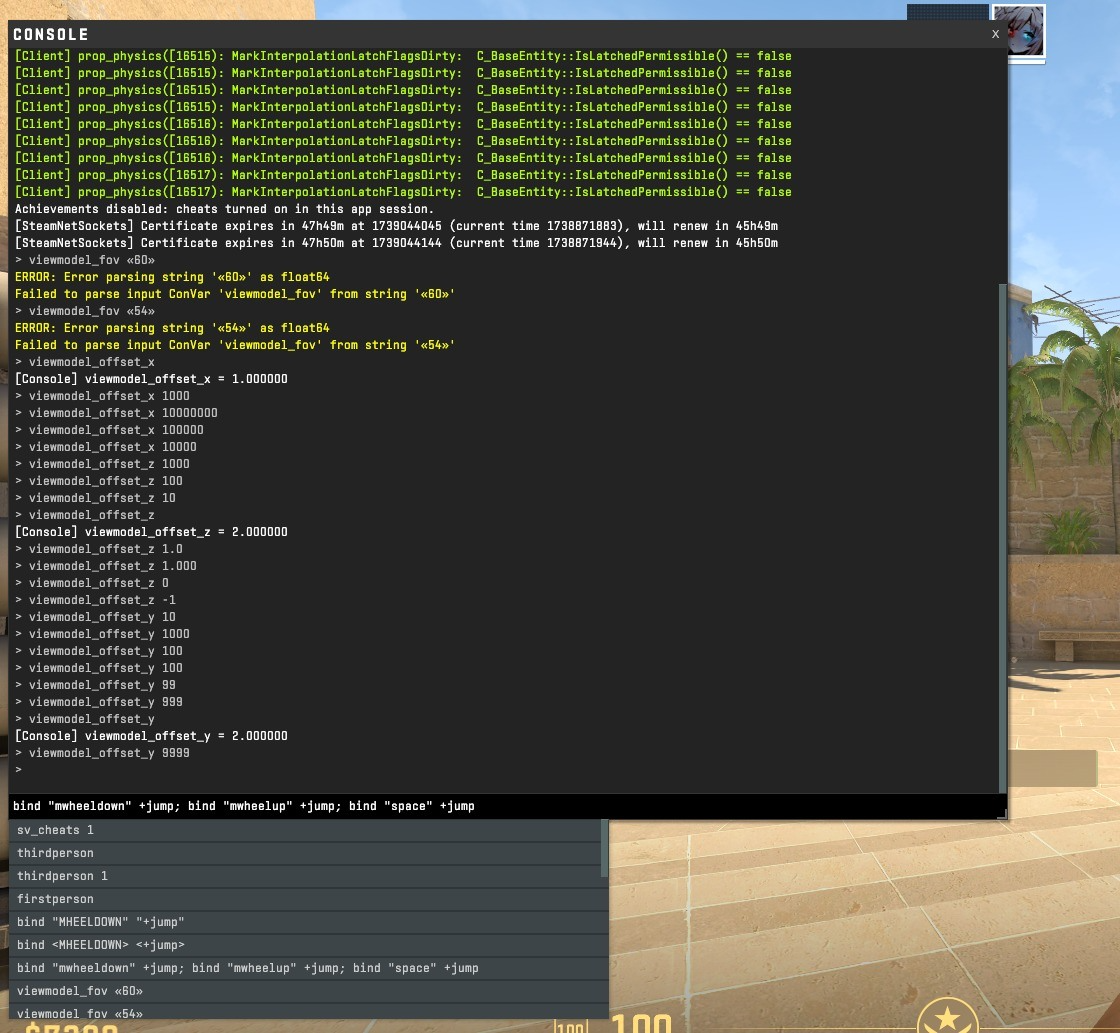
Setting up jump on the mouse wheel instead of the Space button is very simple — anyone can do it.
The simplest way to make this bind is through the in-game settings (we cover the CS2 jump bind in a separate guide). Go to the "Keyboard and Mouse" section, find the line responsible for jumping, click on it, then bind the action to a new key — in this case, the mouse wheel.
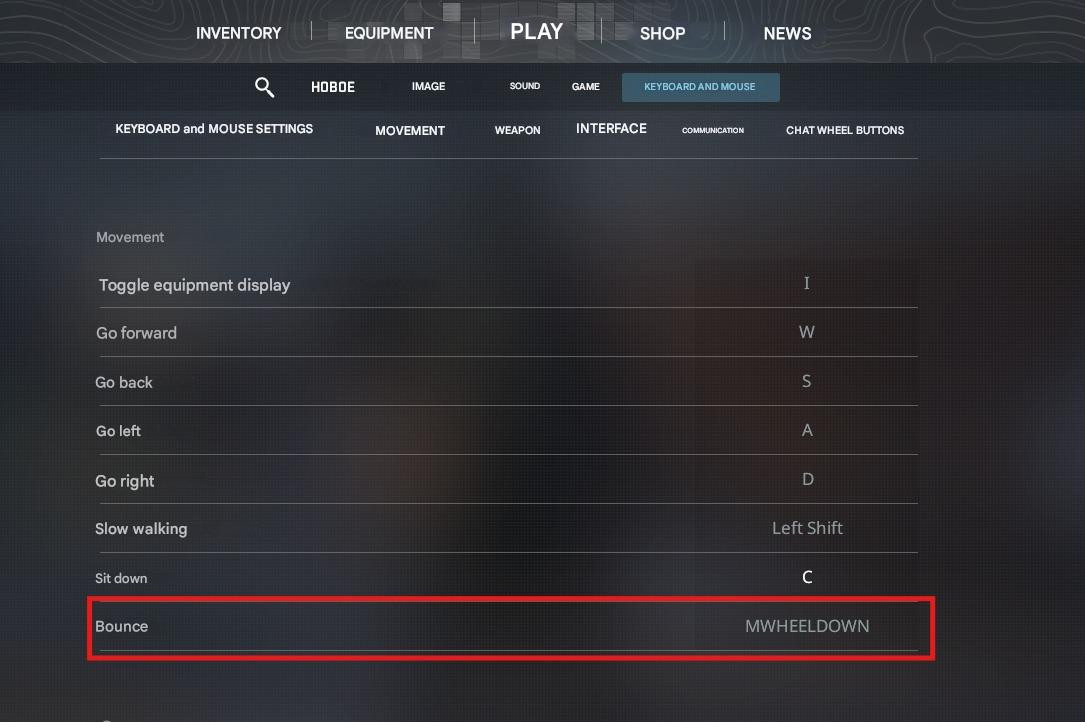
For more flexible setup you need the developer console. If it is not enabled yet, open the CS2 settings, go to the "Game" tab, find "Enable Developer Console" and select "Yes". The console then opens with the ~ (tilde) key, and you can enter console commands there, including binds.
To do this, open the console and enter commands to bind jump. To replace the key currently responsible for this command with mouse wheel scrolling, enter the following combination:
bind mwheeldown +jump; bind mwheelup +jump
After this, you can perform a jump by scrolling the mouse wheel both up and down.
If you want to set the jump only when scrolling up, enter this command:
bind mwheelup +jump
To bind it for scrolling down, you'll need this command:
bind mwheeldown +jump
To keep the ability to jump with both the key and the wheel, you need to enter this combination:
bind mwheeldown +jump; bind mwheelup +jump; bind space +jump
To unbind, you need to enter the following command:
unbind N, where N is the key you want to unbind.
Recommendations for Using the Wheel Jump
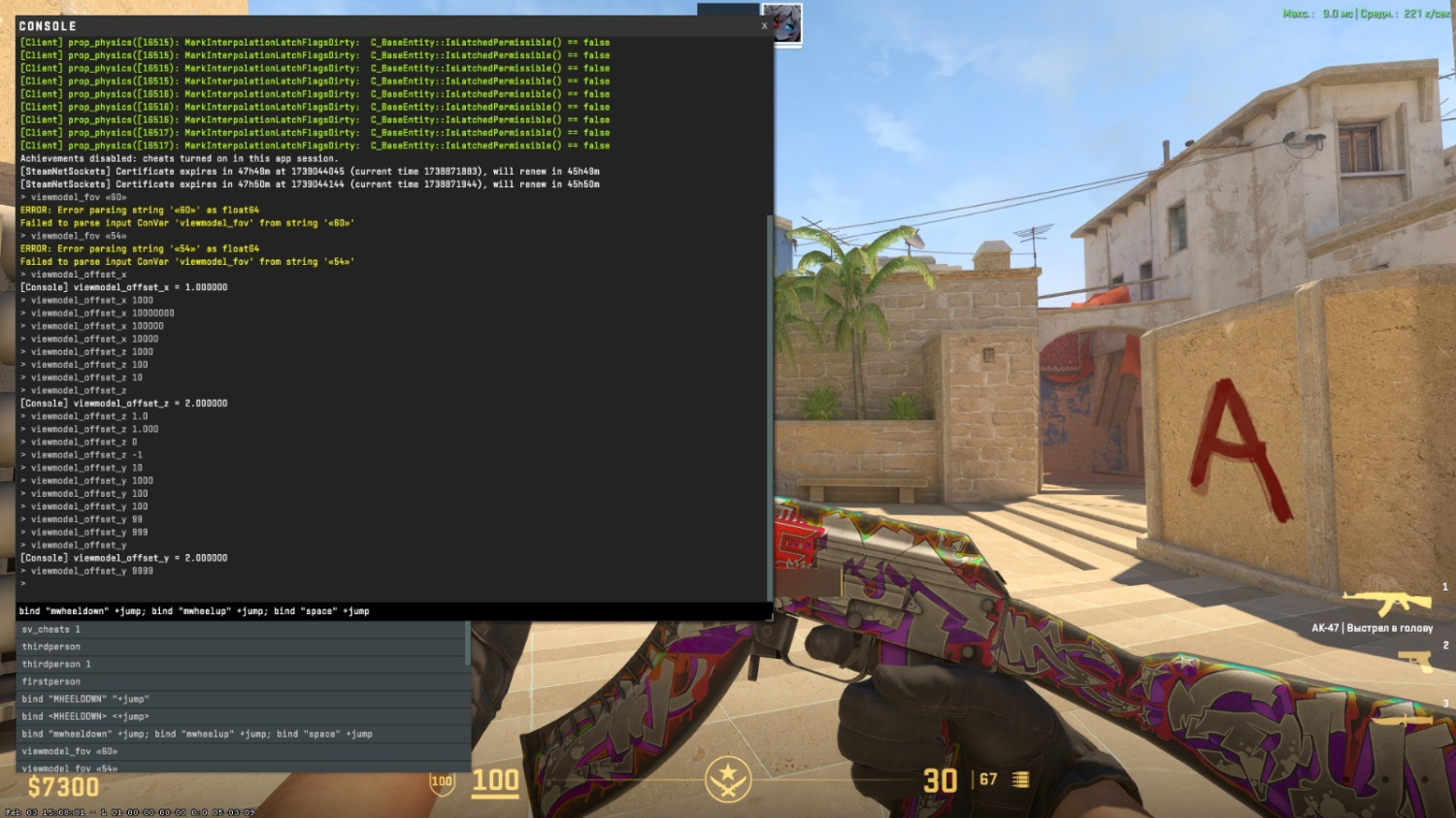
A scroll jump bind makes movement noticeably easier, but it will not turn you into a bhop expert on its own. Getting used to the mechanic and the timing takes regular practice.
Experienced players recommend not removing the jump from Space, i.e., using this function with both the wheel and the key.
After reassigning, play a few rounds against bots (you can raise their difficulty) to test the new setting and see whether it feels comfortable.
