


To set a 1080x1080 resolution in CS2, you first create it manually in your graphics driver: "Create Custom Resolution" in the NVIDIA Control Panel or "Custom Resolutions" in AMD Adrenalin. Then you switch driver scaling to full screen and pick fullscreen mode and 1080x1080 in the CS2 video settings.
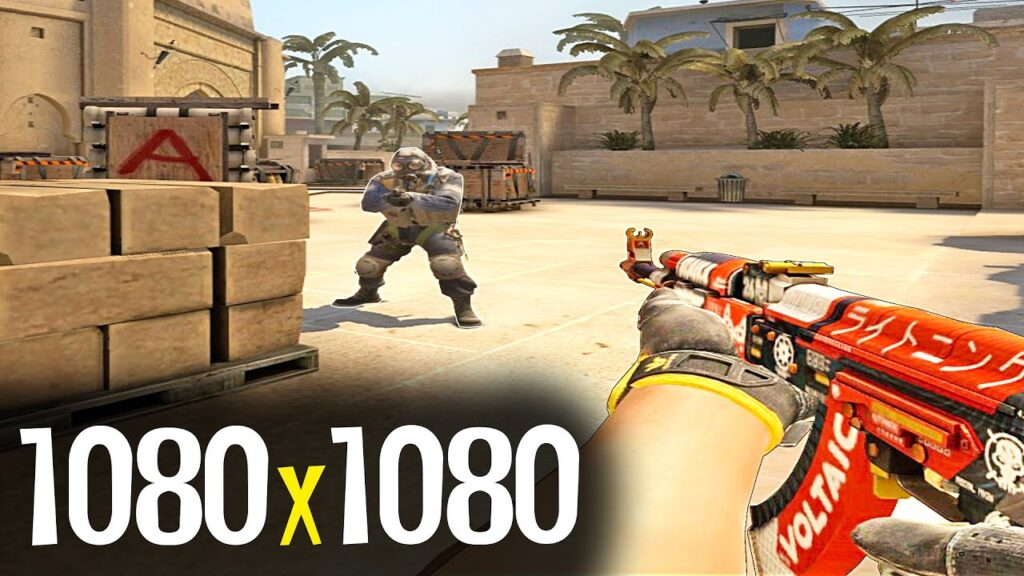
Why Players Use the 1080x1080 Resolution
1080x1080 is not a standard resolution, yet plenty of CS2 players run it. On a 16:9 monitor the square image is stretched horizontally, so player models look wider. Players pick it for performance and for the stretched look many got used to in CS:GO. Vertically it is the same 1080 pixels as Full HD, so most monitors and graphics cards handle it without trouble.
The main reasons it is popular:
Focus on the center of the screen: stretched models are wider, which makes headshots easier to land.
More FPS: roughly half the pixels of 1920x1080 means less load on the graphics card.
Steadier frame rate: on weaker PCs a custom resolution helps squeeze the most out of the hardware. If performance is your bottleneck, also check the CS2 settings for weaker computers.
Habit: many players used stretched resolutions back in CS:GO and prefer not to relearn.
Less clutter at the edges: the narrower view keeps attention on the crosshair.
Motion tracking: wider models are easier to follow while they move.
The format has a downside too: horizontal field of view does not grow, and the image loses some sharpness from stretching. For a comparison of 1080x1080 with 4:3 and native resolution, see the best resolution for CS.
How to Set 1080x1080 in CS2 with NVIDIA
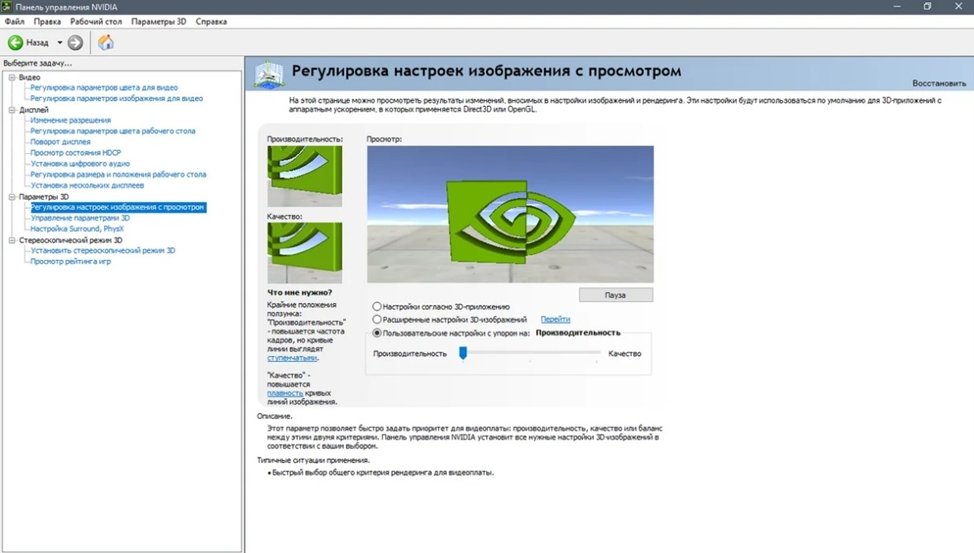
On NVIDIA cards the custom resolution is created in the NVIDIA Control Panel:
Open the NVIDIA Control Panel: right-click an empty spot on the desktop and select "NVIDIA Control Panel." You can also reach it through the Windows Control Panel.
Go to "Change resolution," click "Customize," then "Create Custom Resolution." If you see the "Enable resolutions not exposed by the display" checkbox, tick it.
Enter 1080 pixels horizontal and 1080 vertical. Keep the refresh rate at your monitor's native value.
In the timing standard field, change "Auto" to "GTF" and click "Test." If the picture displays correctly, save the resolution.
Open "Adjust desktop size and position," set the scaling mode to "Full-screen," and perform scaling on the GPU.
If everything is set correctly, 1080x1080 will appear in the list of resolutions next to the standard ones. Other NVIDIA settings worth changing for CS2 are covered in the guide on how to set up the NVIDIA Control Panel for CS2.
How to Set 1080x1080 on an AMD Graphics Card
On AMD cards, custom resolutions are configured only through the official AMD Software: Adrenalin Edition.

Open the app or bring it up with ALT + R. Click the gear icon (settings) in the top right corner and go to the "Display" tab. Turn on "GPU Scaling" and set the scaling mode to "Full panel" so the image fills the screen. Then, under "Custom Resolutions," click "Create New," enter 1080 horizontal and 1080 vertical, and save the profile.
In-Game Settings
Once the driver has the resolution, enable it in CS2:
Launch CS2 and open "Settings" → "Video."
Set the display mode to "Fullscreen": windowed mode will not stretch the image.
Pick the aspect ratio under which 1080x1080 appears (usually 16:10; if it is not there, check the other options).
Select 1080x1080 and apply the settings.
Before changing anything, make sure your monitor supports the format. A wrong setting can distort the picture or leave you with a black screen.
Common Problems and Fixes
Black screen after applying the resolution: wait 15 seconds for the setting to revert, then try a different timing standard in NVIDIA or AMD.
Monitor does not support 1080x1080: use 1440x1080 or 1280x960, the stretched 4:3 options from the standard list.
1080x1080 is missing from the CS2 list: restart the game after creating the resolution in the driver and switch the aspect ratio.
The image is not stretched and has black bars: the driver scaling is not set to "Full-screen" / "Full panel," or the game is in windowed mode.
The game crashes or will not start: verify the integrity of game files in Steam and remove extra launch options. If that does not help, go through the guide on what to do if CS2 won’t launch.
If the image turns blurry after applying the settings, try changing the scaling in the driver. Make sure you have the latest graphics drivers, since older versions can misbehave with custom resolutions. As a last resort, delete the CS2 video config and set everything up again.
After switching, check how your frame rate changed: how to show FPS in CS2. Try different aspect ratios, both standard and custom: only in-game testing shows which one suits you.
FAQ
Can I set 1080x1080 in CS2 without the NVIDIA or AMD software?
No. CS2 lists only the standard formats your monitor reports, so a custom resolution has to be created in the graphics driver first.
Does 1080x1080 give more FPS?
Usually yes: it has roughly half the pixels of 1920x1080, so the graphics card does less work.
How do I set any other custom resolution in CS2?
The same way: create the resolution in the NVIDIA Control Panel or AMD Adrenalin, enable full-screen scaling, and select it in the CS2 video settings. Popular alternatives to 1080x1080 are 1440x1080 and 1280x960.
